> ## Documentation Index
> Fetch the complete documentation index at: https://user-docs.seaticket.ai/llms.txt
> Use this file to discover all available pages before exploring further.
# Accessing the External Portal
You can access the External Portal in one of the following ways, depending on how your administrator has configured it.
## Access via Email Invitation (Verification Code Login)
An administrator invites you to the portal using your email address.
In this case:
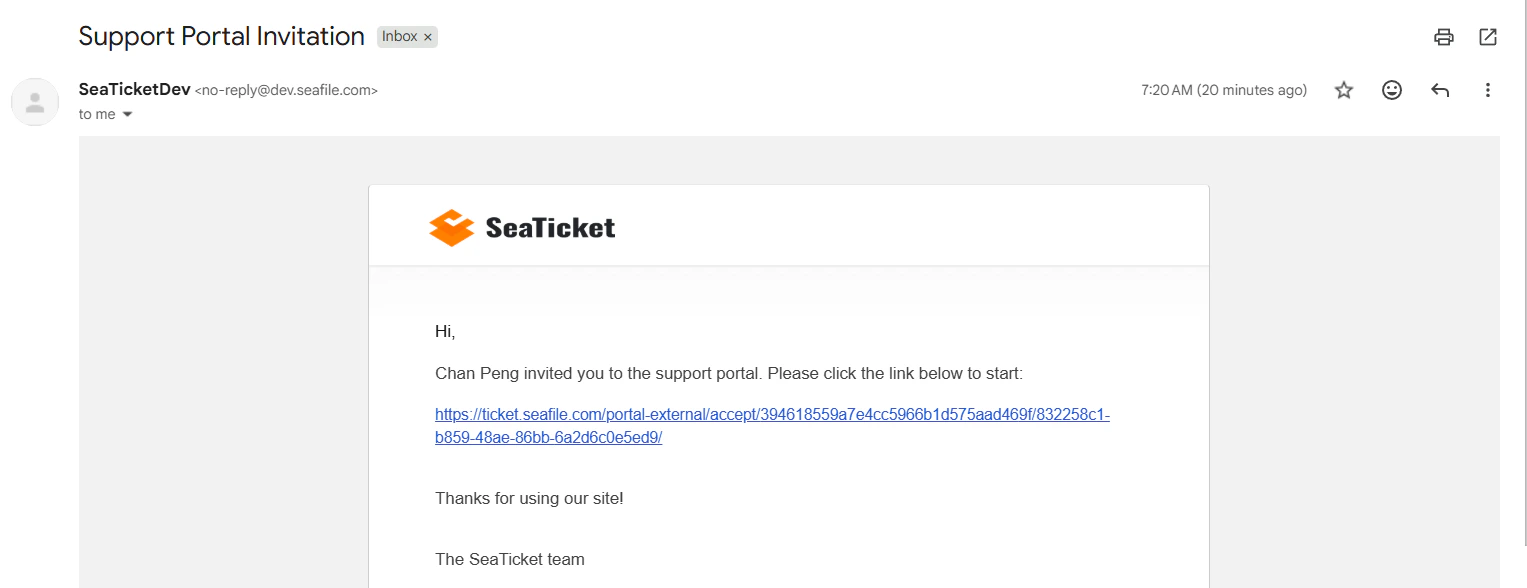
1. You will receive an email containing an access link.
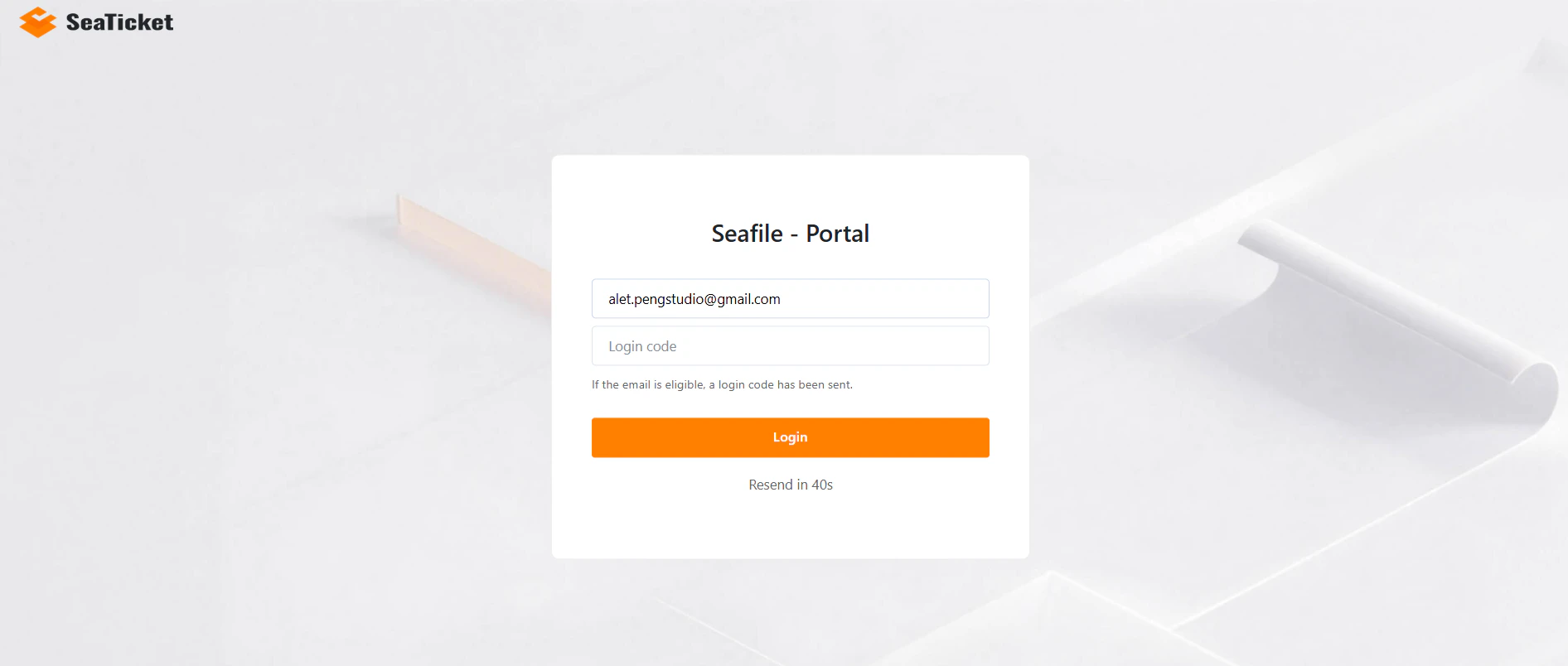
2. Click the link, enter your email, and enter the verification code sent to you.
3. You are logged in. No prior SeaTicket account is required.
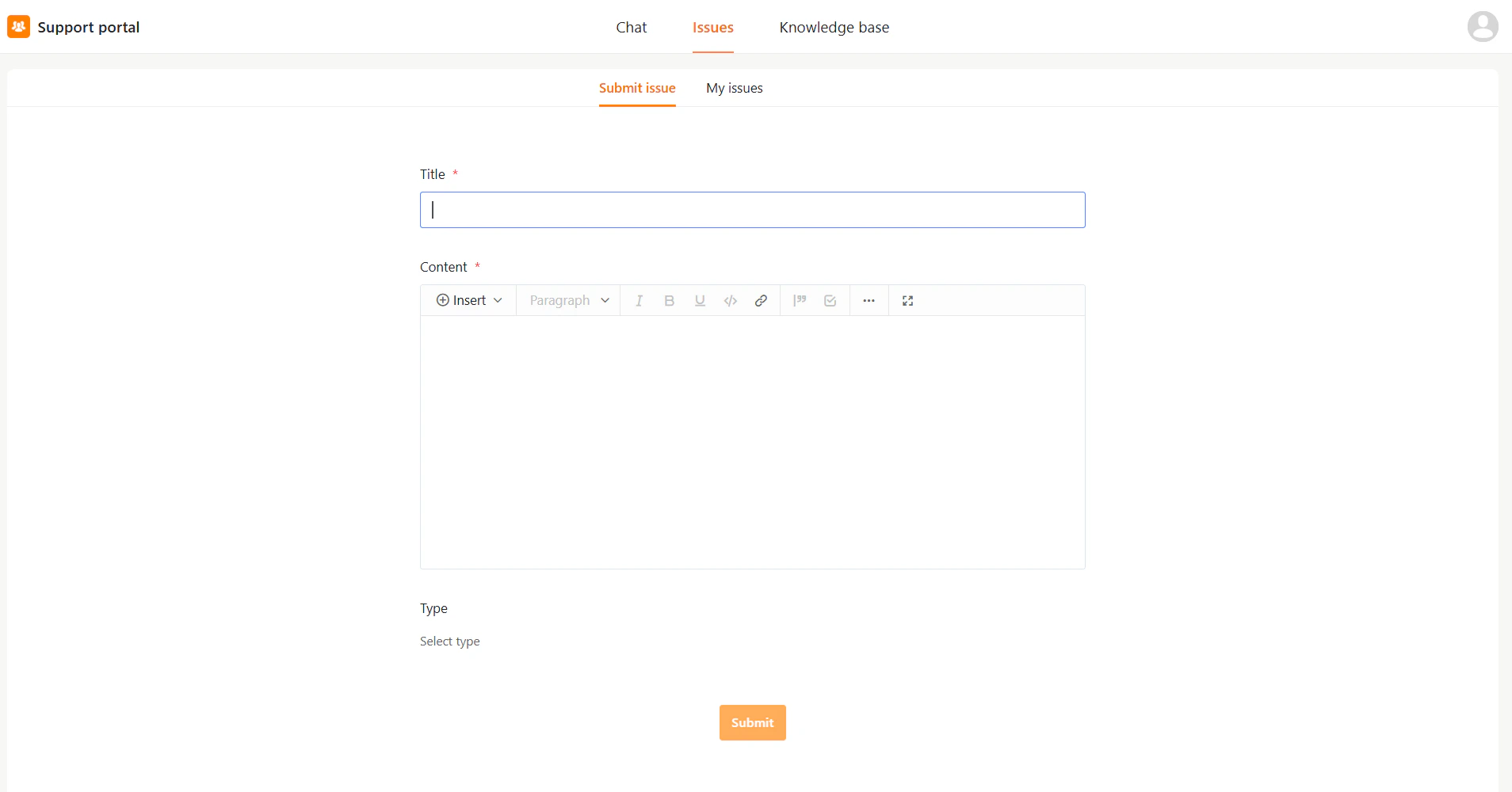
 Invited users can access full portal features
 ## Anonymous Access
If anonymous access is enabled, users can access the portal directly through the shared portal URL without signing in.
Anonymous users have limited access
## Anonymous Access
If anonymous access is enabled, users can access the portal directly through the shared portal URL without signing in.
Anonymous users have limited access
 ## Main Interface Overview
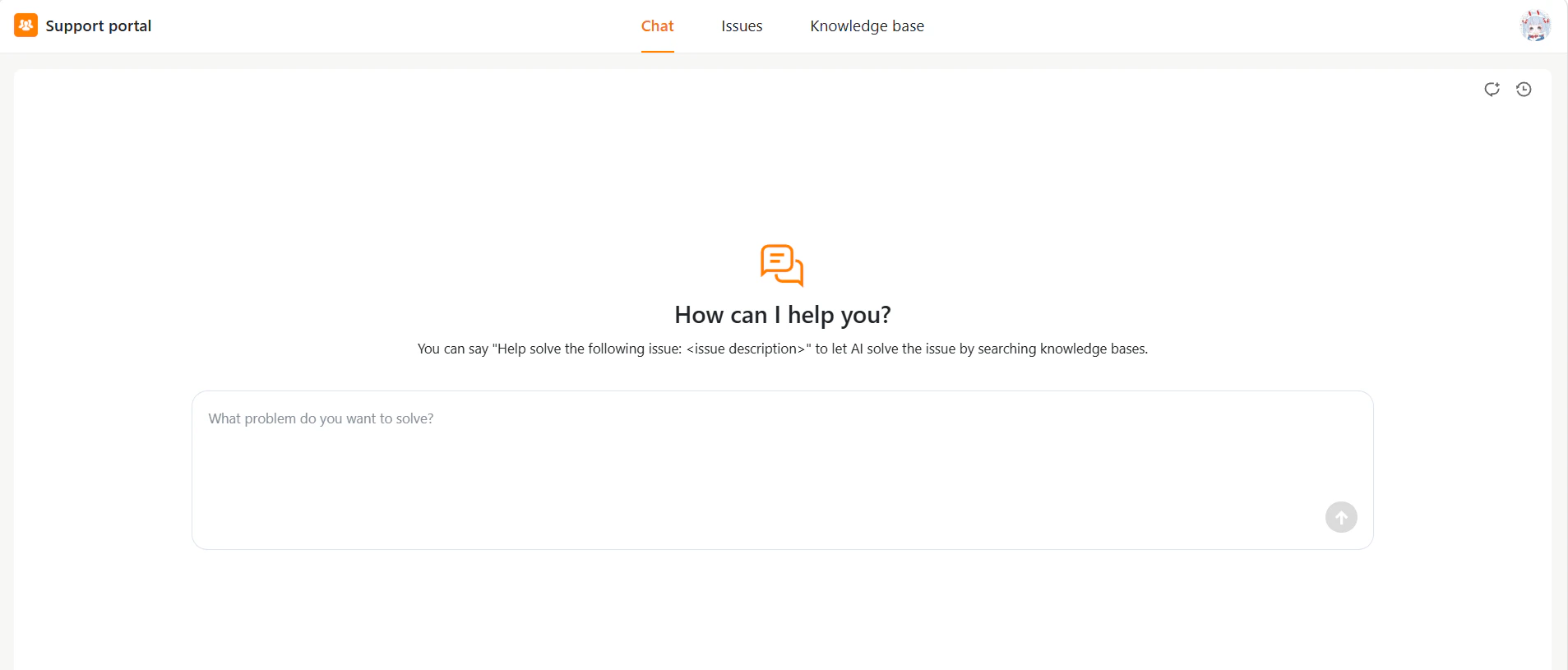
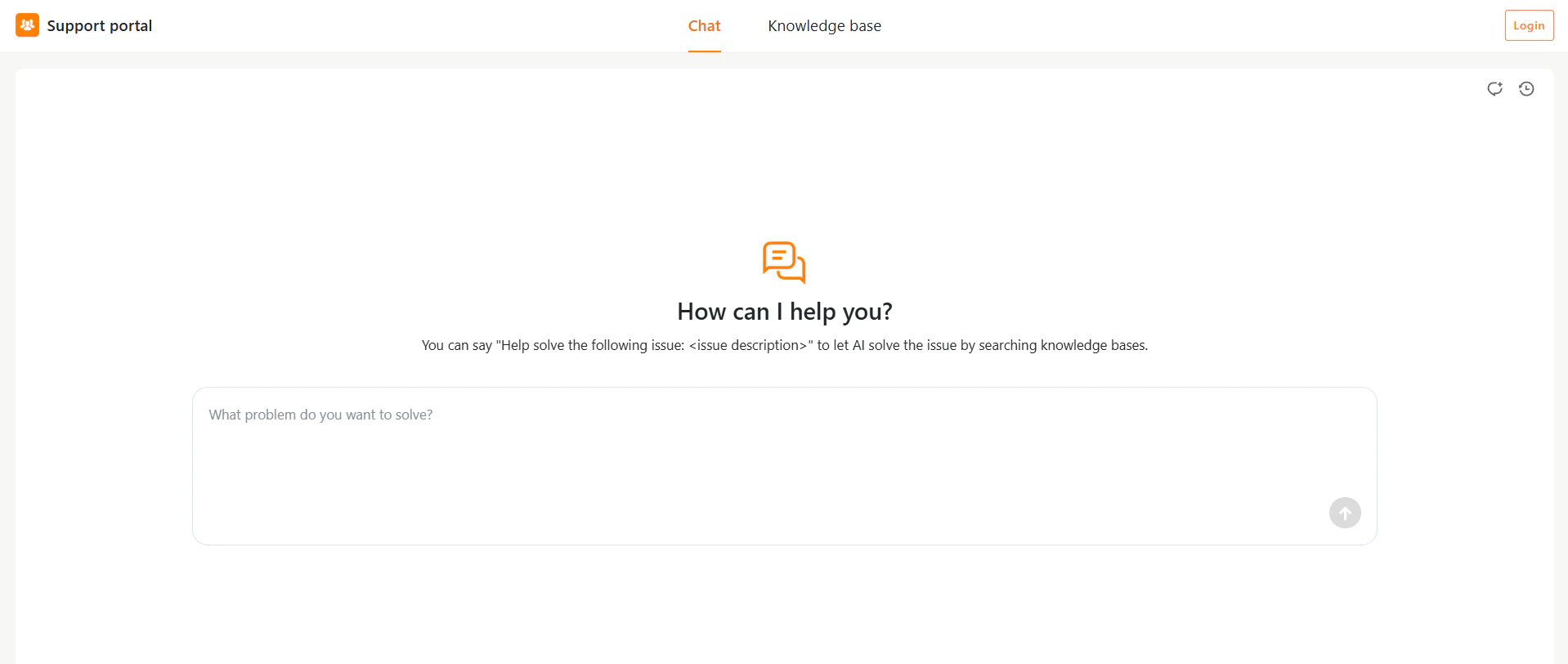
After accessing the portal, users can navigate using the top menu bar:
* **Chat** – Ask questions and get AI-generated responses based on the configured knowledge sources.
* **Submit issue** – Create a new support request
* **My issues** –View and track submitted issues
* **Knowledge base** – Browse help articles
## Main Interface Overview
After accessing the portal, users can navigate using the top menu bar:
* **Chat** – Ask questions and get AI-generated responses based on the configured knowledge sources.
* **Submit issue** – Create a new support request
* **My issues** –View and track submitted issues
* **Knowledge base** – Browse help articles