> ## Documentation Index
> Fetch the complete documentation index at: https://user-docs.seaticket.ai/llms.txt
> Use this file to discover all available pages before exploring further.
# Configuring Portal Branding and Access
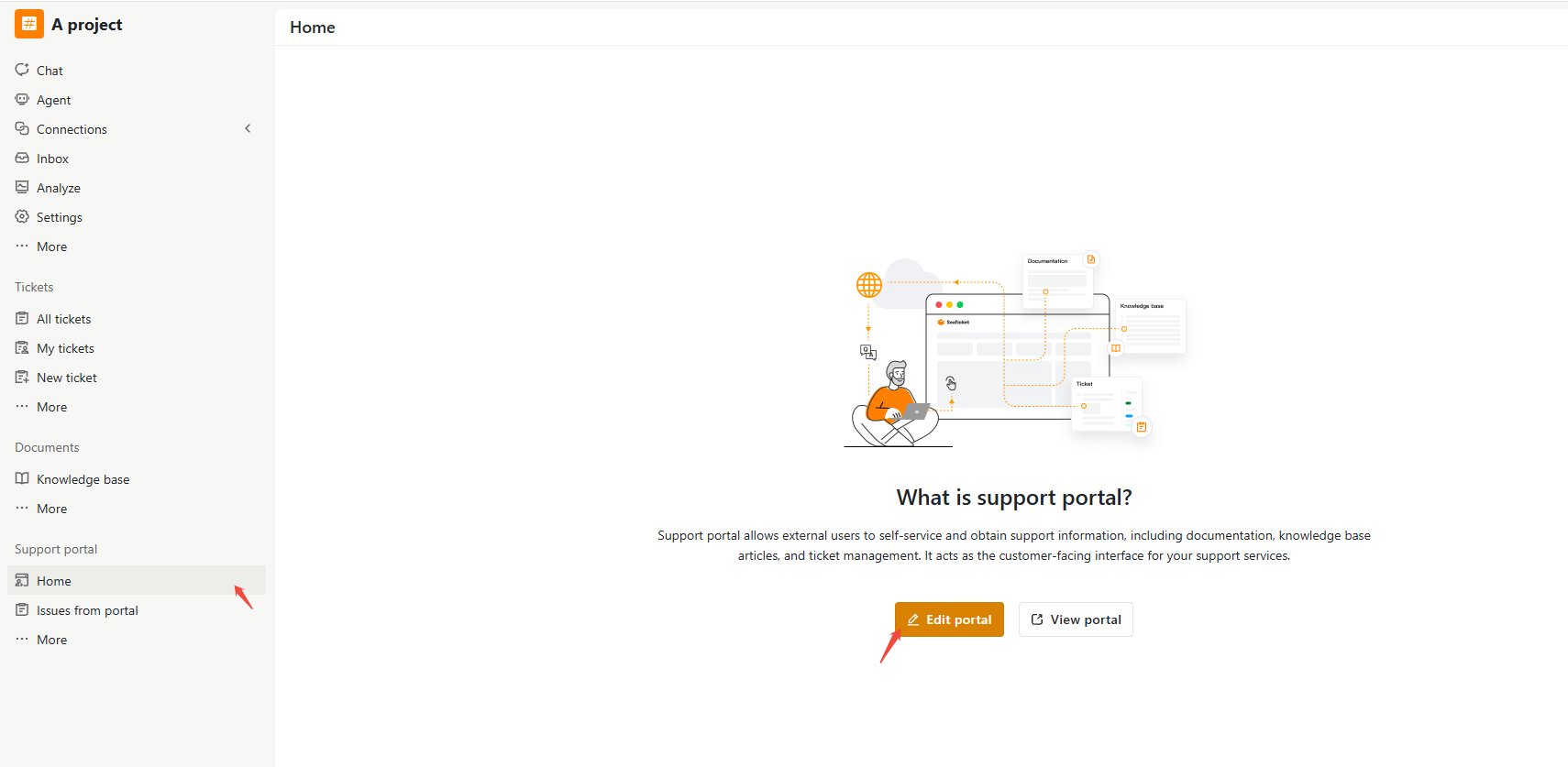
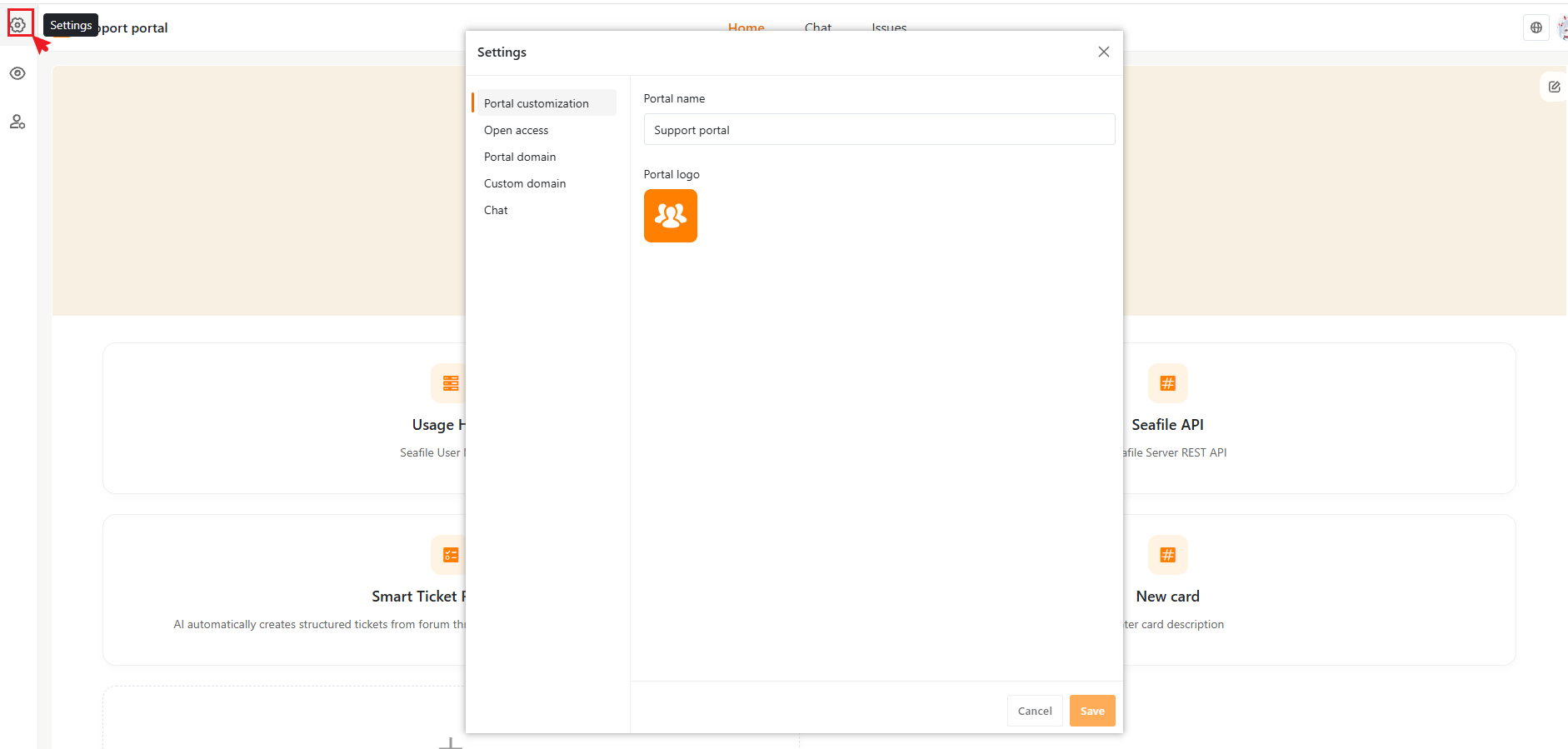
While in the portal editor (**Support portal > Home > Edit portal**), click the **Settings** (gear) icon in the top-left corner to open the configuration panel.
This doc covers the **Portal customization** and **Open access** tabs.
 ## Portal Customization
you can:
* Change the portal name
* Upload or replace the portal logo
## Portal Customization
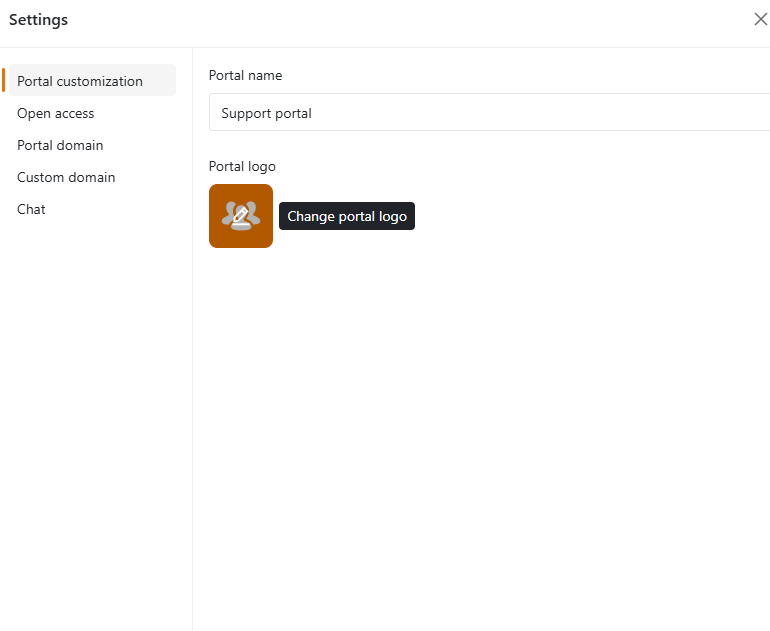
you can:
* Change the portal name
* Upload or replace the portal logo
 ## Open Access
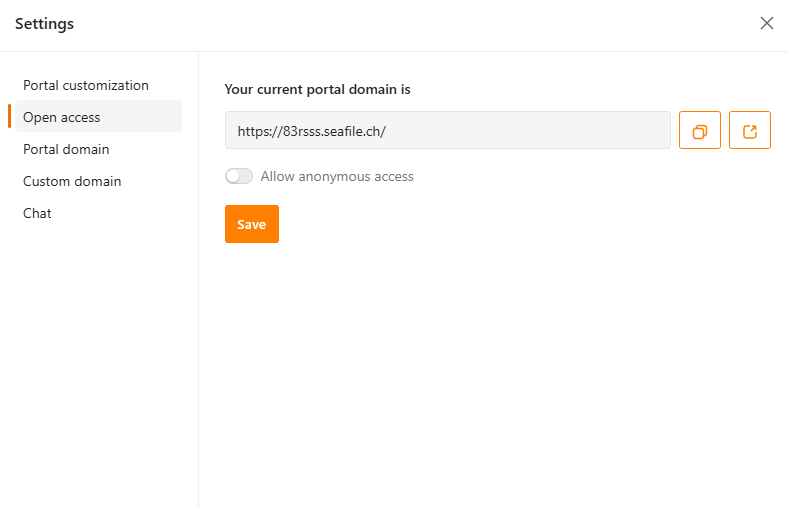
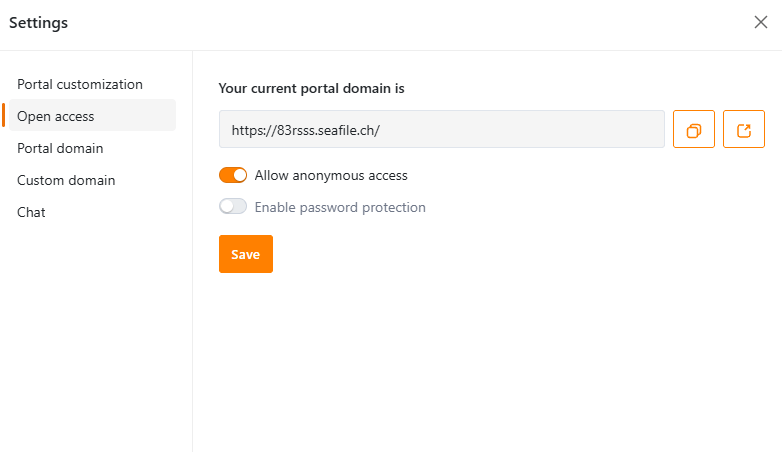
This tab shows your current portal URL — a unique link you can share with customers or publish on your website so they can use the portal, with buttons to copy it or open it in a new tab.
It also controls whether users must sign in to access the portal.
## Open Access
This tab shows your current portal URL — a unique link you can share with customers or publish on your website so they can use the portal, with buttons to copy it or open it in a new tab.
It also controls whether users must sign in to access the portal.
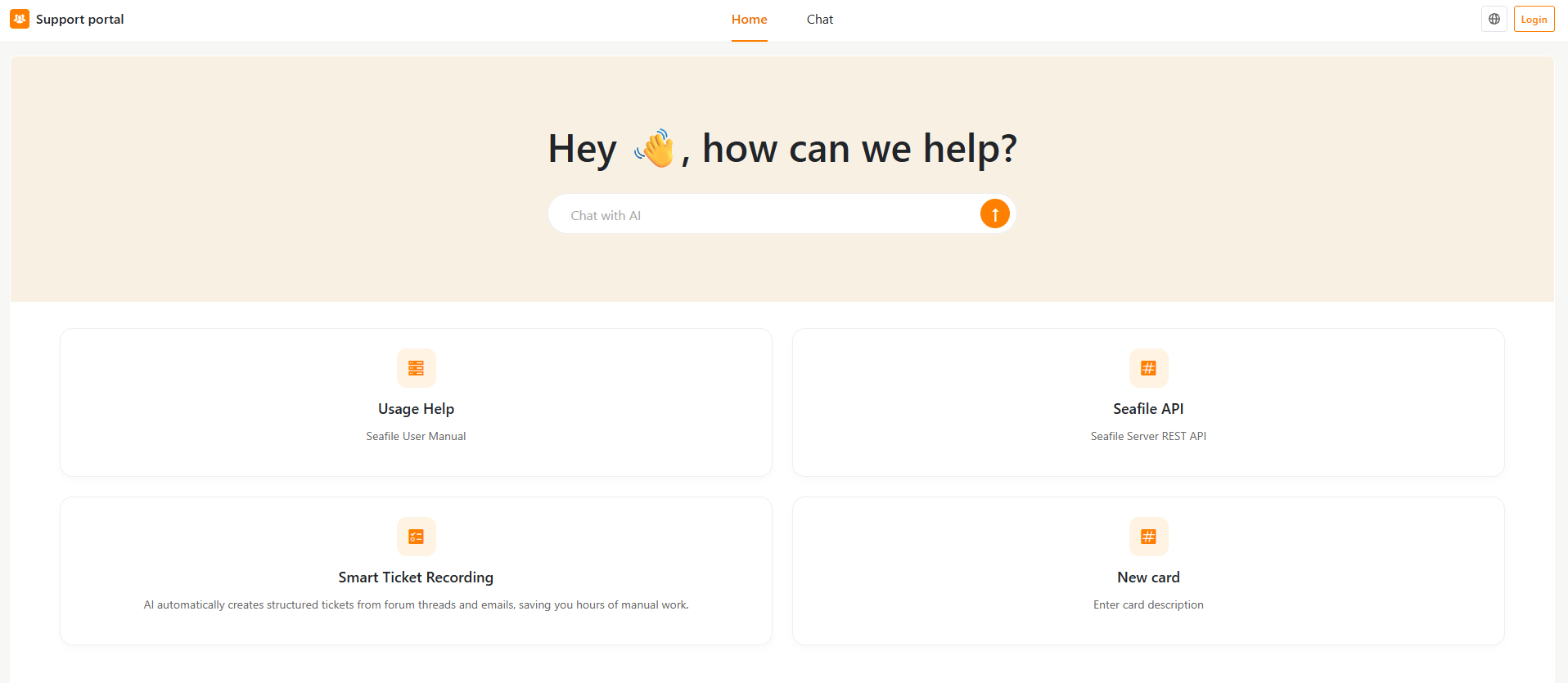
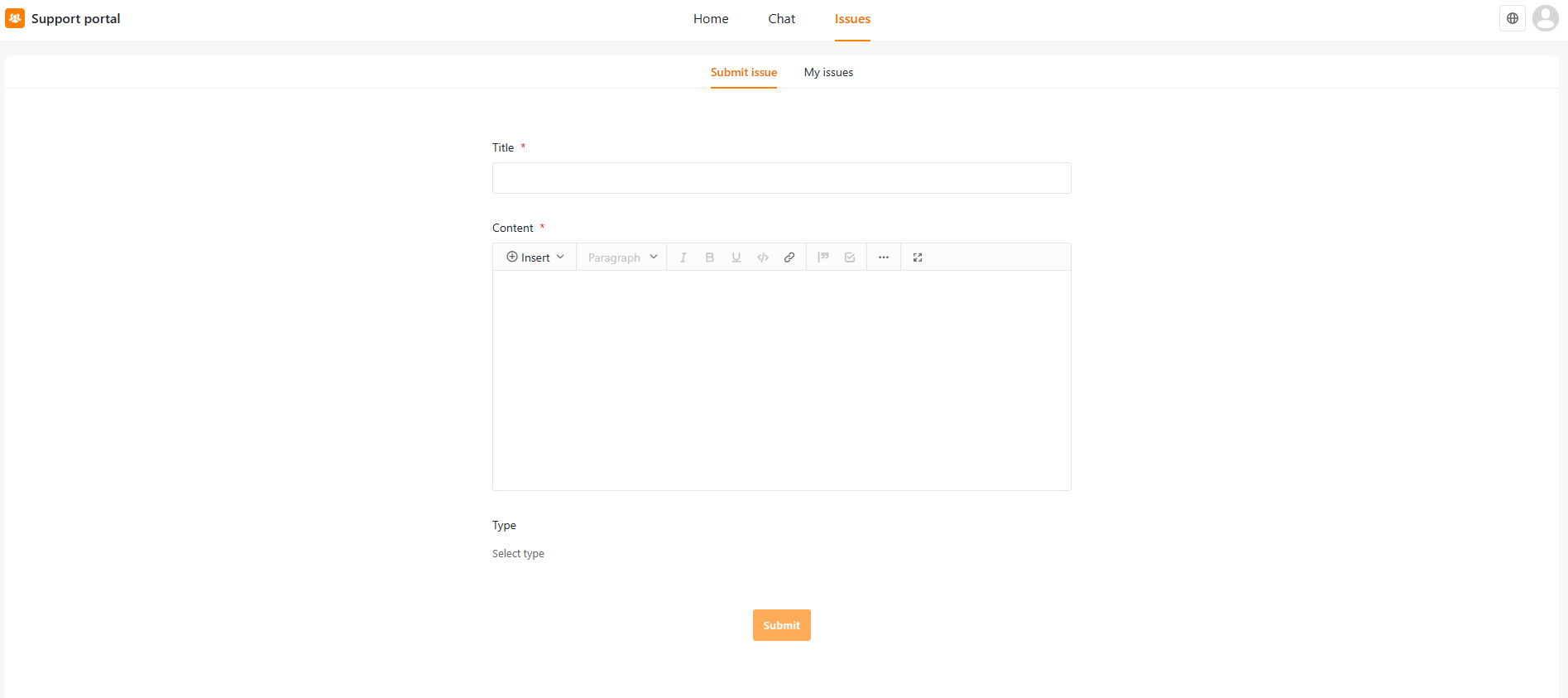
 When users access the portal via the shared URL:
* Logged-in users (with a SeaTicket account) can access full features, including Chat and issue submission.
* Anonymous users can access limited features, browse the Home page (and whatever resources it links to) and use Chat, but they can't submit or track issues
When users access the portal via the shared URL:
* Logged-in users (with a SeaTicket account) can access full features, including Chat and issue submission.
* Anonymous users can access limited features, browse the Home page (and whatever resources it links to) and use Chat, but they can't submit or track issues
 ### Allow Anonymous Access
Enable this option to let users access the portal without signing in.Anonymous users have limited access to portal features.
When disabled, only users who are logged in — either with a SeaTicket account or through an invitation link — can access the portal at all.
### Allow Anonymous Access
Enable this option to let users access the portal without signing in.Anonymous users have limited access to portal features.
When disabled, only users who are logged in — either with a SeaTicket account or through an invitation link — can access the portal at all.
 ### Enable Password Protection
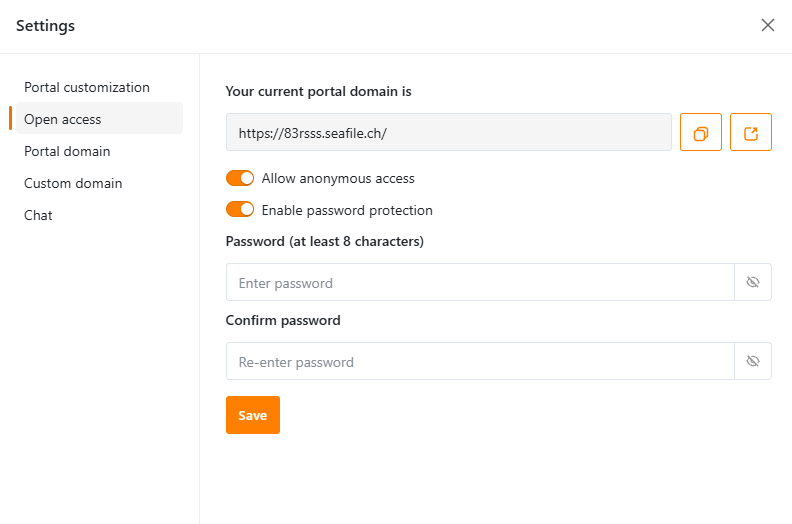
Available only when Allow Anonymous Access is enabled. Once activated, users must enter a password before accessing the portal.
### Enable Password Protection
Available only when Allow Anonymous Access is enabled. Once activated, users must enter a password before accessing the portal.
 ***
Continue with [**Setting Up Portal Domain and Custom Domain**](https://user-docs.seaticket.ai/Setting-Up-Portal-Domain-and-Custom-Domain) if you want a branded URL, or skip ahead to [Configuring Chat Sources](https://user-docs.seaticket.ai/Configuring-Chat-Sources).
***
Continue with [**Setting Up Portal Domain and Custom Domain**](https://user-docs.seaticket.ai/Setting-Up-Portal-Domain-and-Custom-Domain) if you want a branded URL, or skip ahead to [Configuring Chat Sources](https://user-docs.seaticket.ai/Configuring-Chat-Sources).