> ## Documentation Index
> Fetch the complete documentation index at: https://user-docs.seaticket.ai/llms.txt
> Use this file to discover all available pages before exploring further.
# Enabling the Support Portal
To enable the External Portal in SeaTicket:
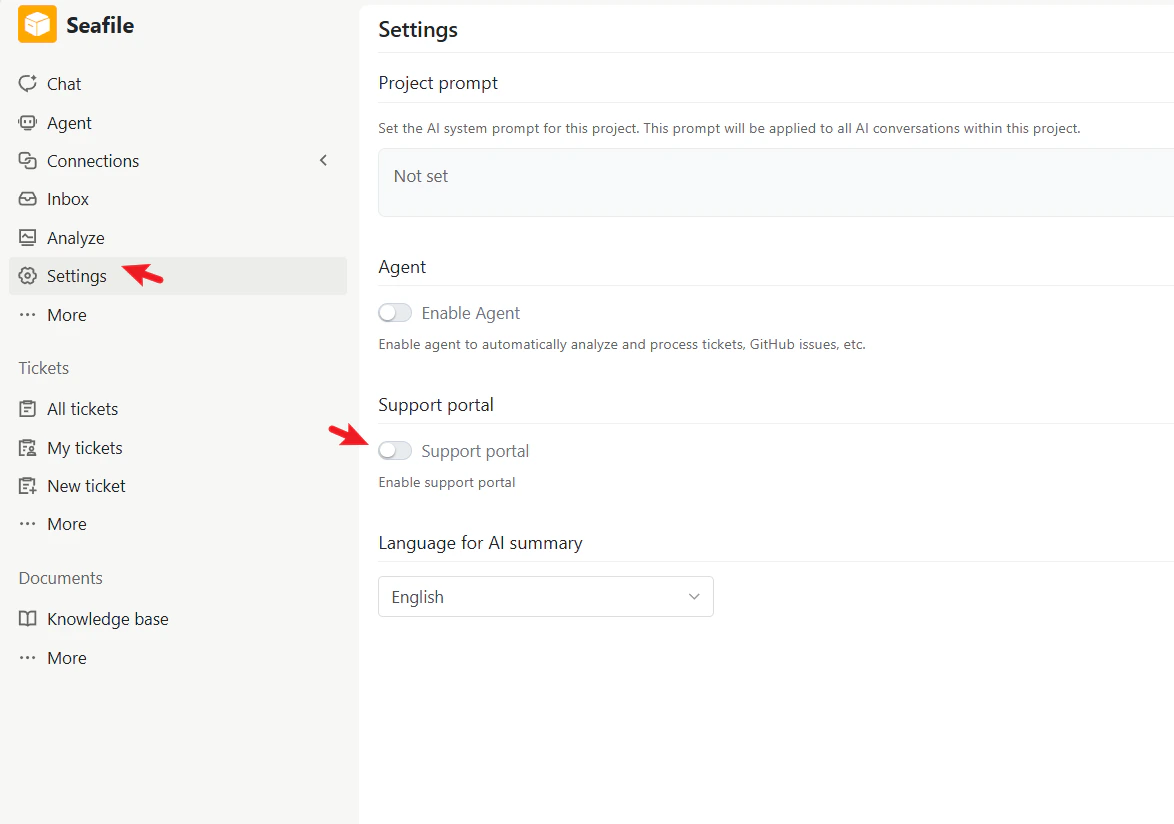
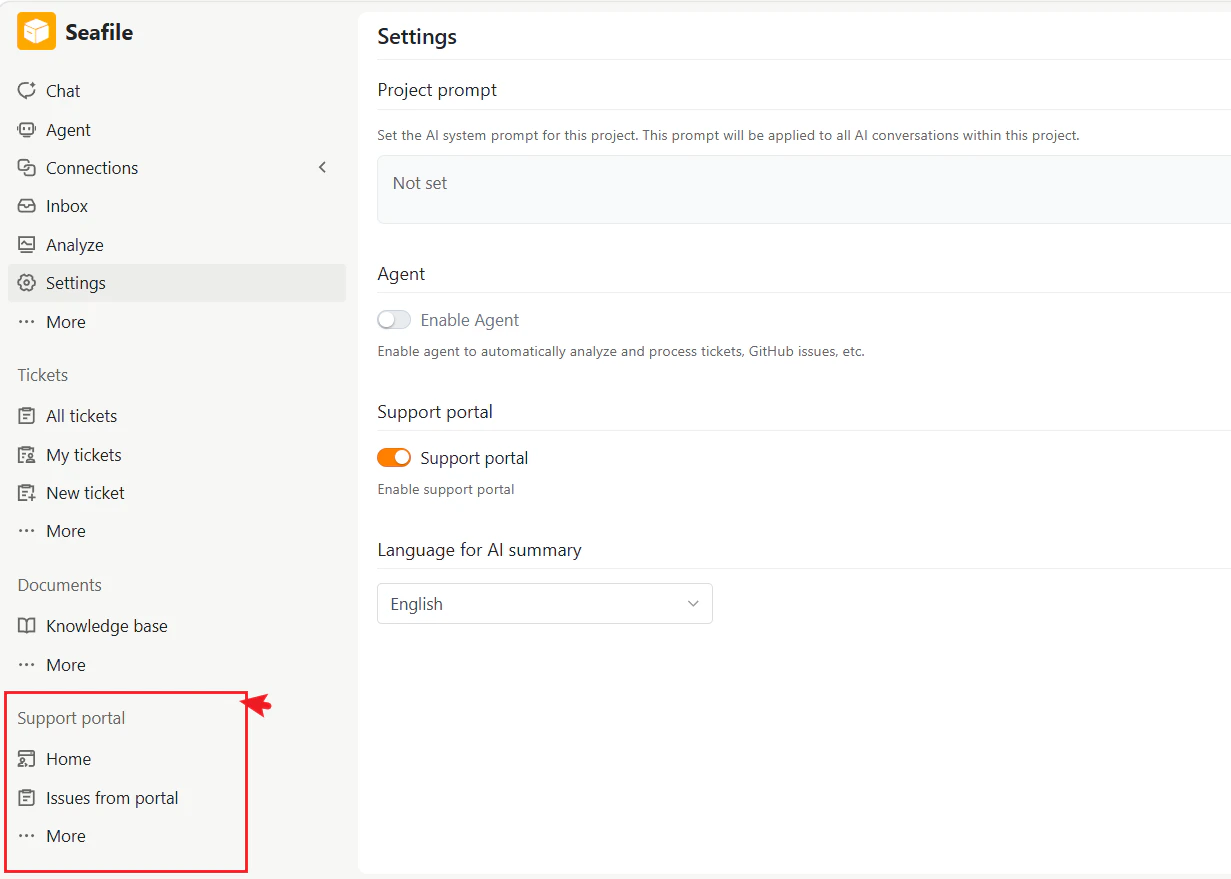
1. In the left sidebar, click **Settings**.
2. Find the **Support portal** section and toggle it on.
 3. Once enabled, a new **Support Portal** section appears in the left navigation, including:
* **Home**
* **Issues from portal**
* **More**
3. Once enabled, a new **Support Portal** section appears in the left navigation, including:
* **Home**
* **Issues from portal**
* **More**
 ### Home
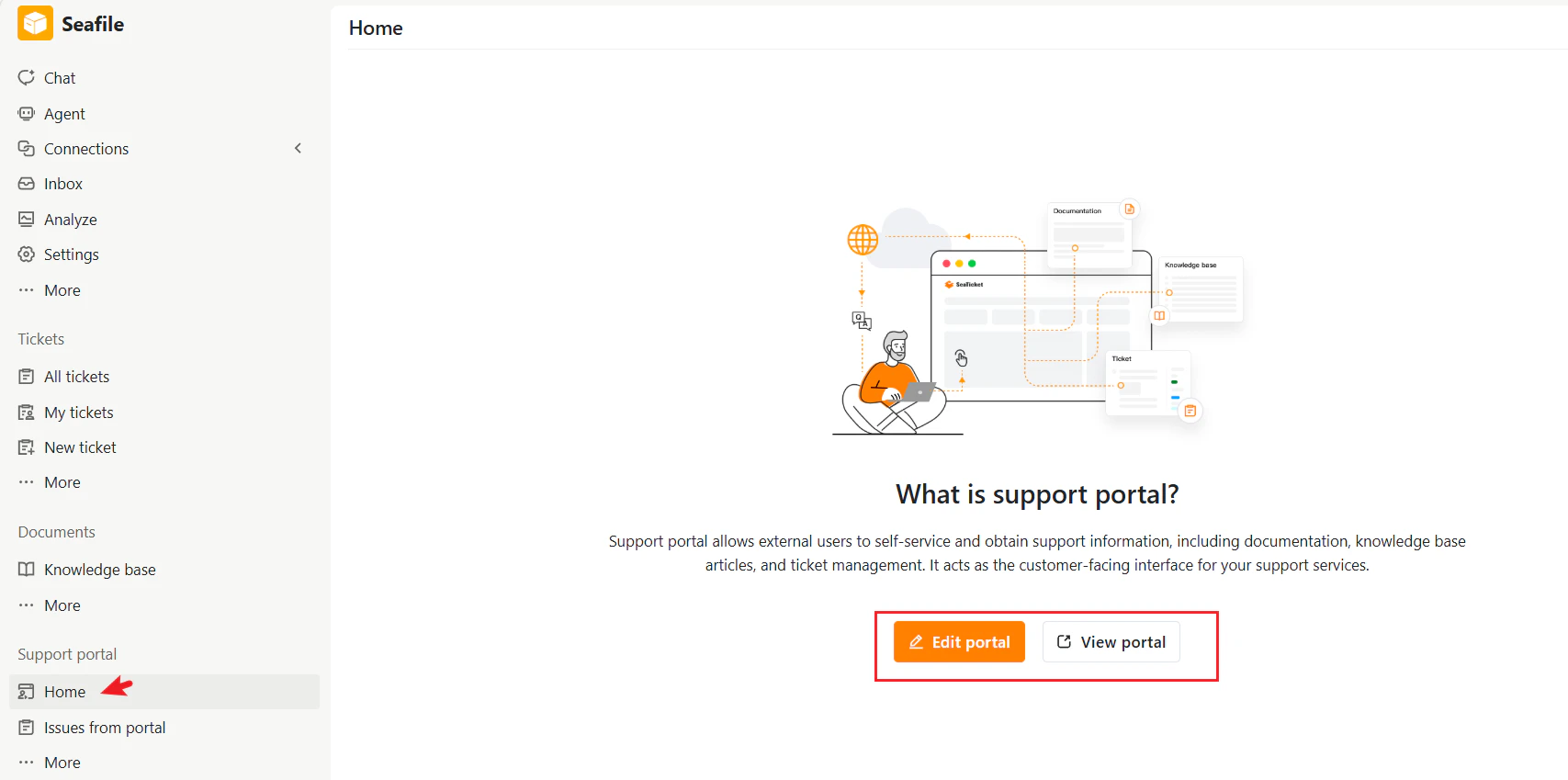
The entry point for configuring and previewing your Support Portal.
* **Edit portal** — Configure portal settings, branding, and available features.
* **View portal** — Preview the customer-facing portal.
### Home
The entry point for configuring and previewing your Support Portal.
* **Edit portal** — Configure portal settings, branding, and available features.
* **View portal** — Preview the customer-facing portal.
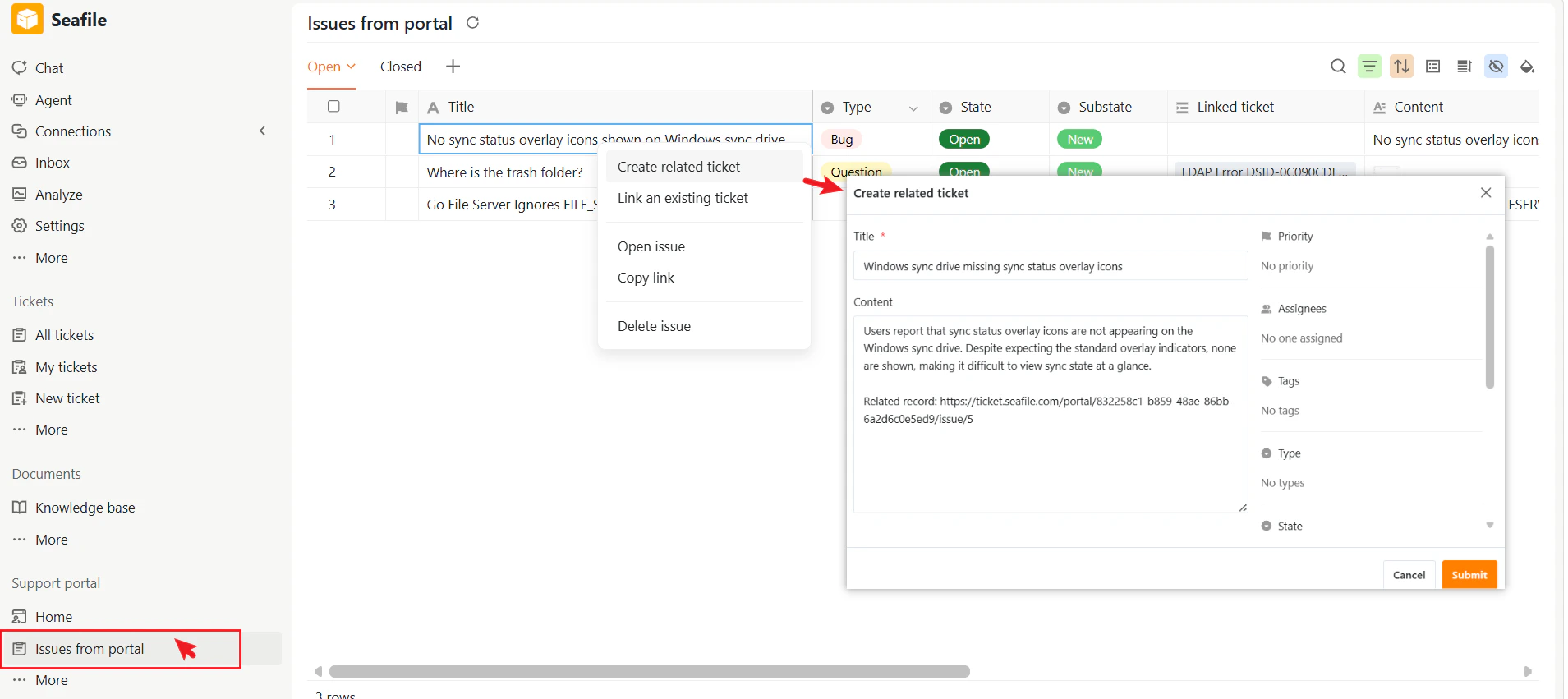
 ### Issues from portal
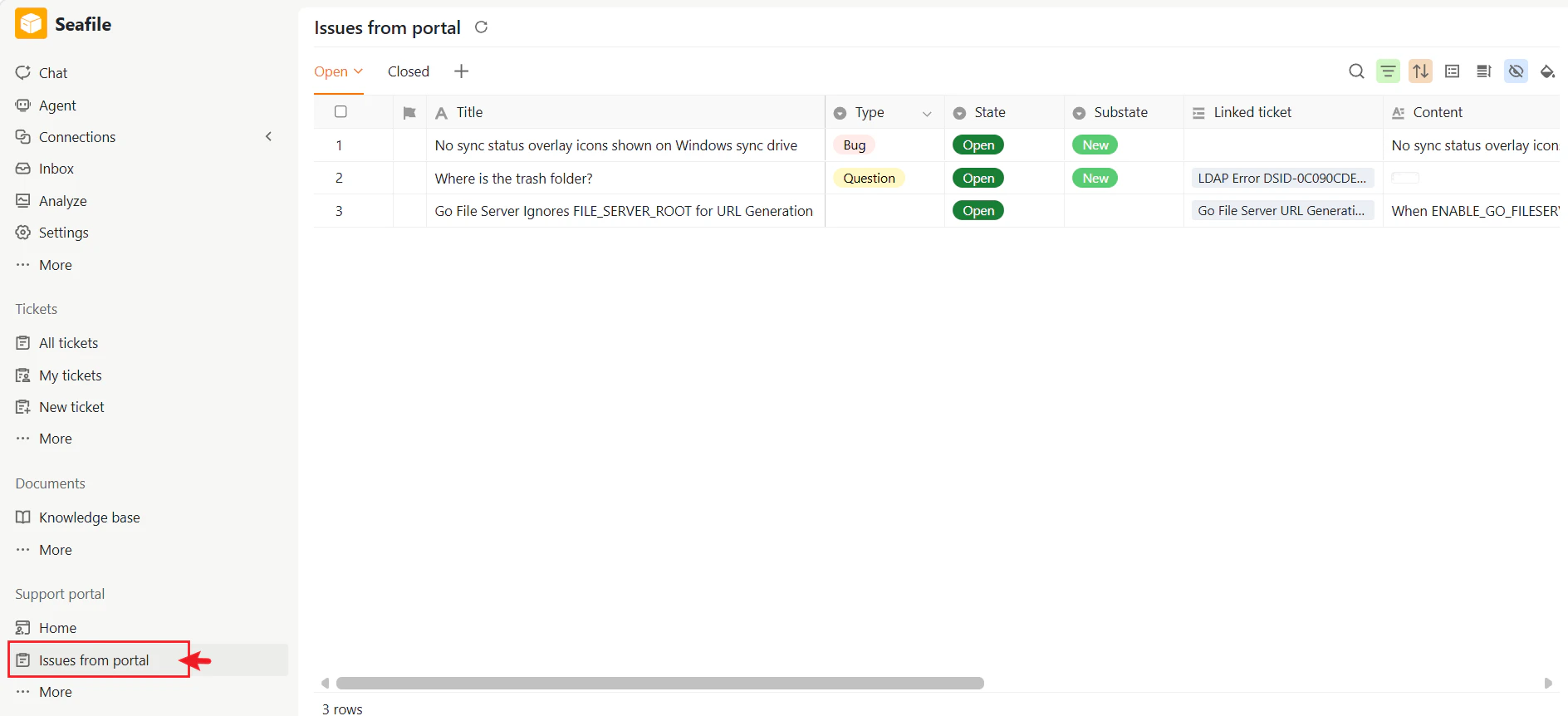
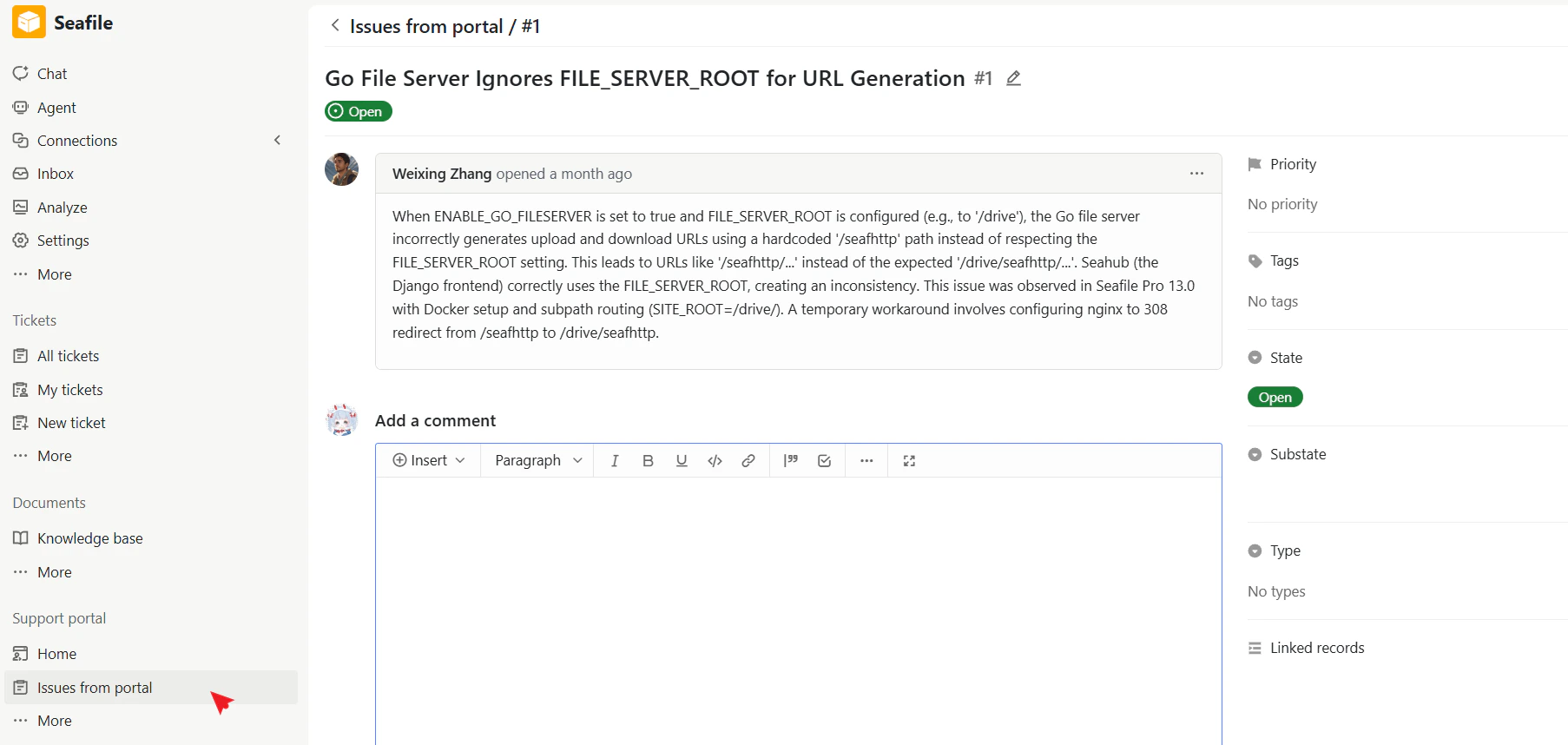
Manage and respond to issues submitted by external users.
You can:
* Review and process portal issues
* Reply to external users through comments
* Update issue details and statuses
* Close resolved issues
* Convert portal issues into internal issues for further investigation or bug fixing
### Issues from portal
Manage and respond to issues submitted by external users.
You can:
* Review and process portal issues
* Reply to external users through comments
* Update issue details and statuses
* Close resolved issues
* Convert portal issues into internal issues for further investigation or bug fixing
 ### More
Additional portal management options:
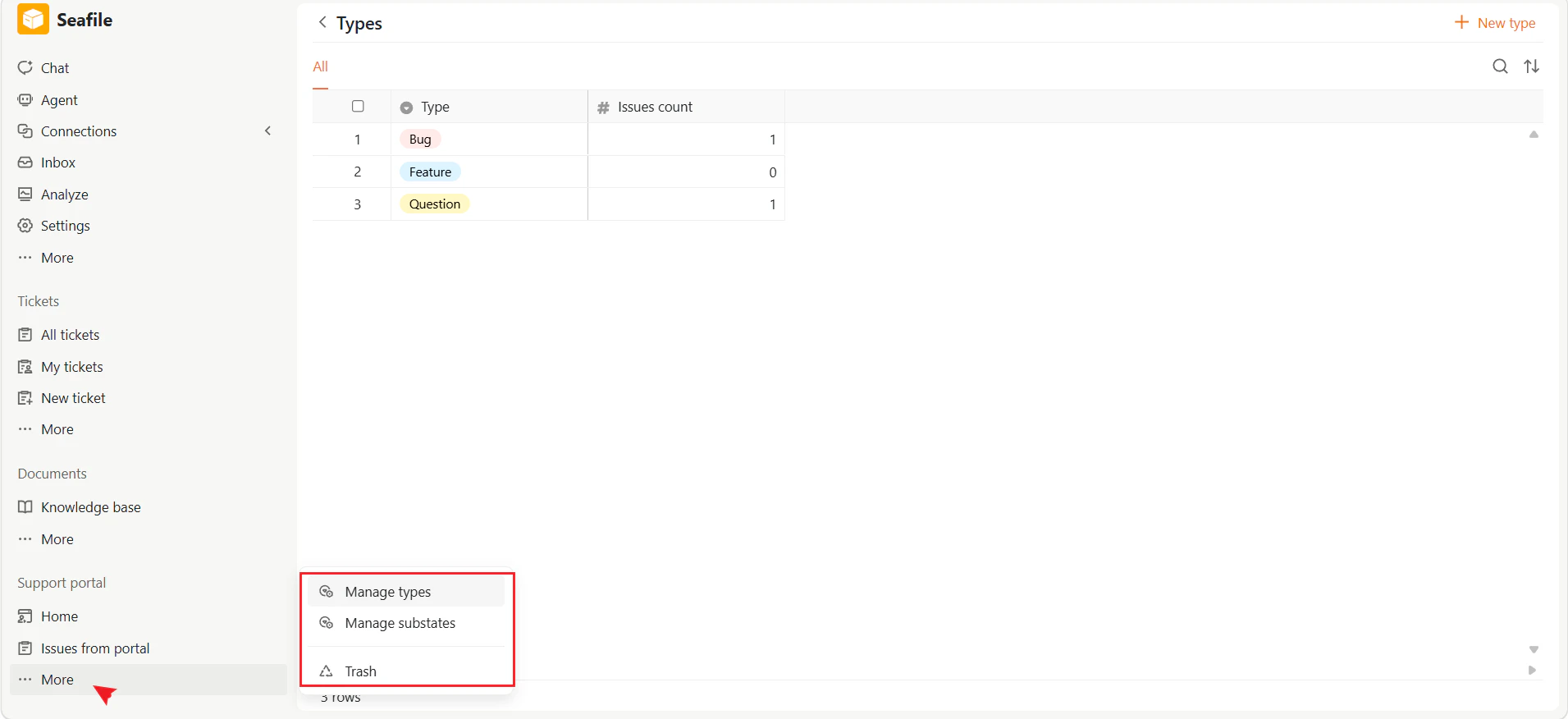
* **Manage types** — Configure issue types available in the portal
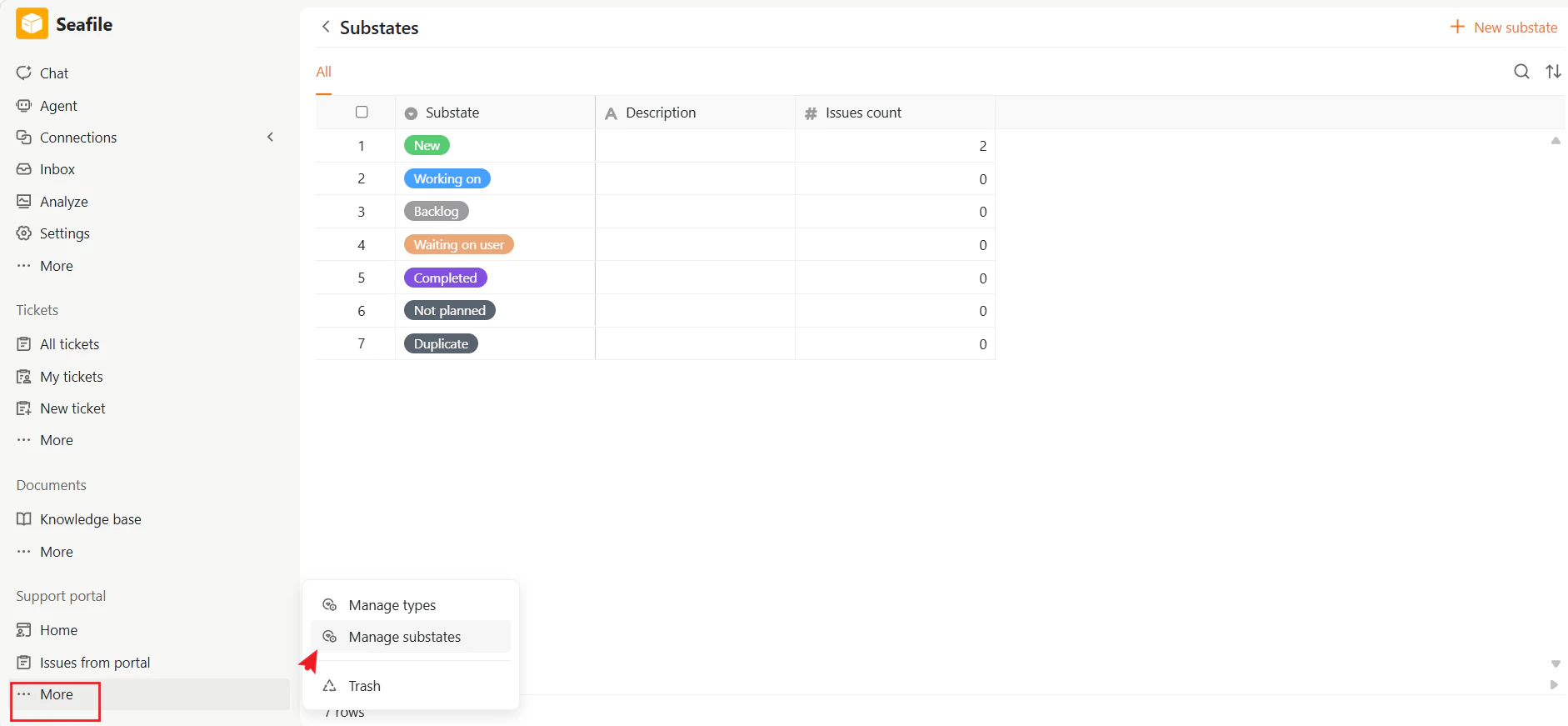
* **Manage substates** — Configure portal substates and workflows
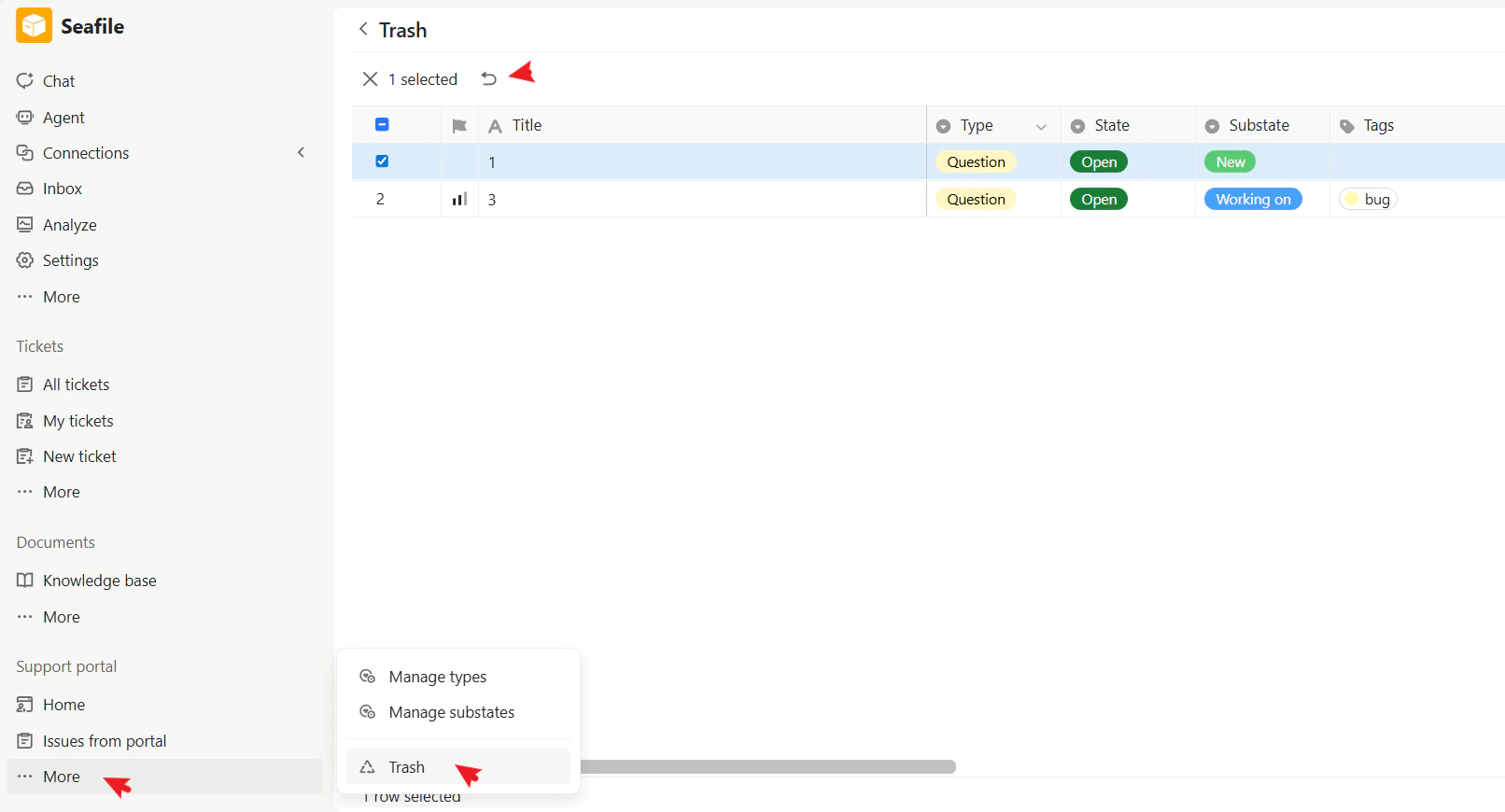
* **Trash** — Restore deleted external issues
### More
Additional portal management options:
* **Manage types** — Configure issue types available in the portal
* **Manage substates** — Configure portal substates and workflows
* **Trash** — Restore deleted external issues