> ## Documentation Index
> Fetch the complete documentation index at: https://user-docs.seaticket.ai/llms.txt
> Use this file to discover all available pages before exploring further.
# Submitting Issues Via Portal
To submit a support request:
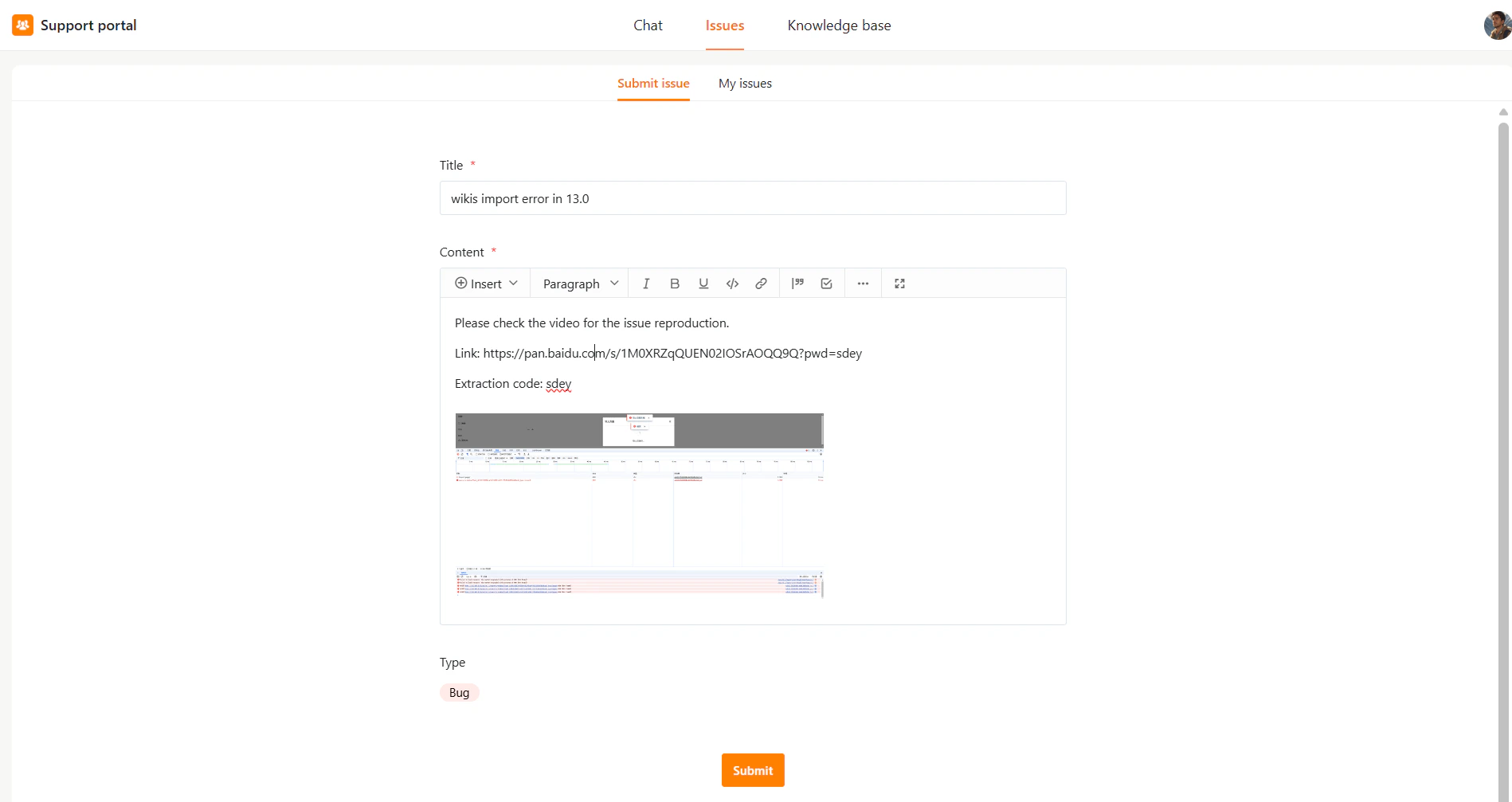
1. Go to **Issues** in the top navigation bar.
2. Click **Submit issue**.
3. Fill in the required fields:
* **Title** – Enter a brief title for the issue.
* **Content** – Describe the problem in detail. (format using the toolbar if needed)
* **Type** – Select issue type (e.g., Bug, Question, Request), if available.
4. Click **Submit**.
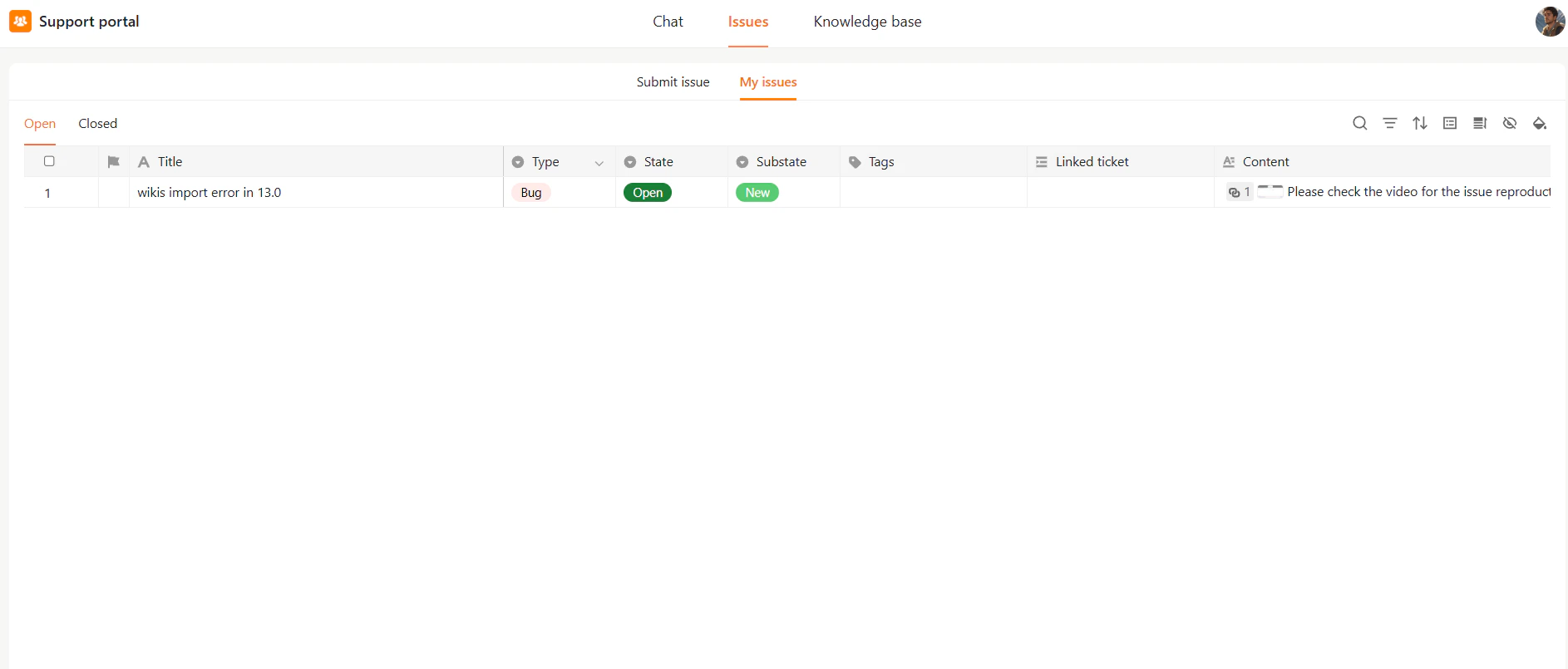
 Submitted issues appear in **My issues** with status **Open**. The support team will follow up.