
Creating a Discourse Forums Connection
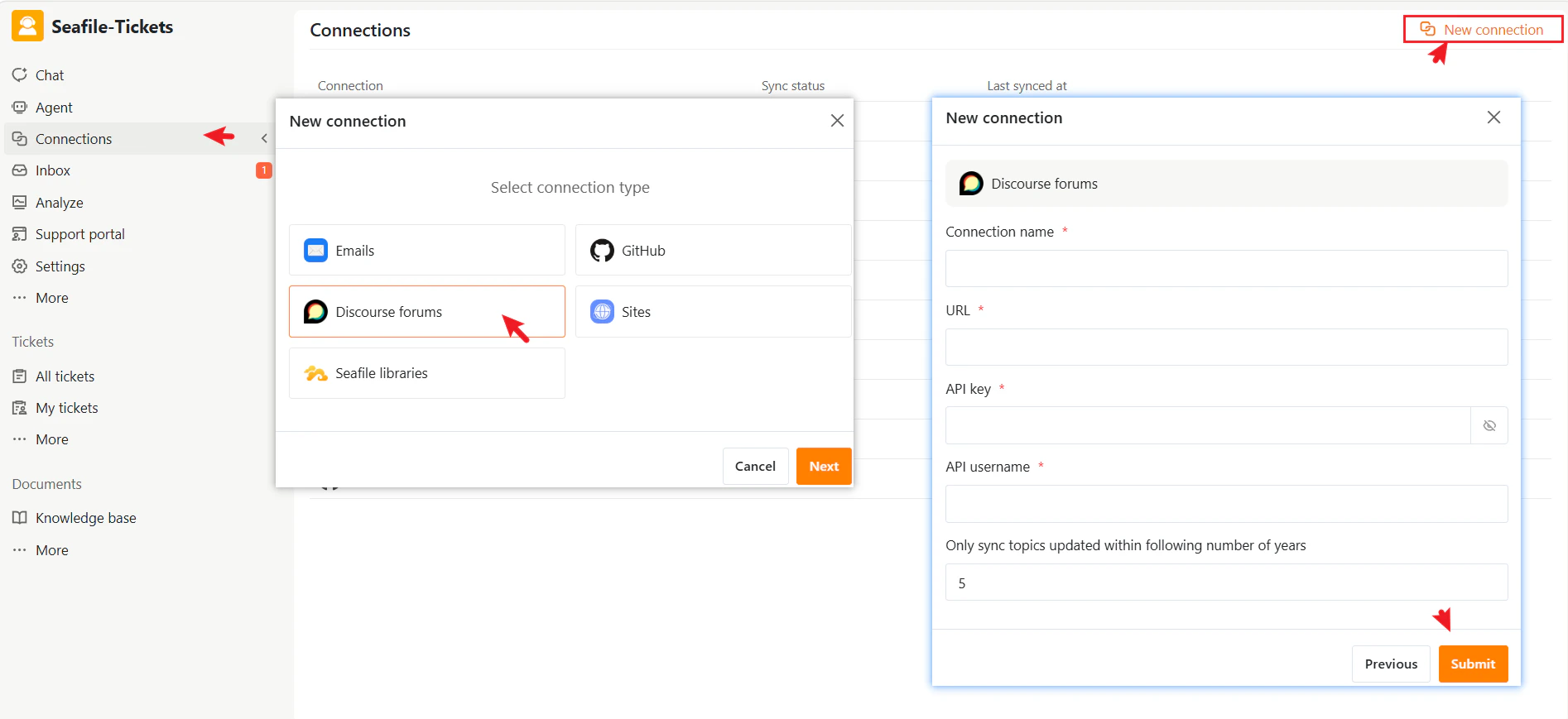
- Go to Connections → + New Connection
- Select Discourse Forums as the connection type.
- Click Next
- Enter the required information:
- Connection name — A descriptive name to identify this connection in SeaTicket
- URL — The Discourse forum URL.
- API Key — The API key generated in the Discourse admin panel.
- API Key — The API key generated in the Discourse admin panel. (See Discourse’s guide on creating and configuring API keys.)
- API Username — The username associated with the API key.
- Only sync topics updated within the following number of years — Limits the sync time range for topics.
- Click Submit to complete the setup
After Connection
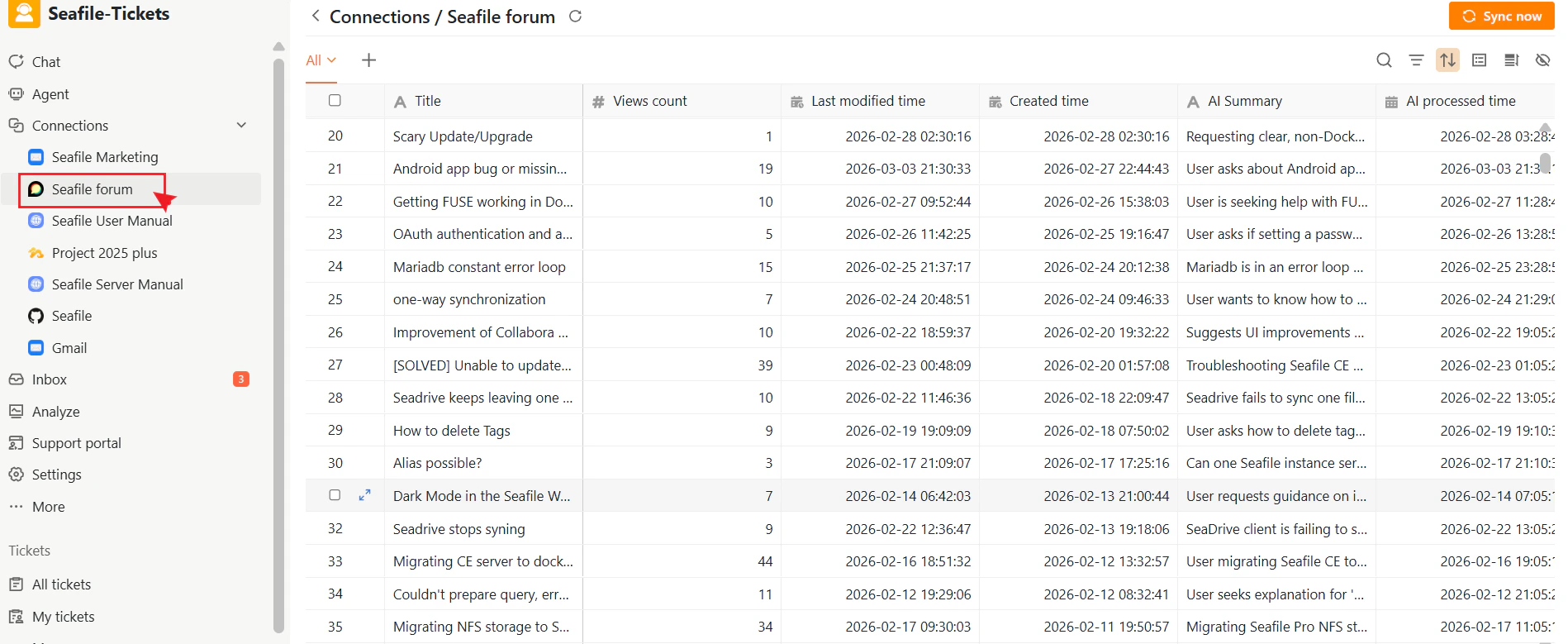
Once the connection is created:- SeaTicket automatically syncs topics from your Discourse forum
- Topics are displayed in a list view.
- Updates are reflected in SeaTicket in real time
Synced Forum Threads
For each topic, SeaTicket records:- Title
- View count
- Created time
- Last modified time
- AI summary
- AI processed time
Viewing Details
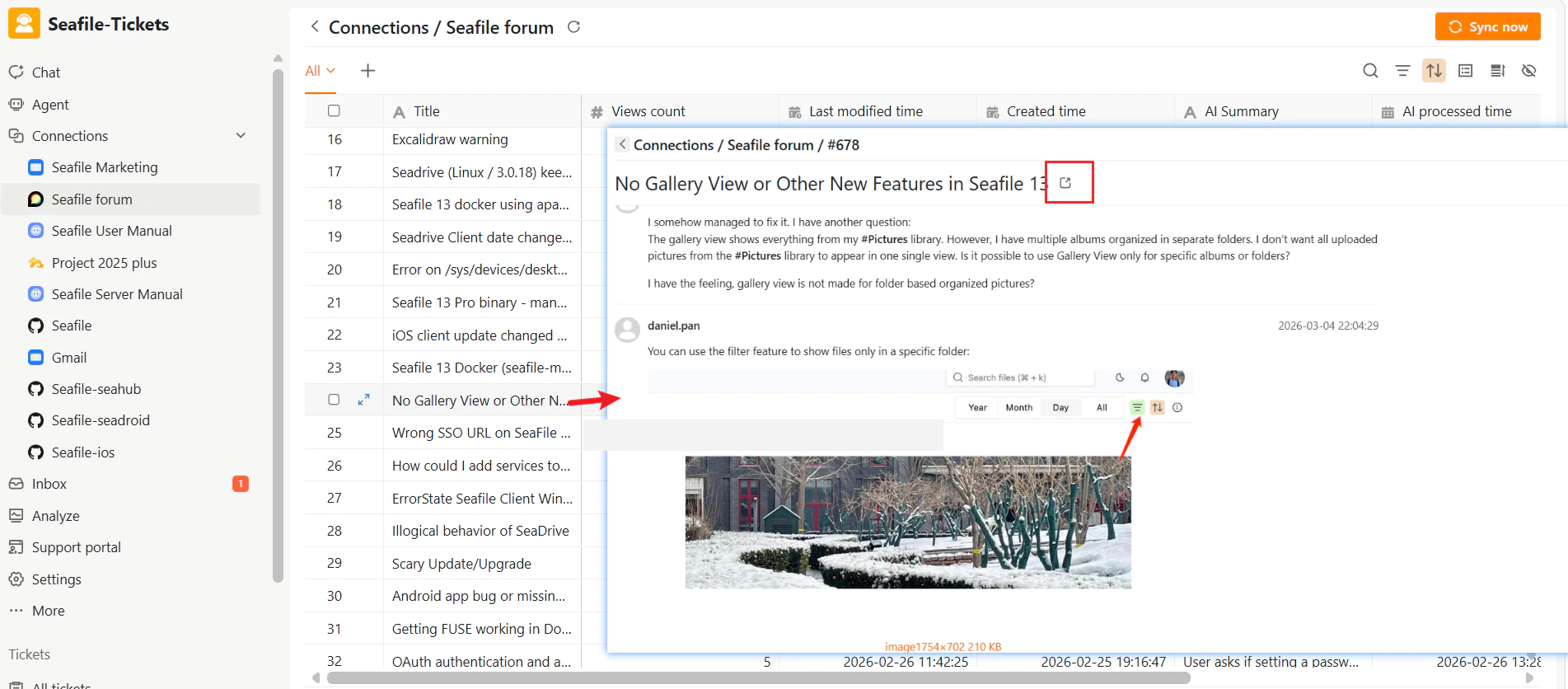
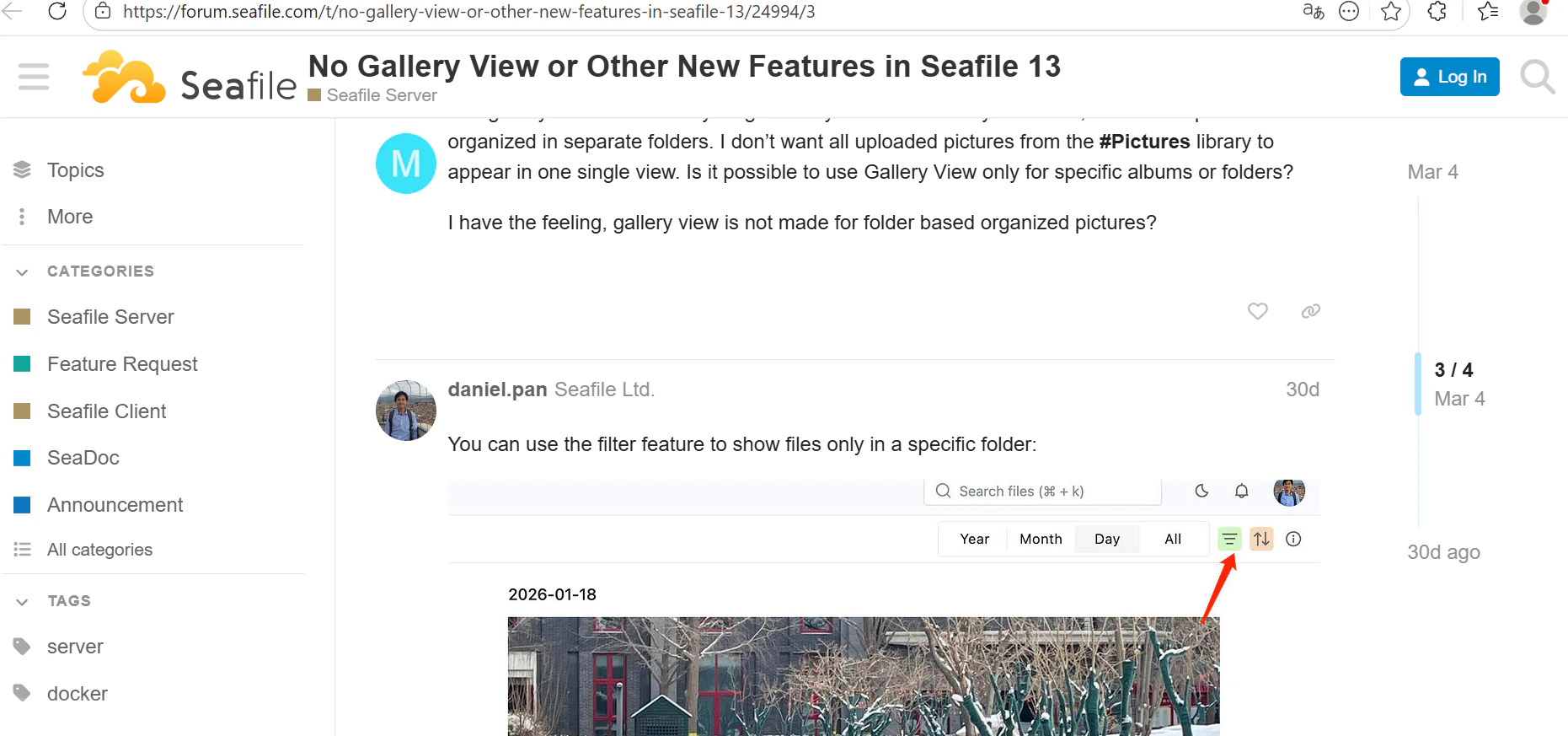
After data has been synced, click on an item’s title to view its full content. Forum Posts: View the full discussion thread