
Create a Connection
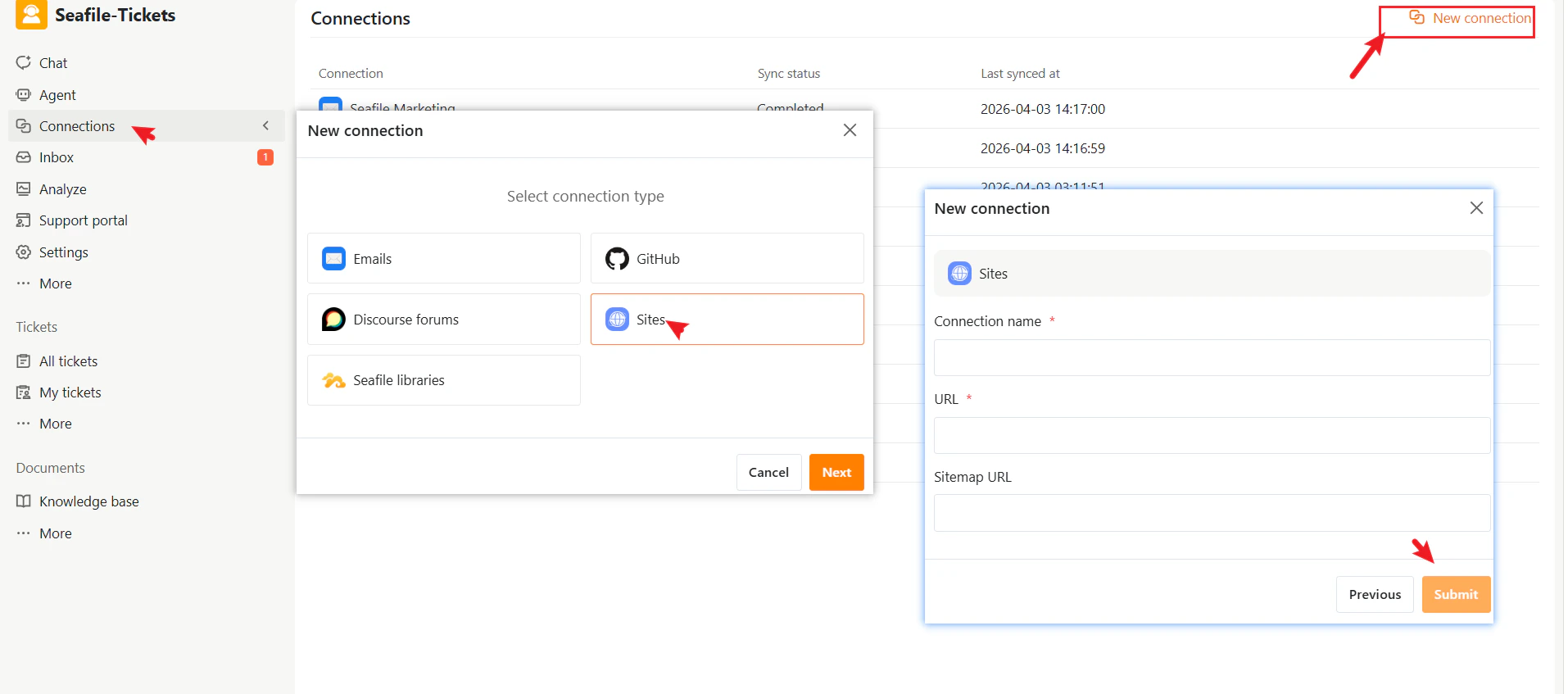
- Go to Connections → + New Connection
- Select Sites as the connection type.
- Click Next
- Enter the required information:
- Connection name — A descriptive name to identify this connection in SeaTicket.
- URL—The website URL (must include the full protocol; local file paths are not supported)
- Sitemap URL—The sitemap URL of the website
- Click Submit to complete the setup
After Connection
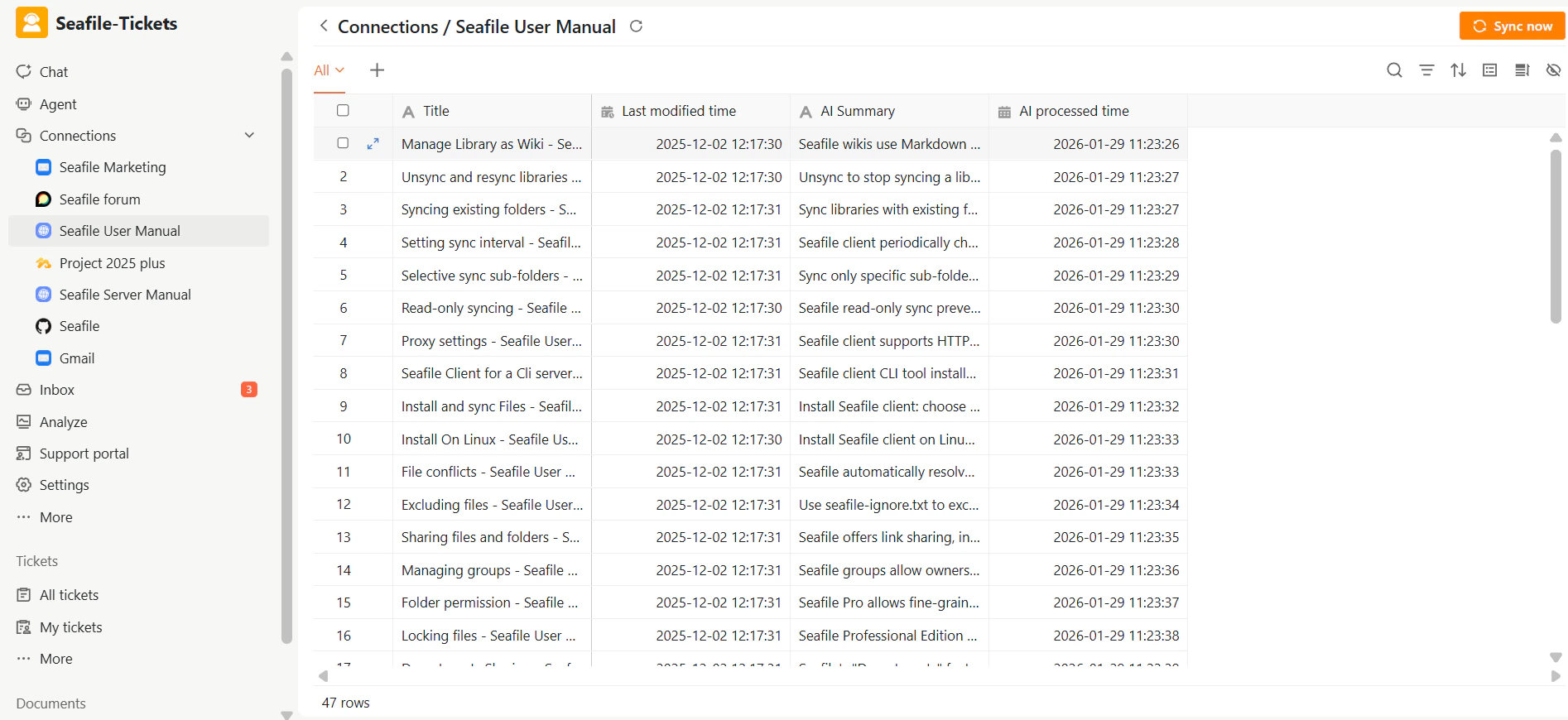
Once the connection is created:- SeaTicket automatically crawls the website and syncs all pages.
- Synced pages appear in a list view.
- Updates are tracked automatically.
Synced Webpages
For each page, SeaTicket records:- Page title
- Last modified time
- AI summary
- AI processed time
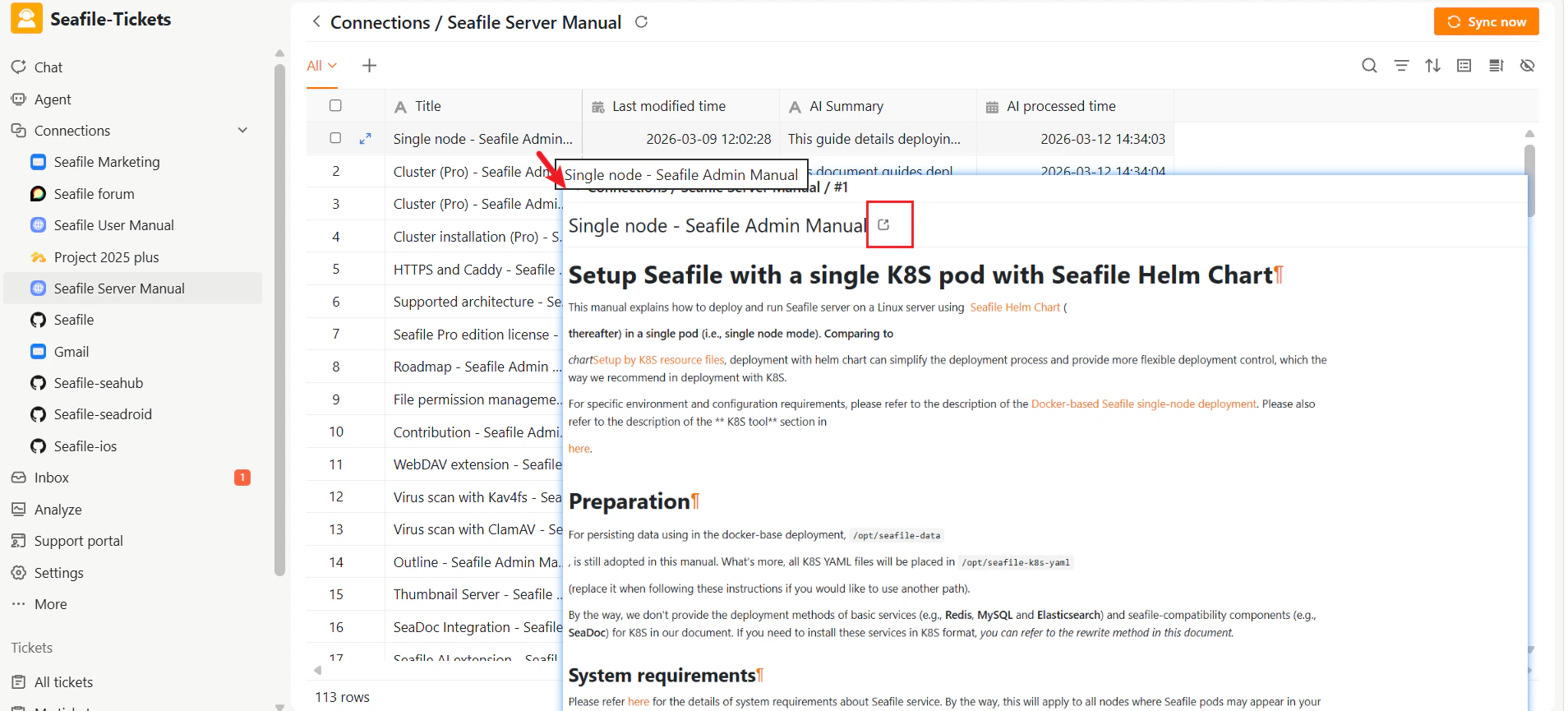
Viewing Details
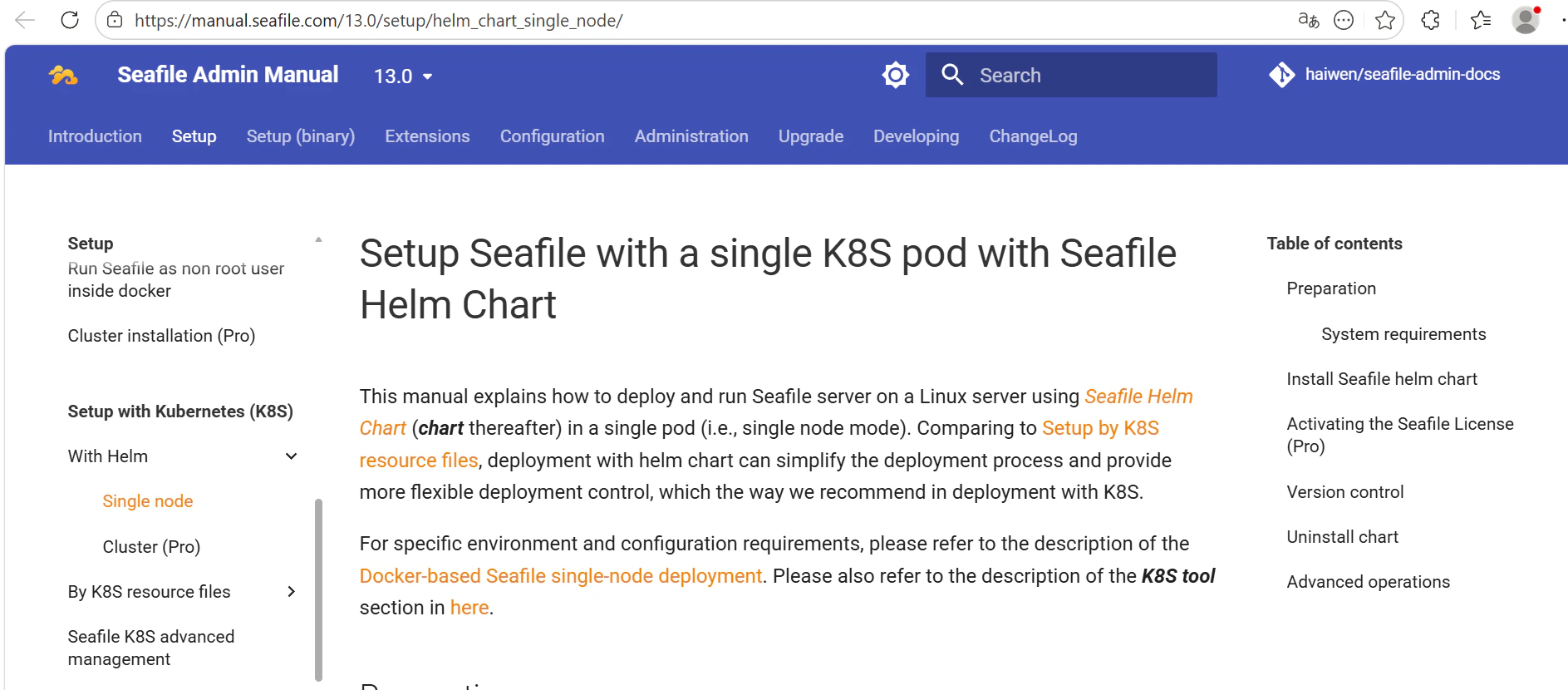
After data has been synced, click on an item’s title to view its full content. Webpages: View the full page content