Accessing the External Portal
You can access the External Portal in one of the following ways, depending on how your administrator has configured it.Access via Email Invitation (Verification Code Login)
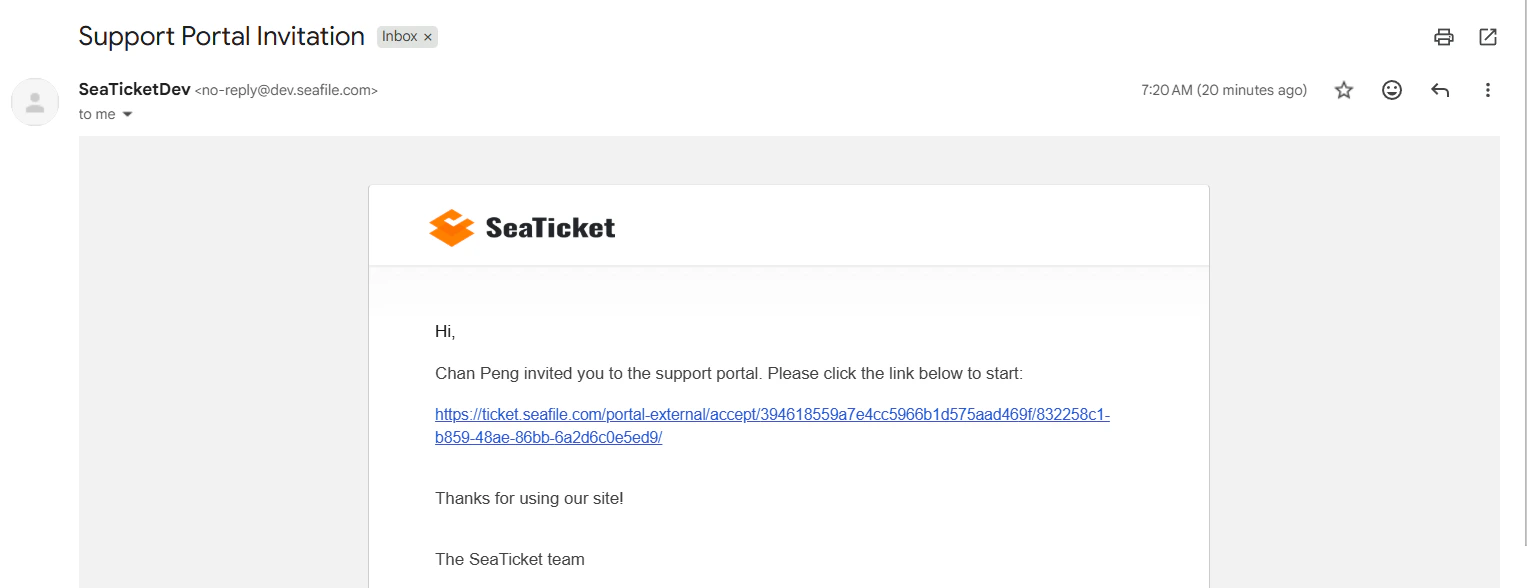
An administrator invites you to the portal using your email address. In this case:- You will receive an email containing an access link.
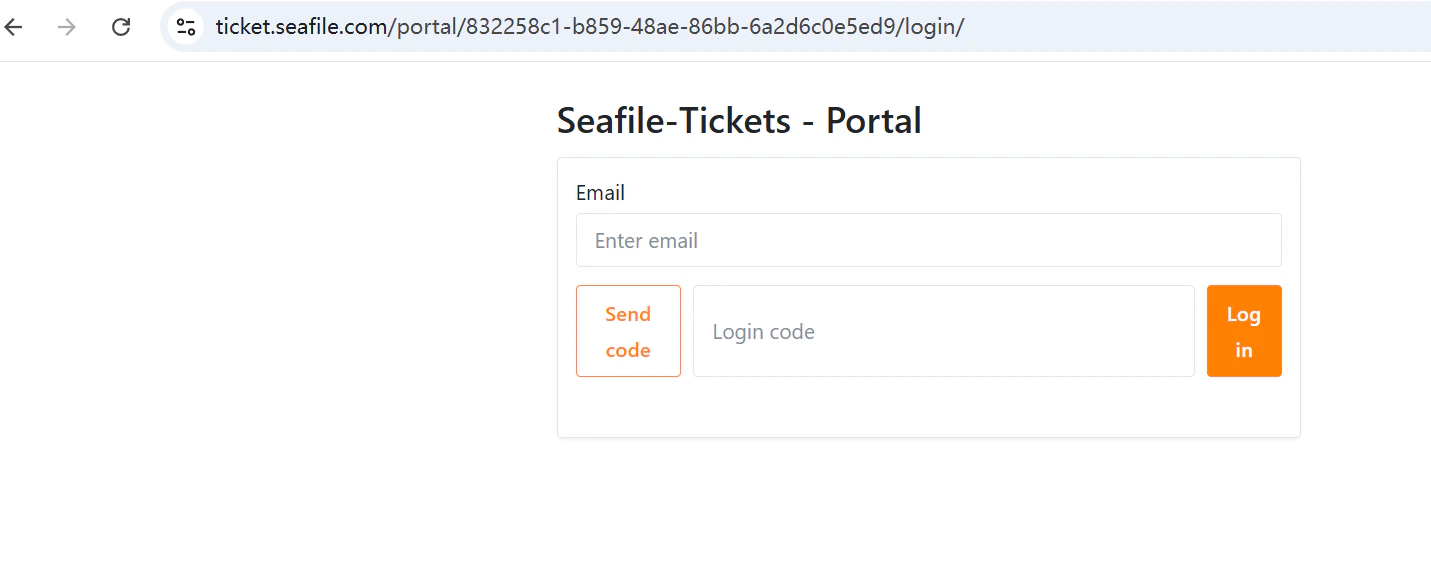
- Enter the email address associated with the invitation.
- Enter the verification code sent to your email to log in.
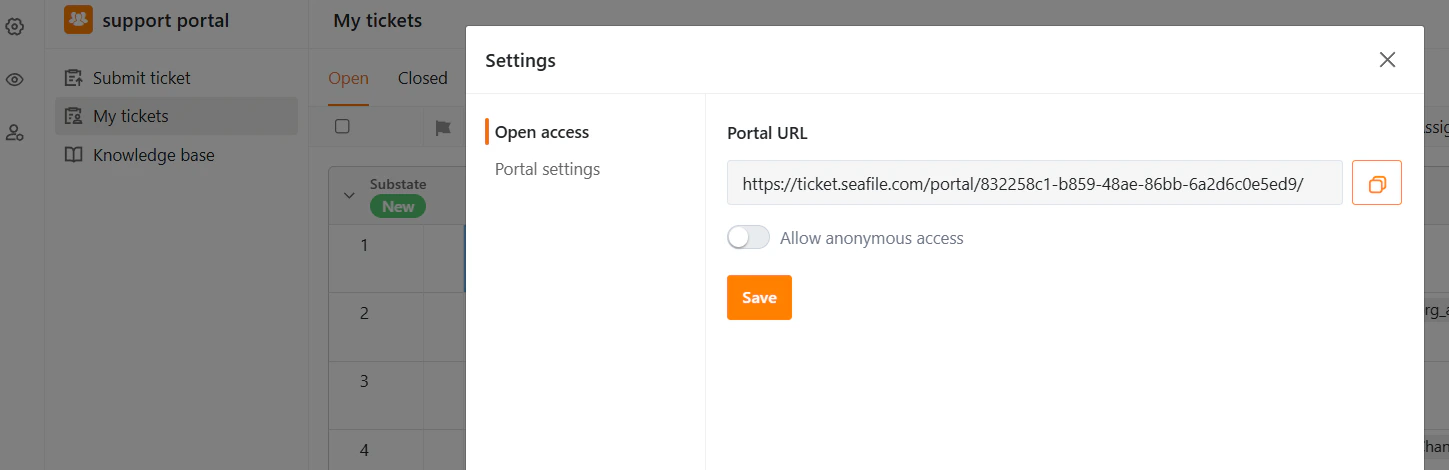
Access via Shared Portal Link
An administrator may also share a portal URL directly. Depending on the configuration, the link may:- Require login – In this case, you must log in using a registered Seaticket account.
- Allow anonymous access – In this case, you can access the portal without logging in.
Main Interface Overview
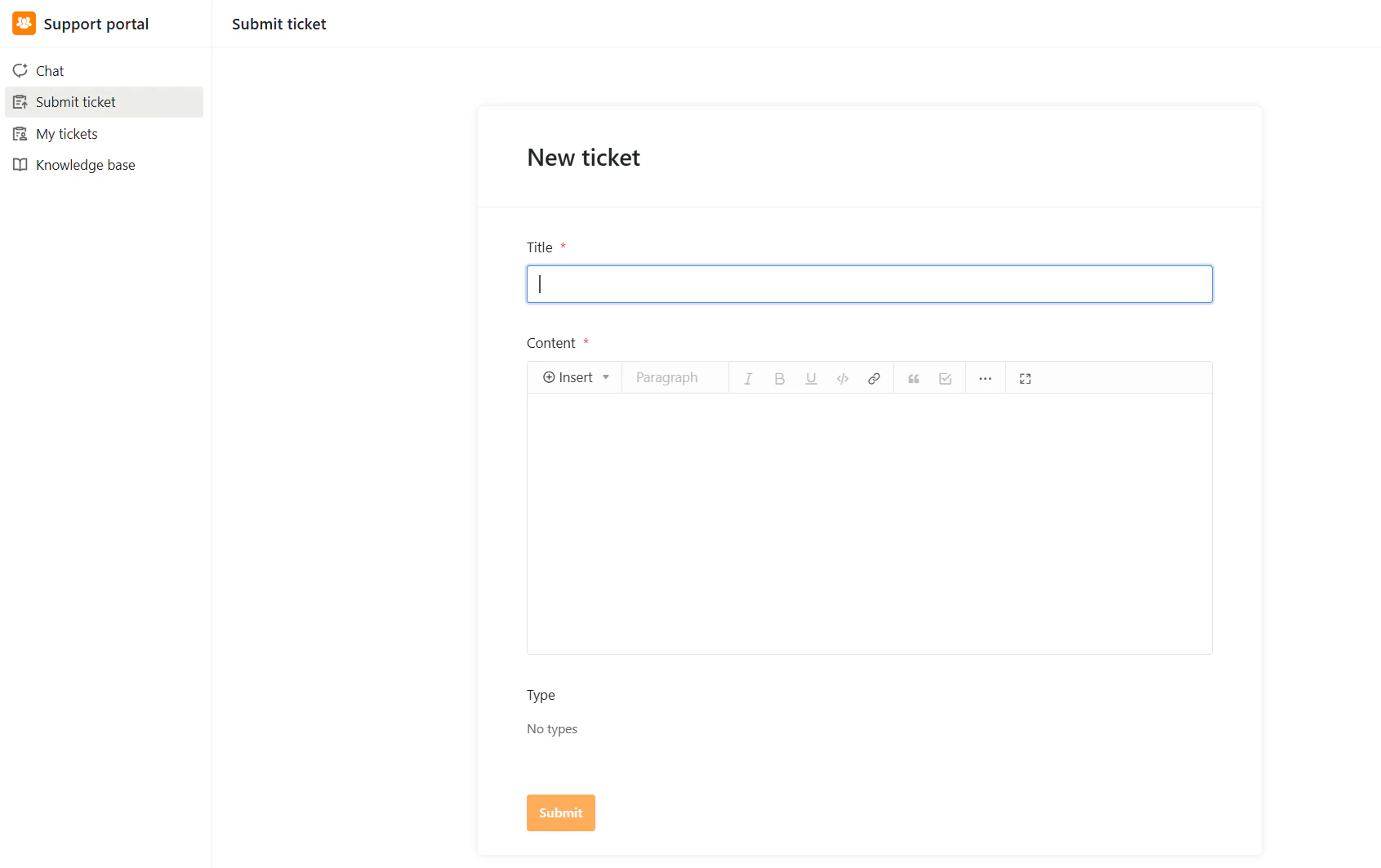
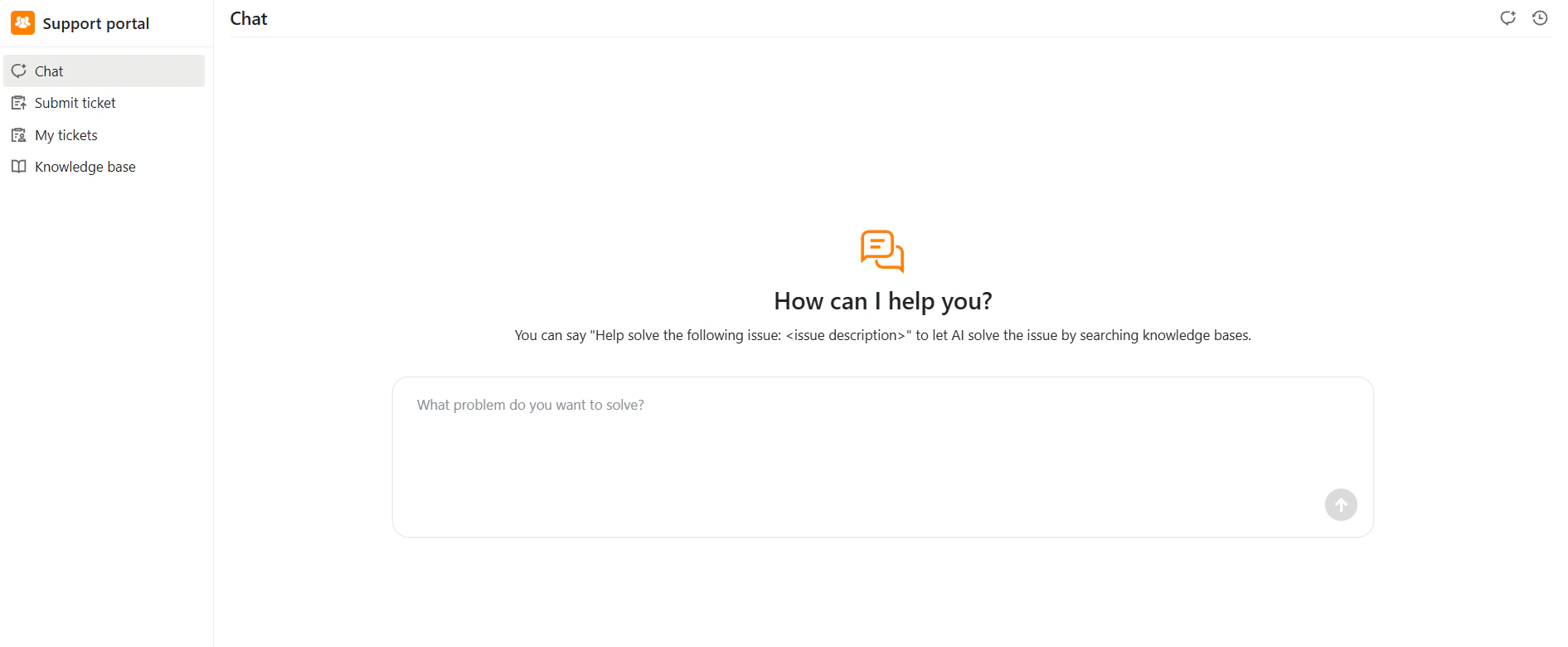
Once logged in, you will see a clean, white interface with a vertical navigation bar on the left:- Chat – Start a conversation with the support assistant
- Submit ticket – Create a new support request
- My tickets – View and filter your submitted tickets
- Knowledge base – Browse help articles