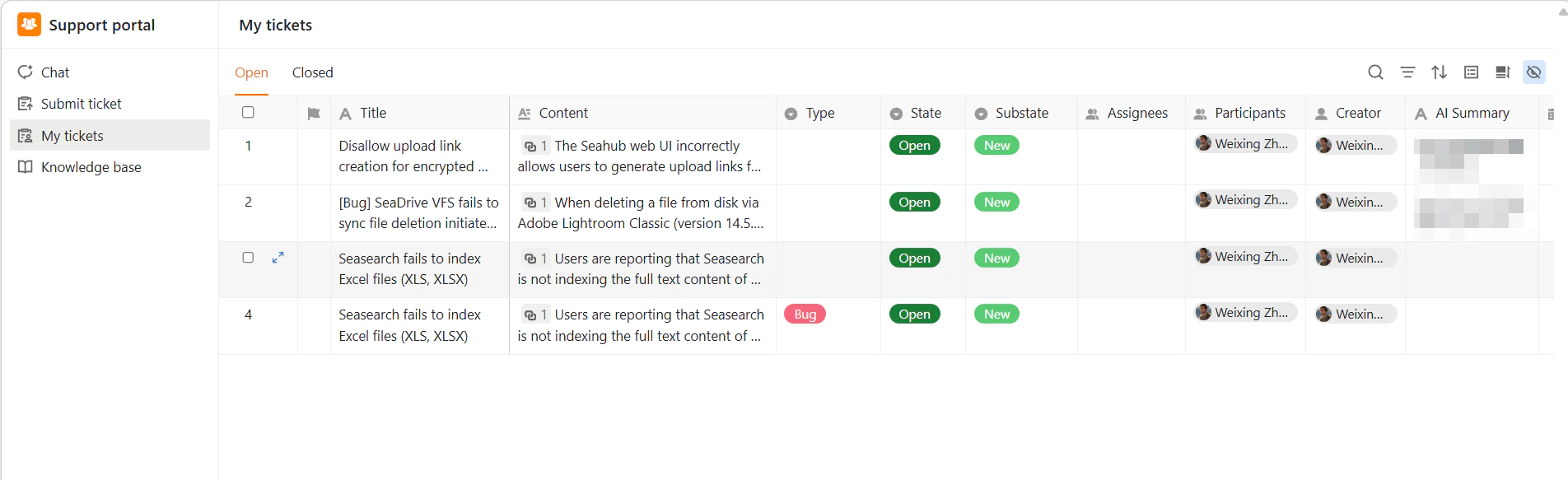
- Filter by Status: Use the Open and Closed tabs to quickly filter tickets based on their current status.
- Ticket Information: Each row provides essential details, including title, type, current status, substate, assignee, participants, tags, and a preview of the content.
- You can only view tickets that you submitted.
- Ticket fields (such as title, type, or original content) cannot be edited after submission.
- Status and internal fields are managed by the support team.