
Before You Start
Make sure you have the following before creating a connection:- Admin access to your Discourse forum
- Your Discourse forum URL
- The username associated with the API key
- An API key generated from the Discourse admin panel
API Key Requirements
SeaTicket supports two types of API keys: Option 1: Global API Key (Recommended)- A standard API key with read access is sufficient.
If using granular scopes, make sure the following permissions are enabled:
topics: read_lists— Used to fetch the latest topic listtopics: read— Used to retrieve topic details
topics: write— Create posts under a topicuploads: create— Upload images or files in postssolved: answer— Mark a reply as a solution
Note: If these optional permissions are not enabled, related features will not be available.
Creating a Discourse Forums Connection
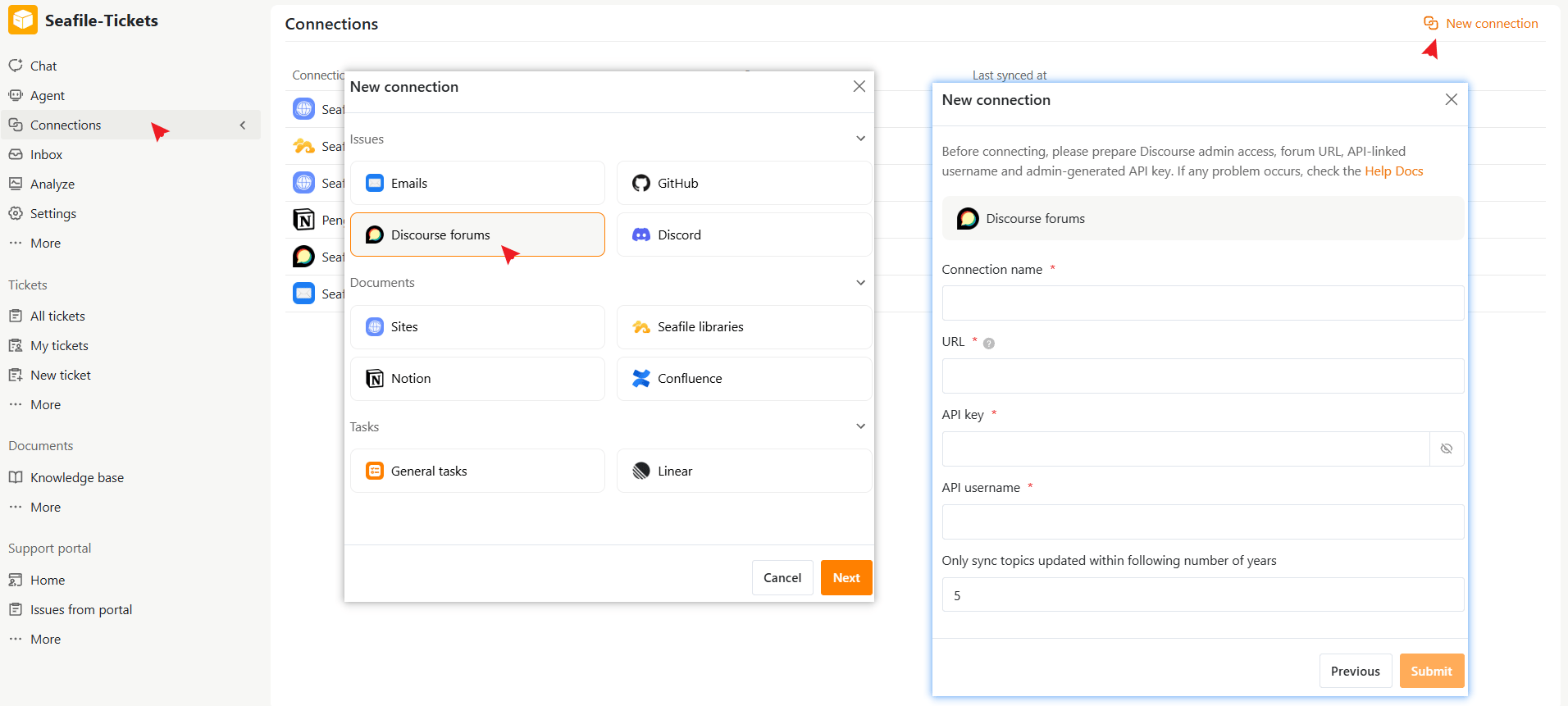
- Open a project in SeaTicket.
- Go to Connections from the left navigation menu.
- Click New connection in the top-right corner.
- Select Discourse Forums under Issues, then click Next.
- Enter the required information:
- Click Submit to complete the setup
After Connection is Created
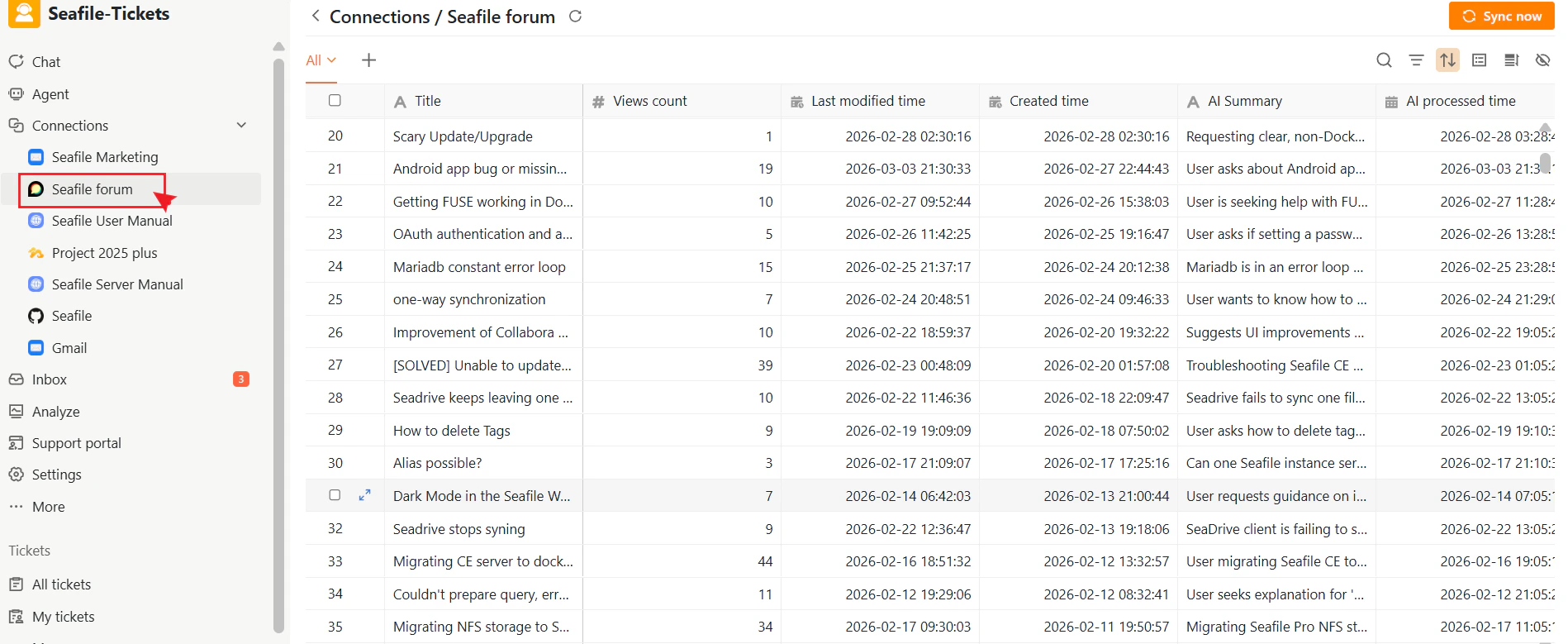
Once connected, SeaTicket automatically syncs topics from your Discourse forum. Topics appear in a list view under the connection in the left sidebar, and updates sync every hour. For each topic, SeaTicket records:- Title
- View count
- Created time and Last modified time
- AI Summary and AI Processed time — automatically generated for each topic
Viewing Topic Details
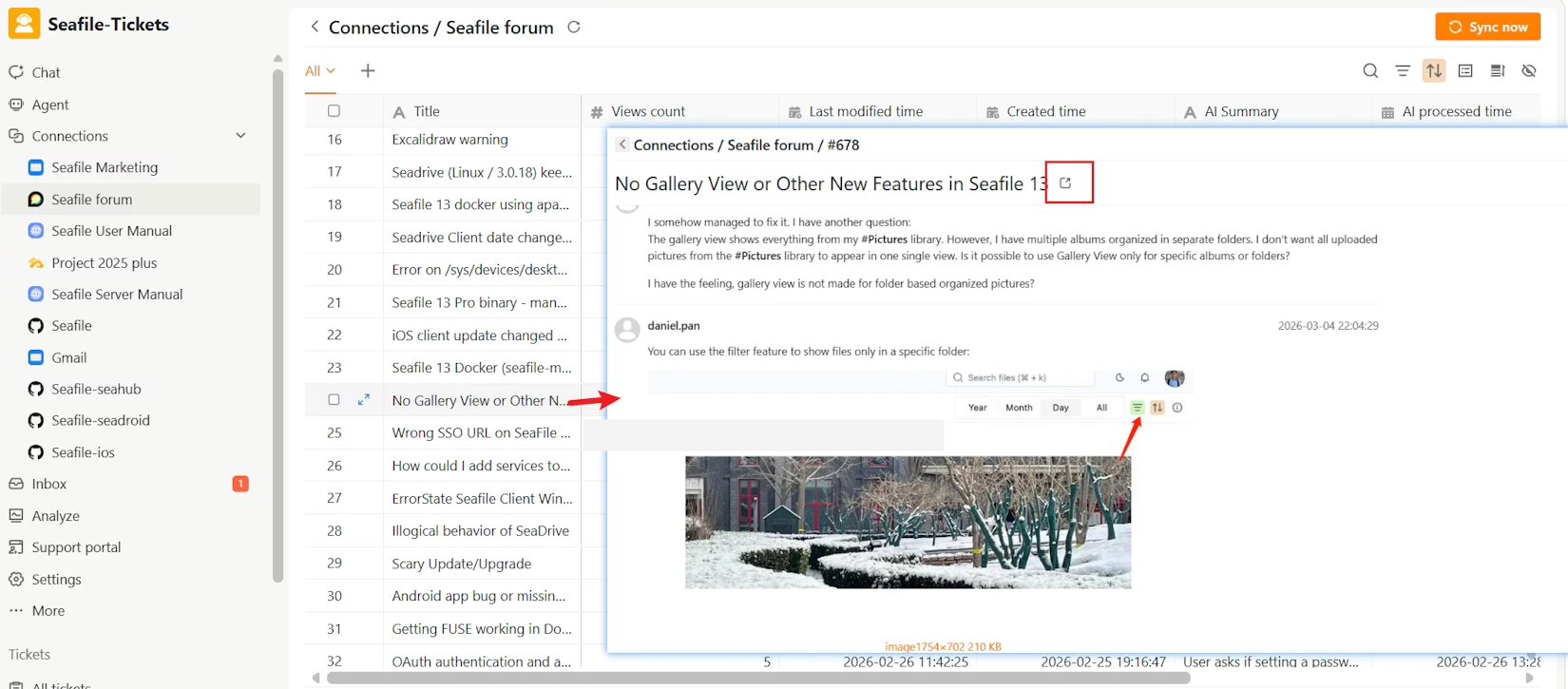
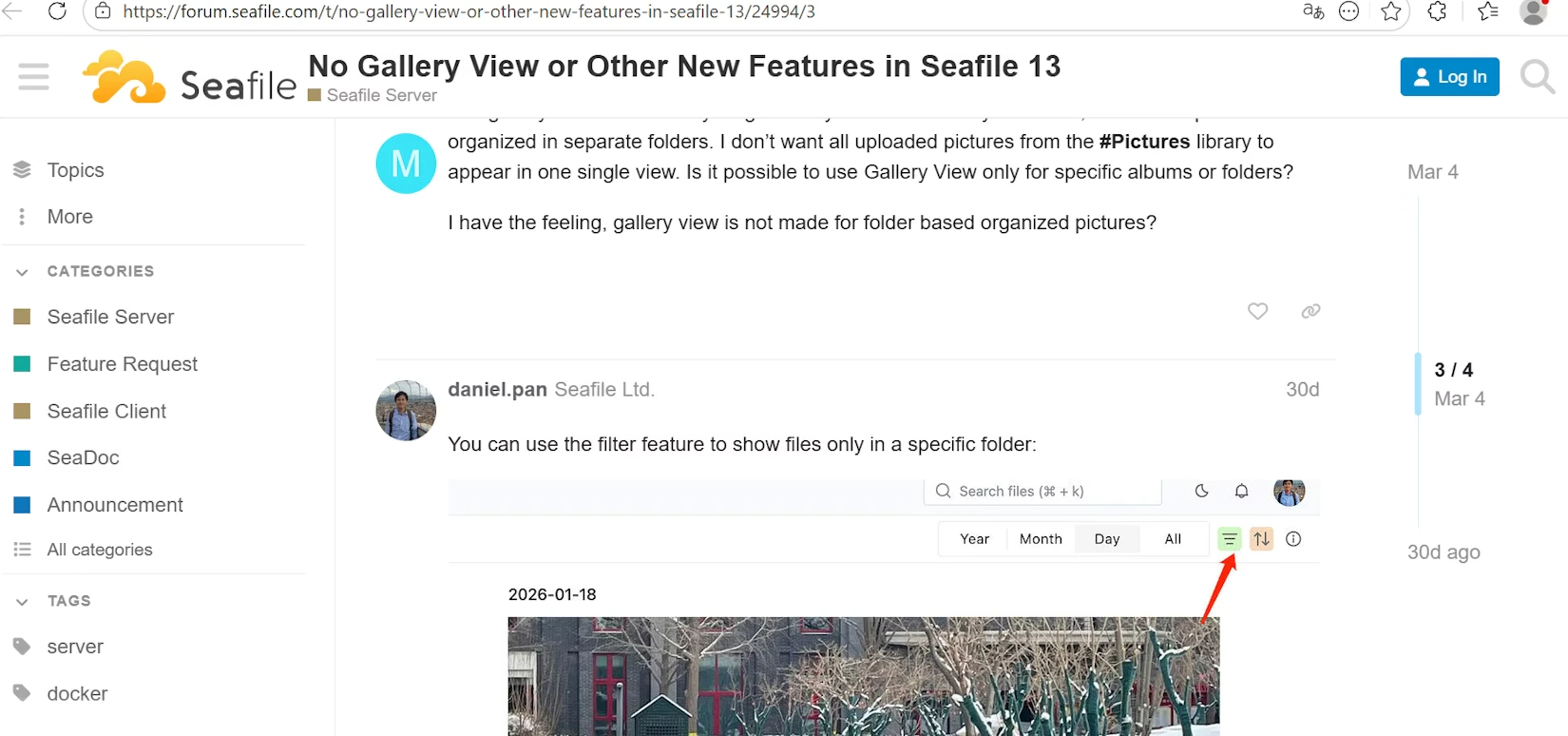
Click any topic title to open the full discussion thread inside SeaTicket, including all replies and images from the original forum post.