
Before You Start
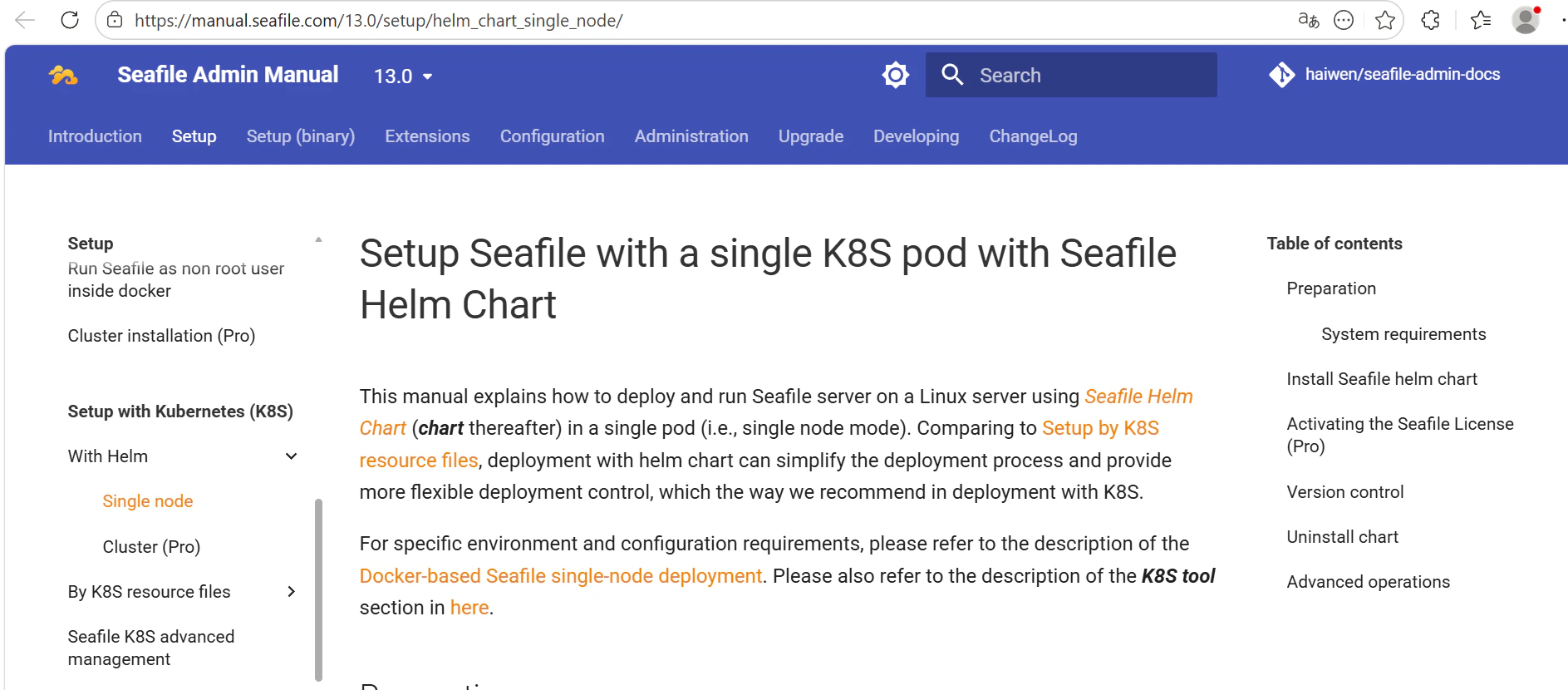
Make sure you have the following ready:- The full URL of the website you want to sync (must be publicly accessible)
- The sitemap URL of the website — a sitemap is a file that lists all pages on a site
Creating a Websites Connection
- Open a project in SeaTicket.
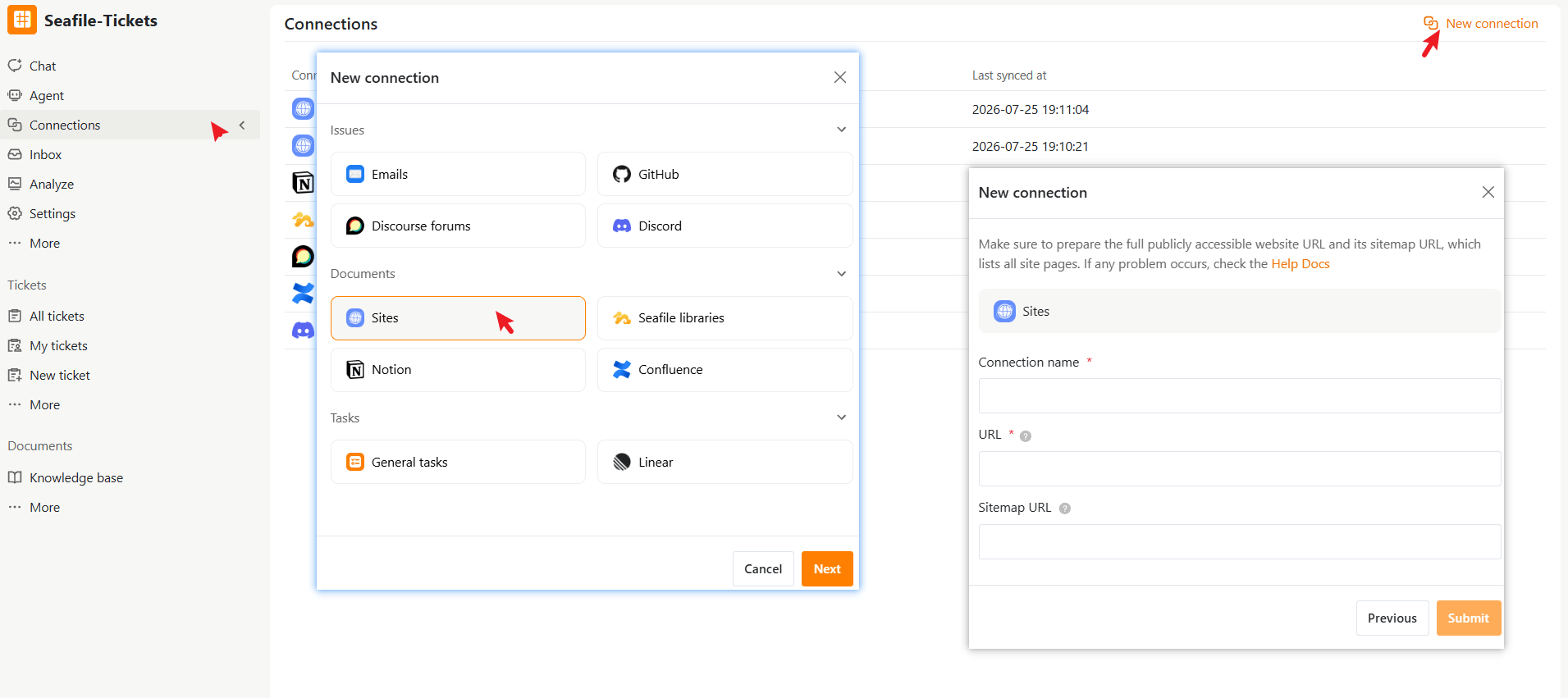
- Go to Connections from the left navigation menu.
- Click New connection in the top-right corner.
- Select Sites under Documents, then click Next.
- Enter the required information:
- Click Submit to complete the setup
After the Connection is Created:
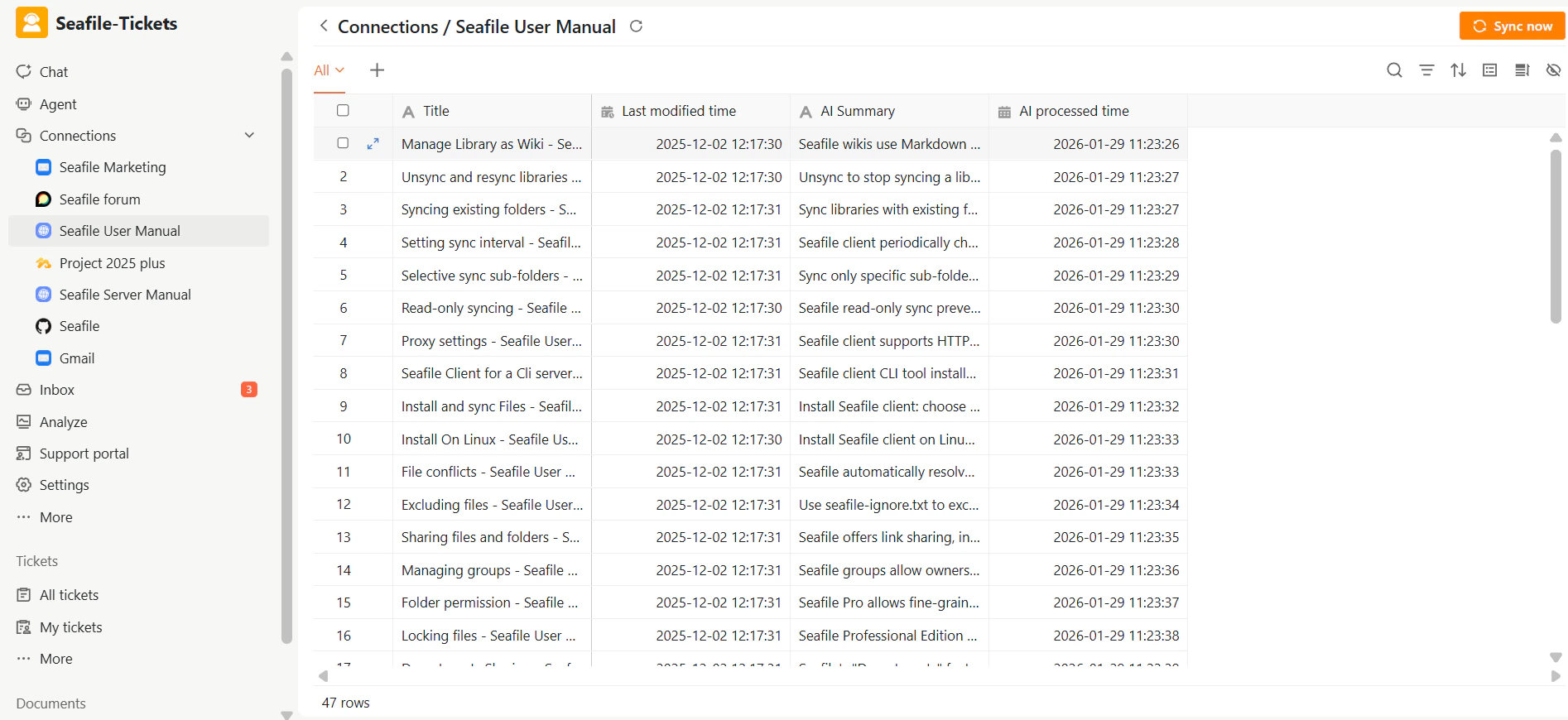
Once connected, SeaTicket automatically crawls the website and syncs all discoverable pages. Synced pages are displayed in a list under the connection in the left sidebar. Updates are automatically synced every three days For each page, SeaTicket records:- Page title
- Last modified time
- AI Summary and AI Processed time — automatically generated for each page
Viewing Page Details
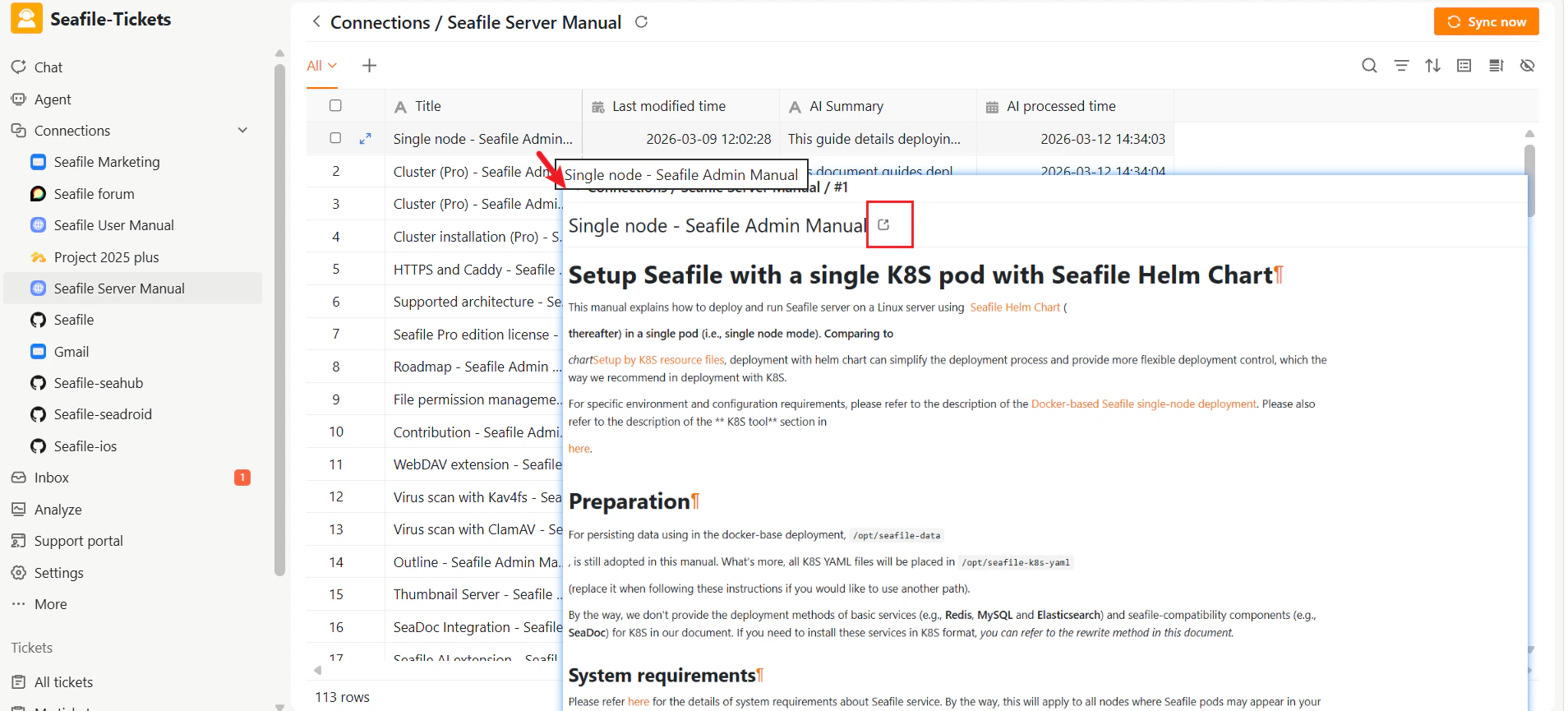
After data has been synced, click any page title to open the full-page content inside SeaTicket.