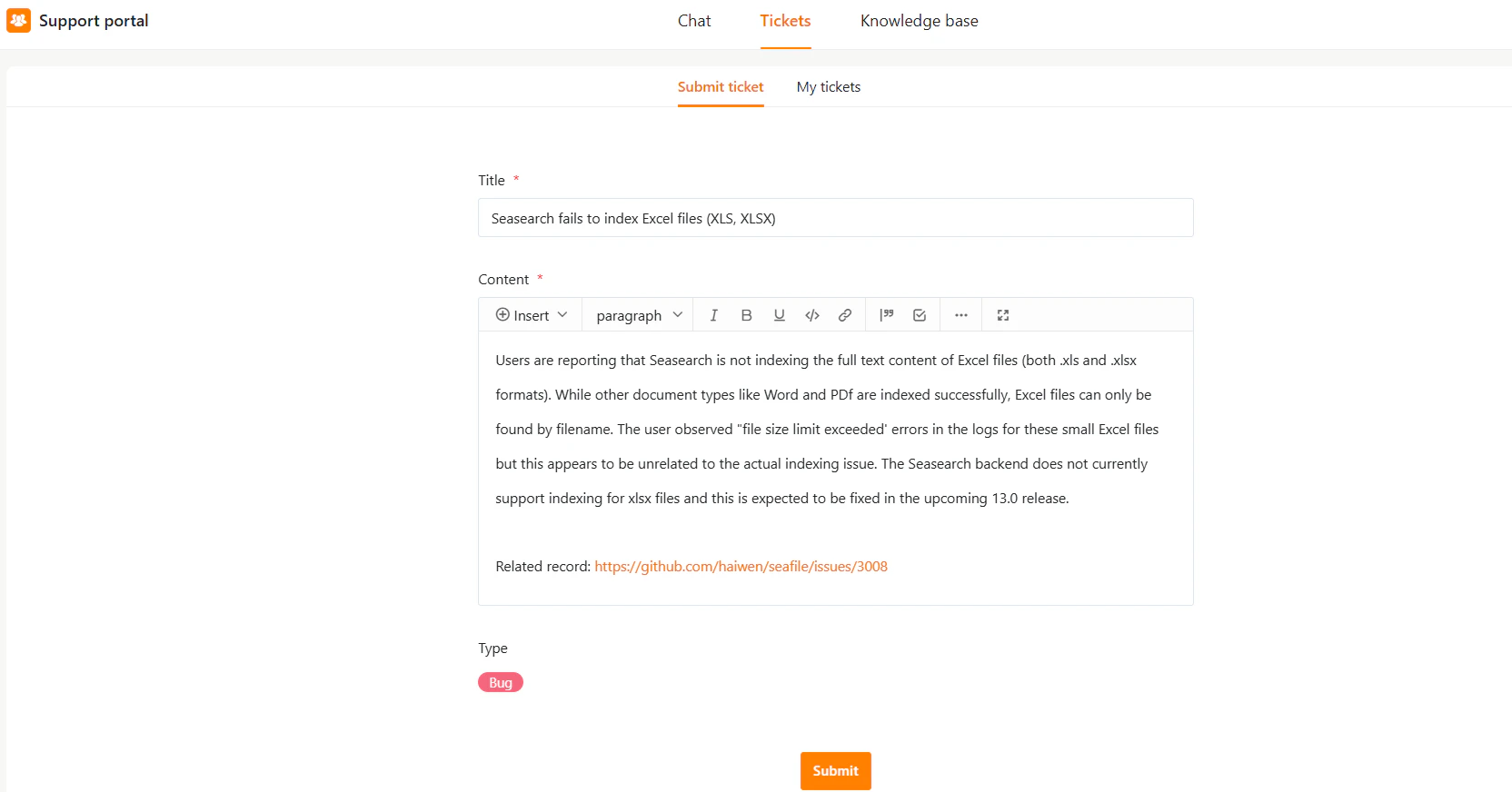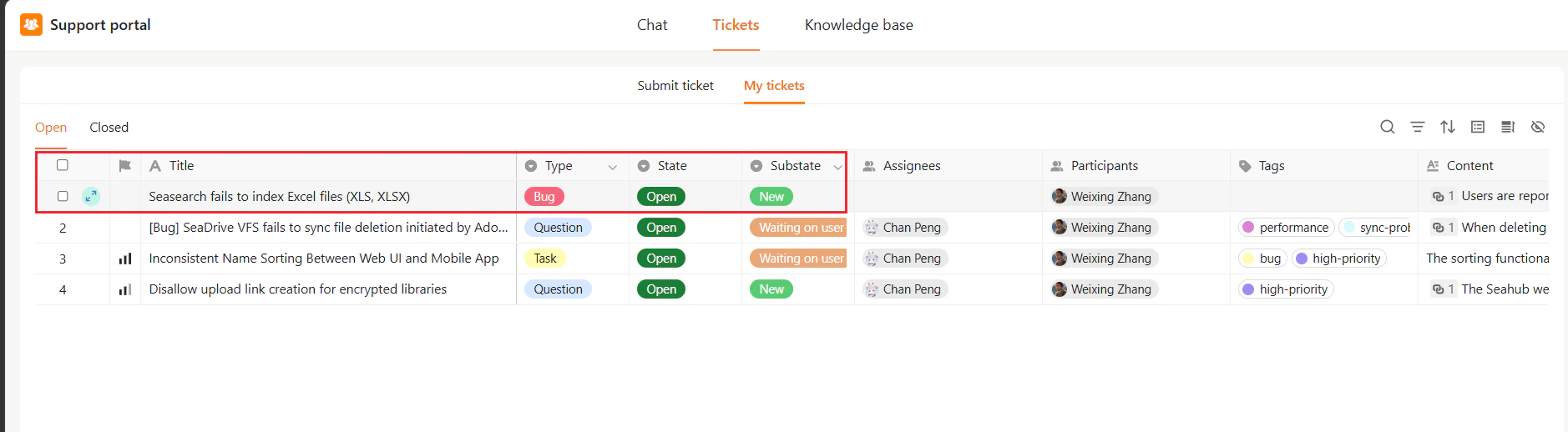

- Go to Tickets in the top navigation bar.
- Click Submit ticket.
- Fill in the required fields:
- Title – Enter a brief title for the ticket.
- Content – Describe the problem in detail. (format using the toolbar if needed)
- Type – Select ticket type (e.g., Bug, Question, Request), if available.
- Click Submit.