
Access via Email Invitation (Verification Code Login)
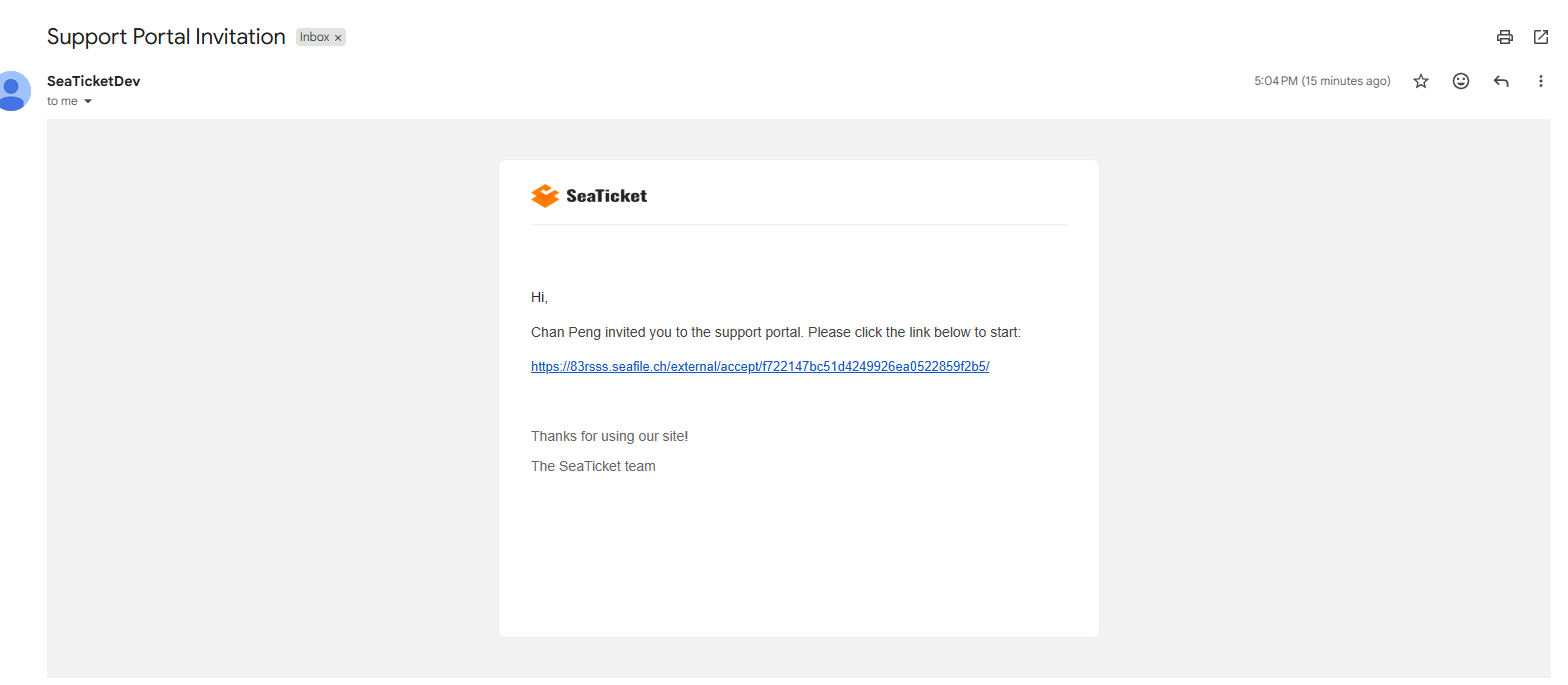
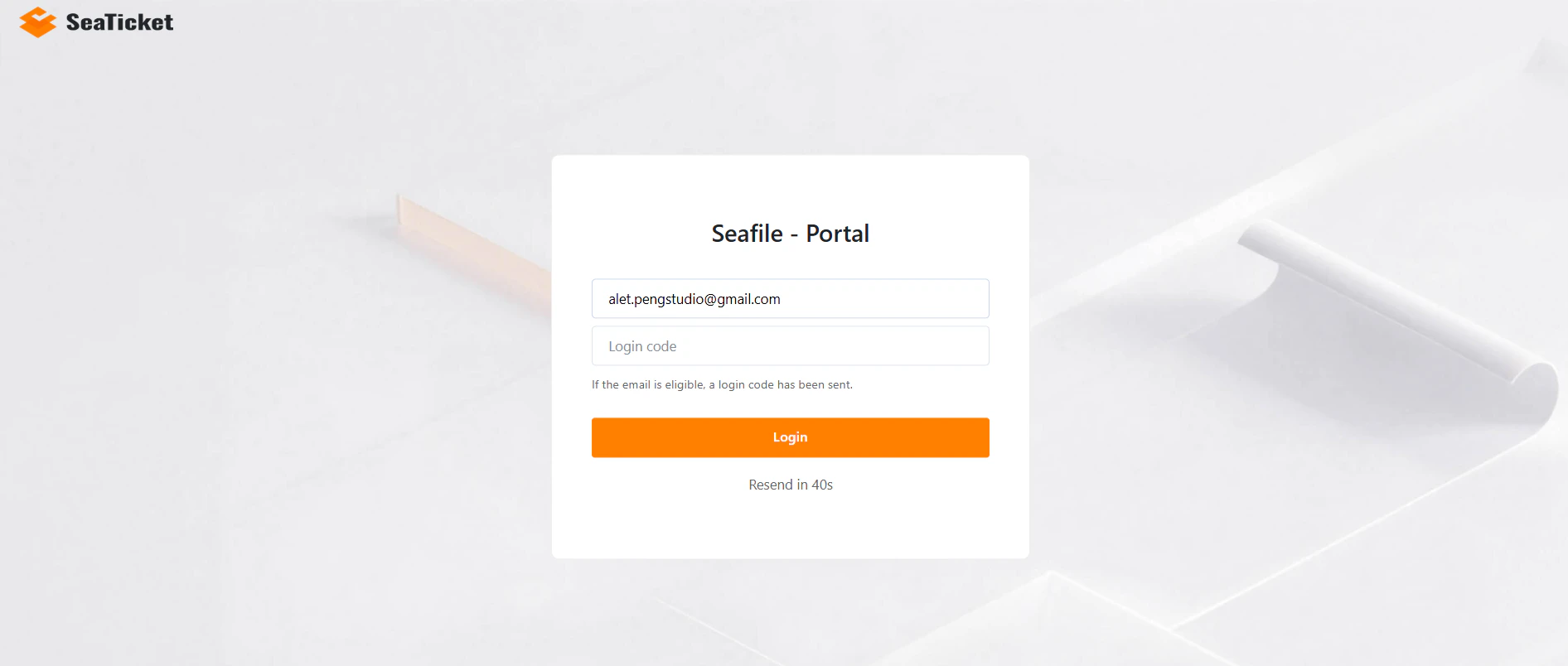
An administrator invites you to the portal using your email address. In this case:- You will receive an email containing an access link.
- Click the link, enter your email, and enter the verification code sent to you.
- You are logged in. No prior SeaTicket account is required.
Anonymous Access
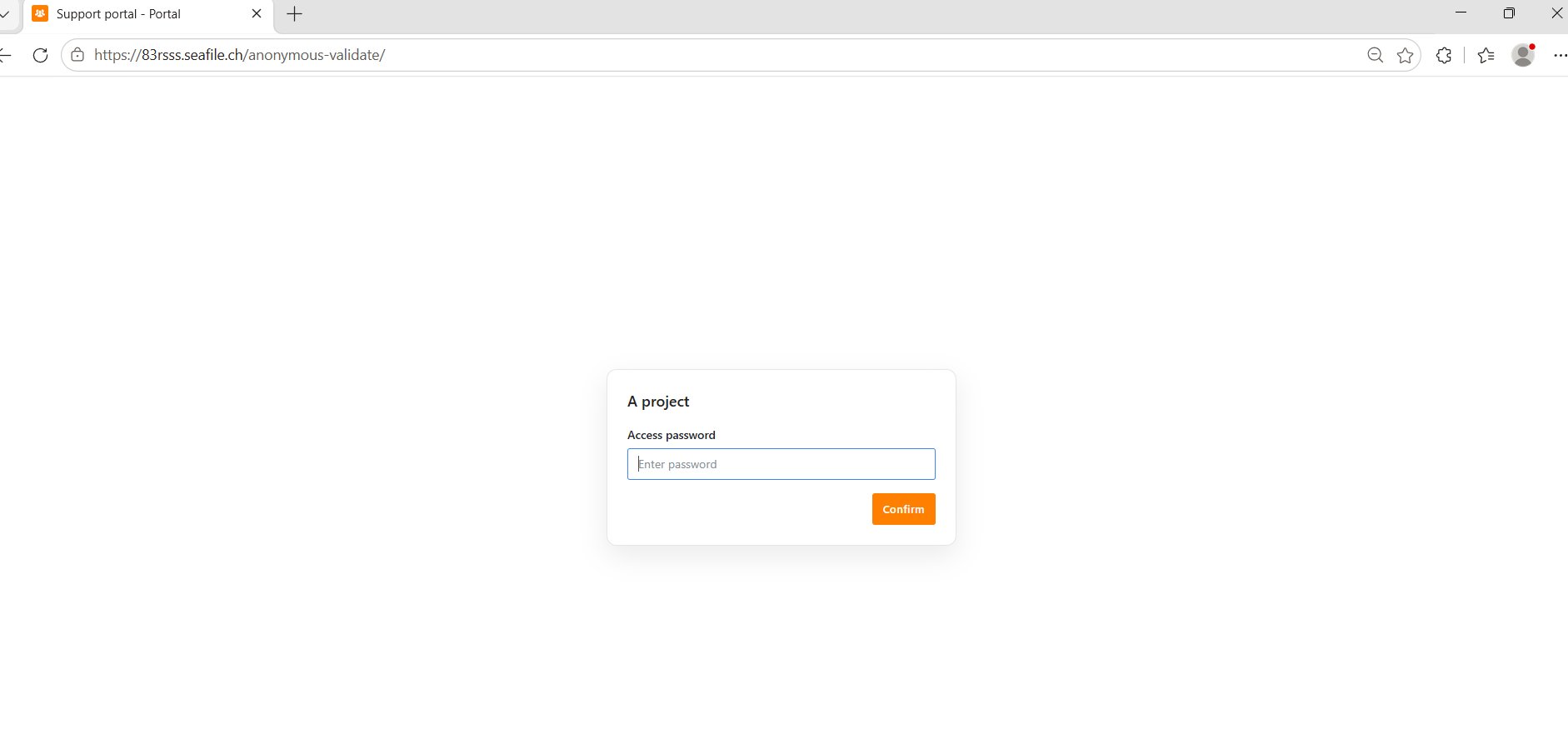
If anonymous access is enabled, users can access the portal directly through the shared portal URL without signing in. If password protection is also turned on, you’ll be asked for the password first. Anonymous users have limited access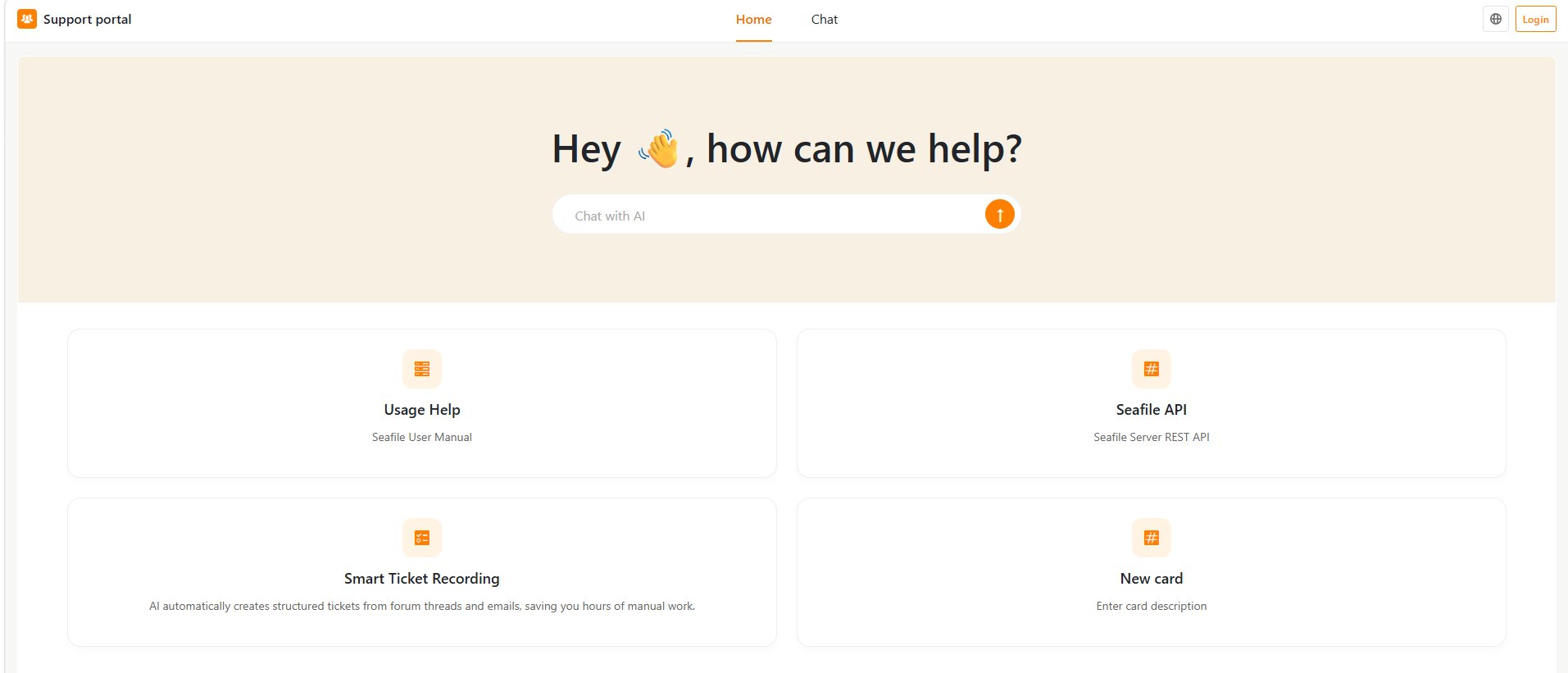
Main Interface Overview
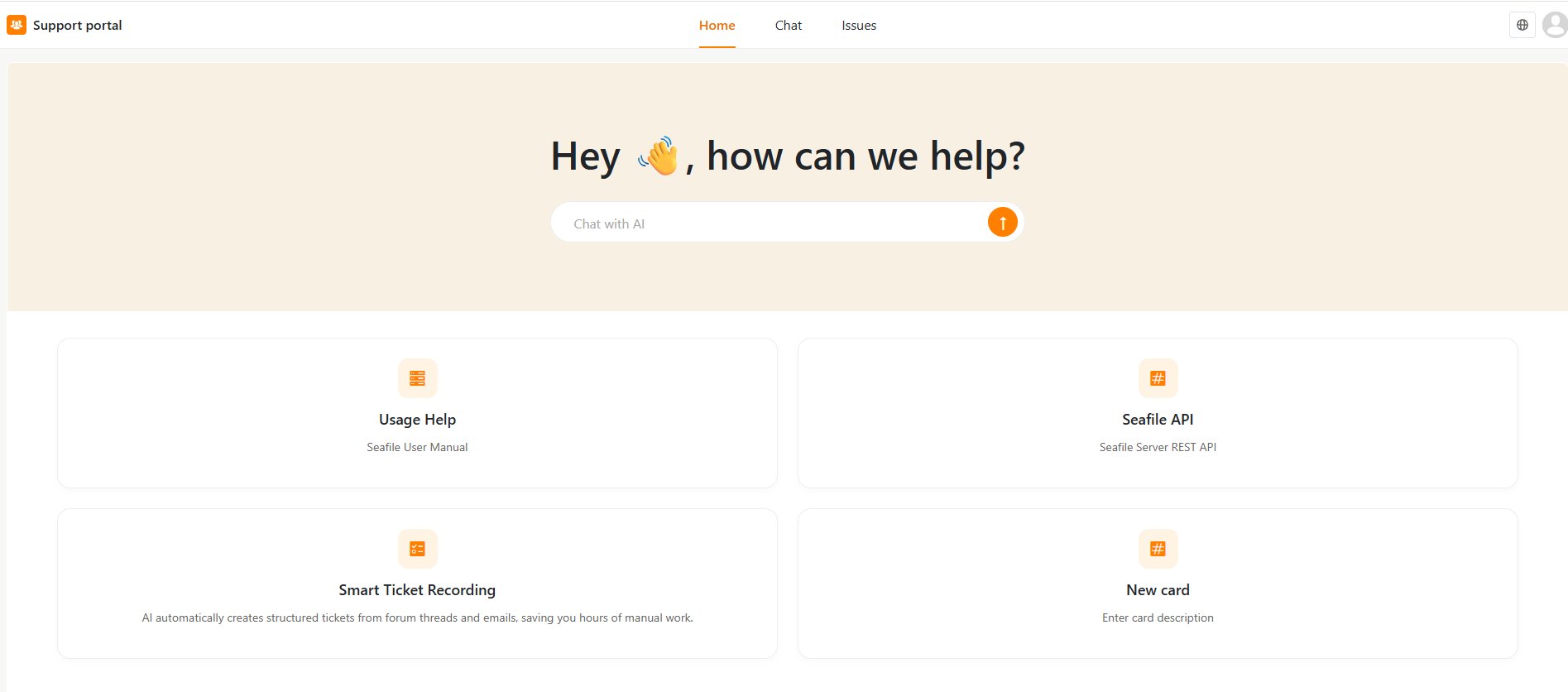
Once you’re in, the top navigation shows three sections:- Home — the portal’s landing page, usually with a chat box and shortcut cards to documentation or other resources.
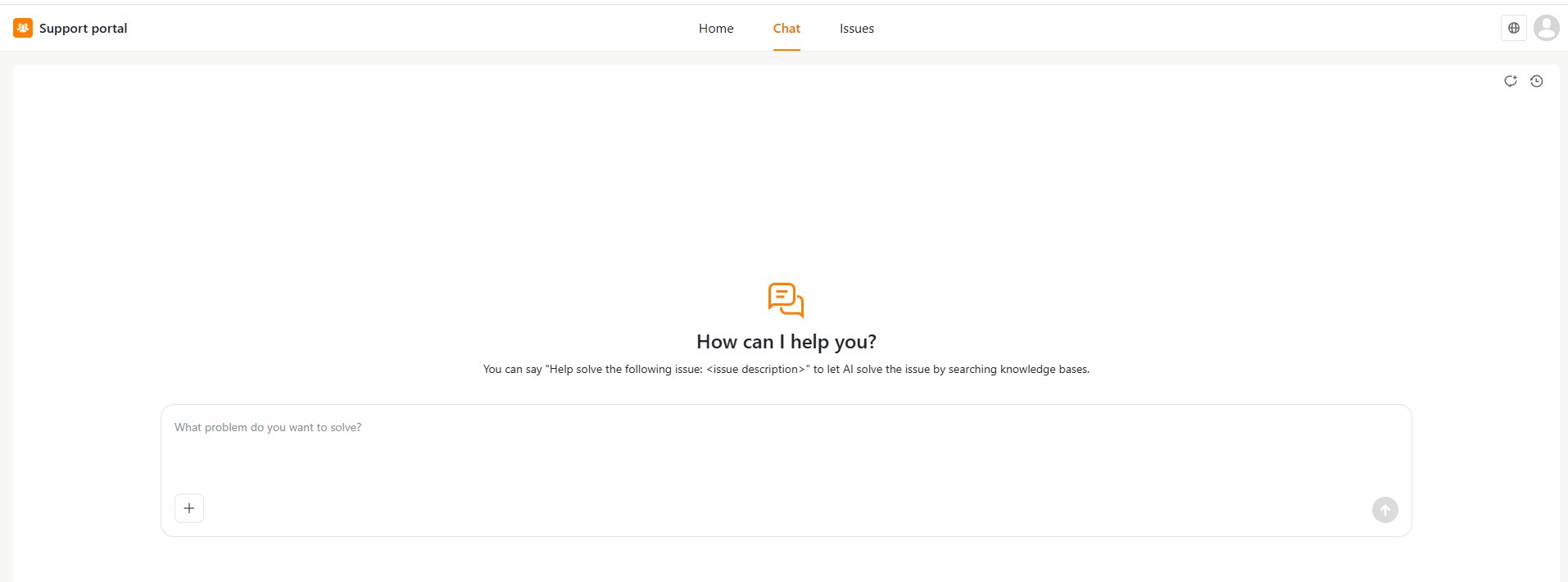
- Chat — ask a question and get an AI-generated answer.
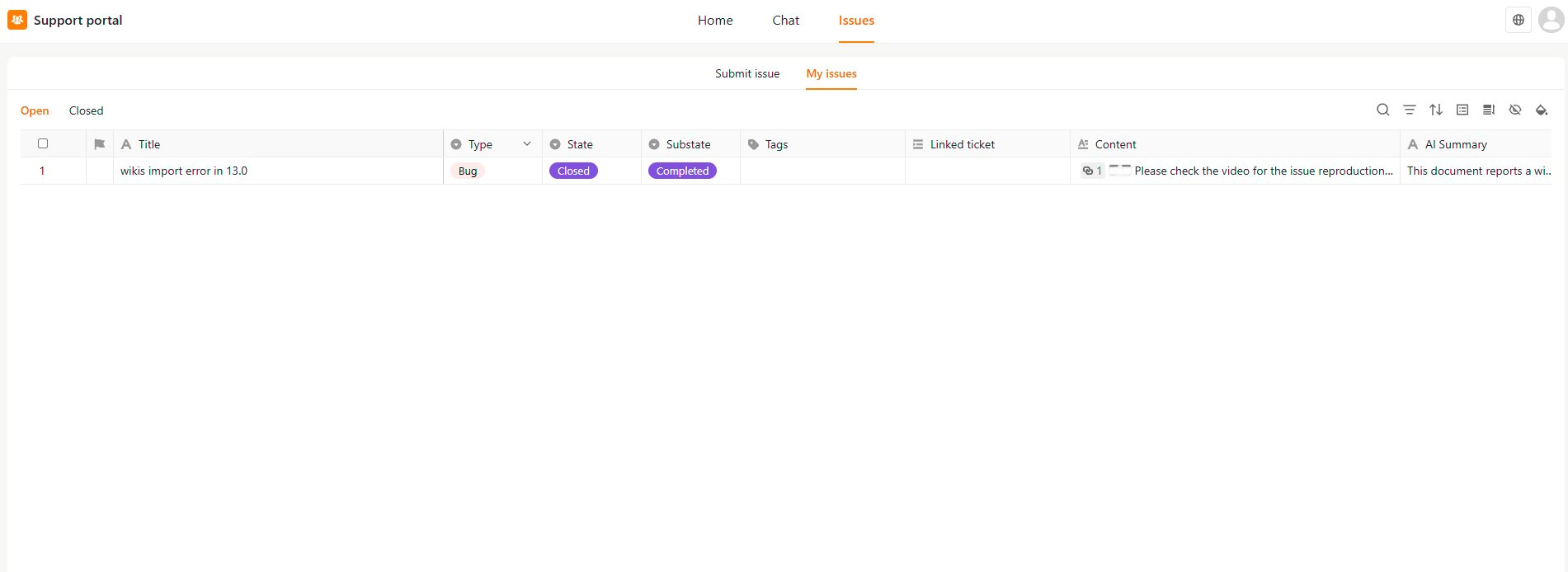
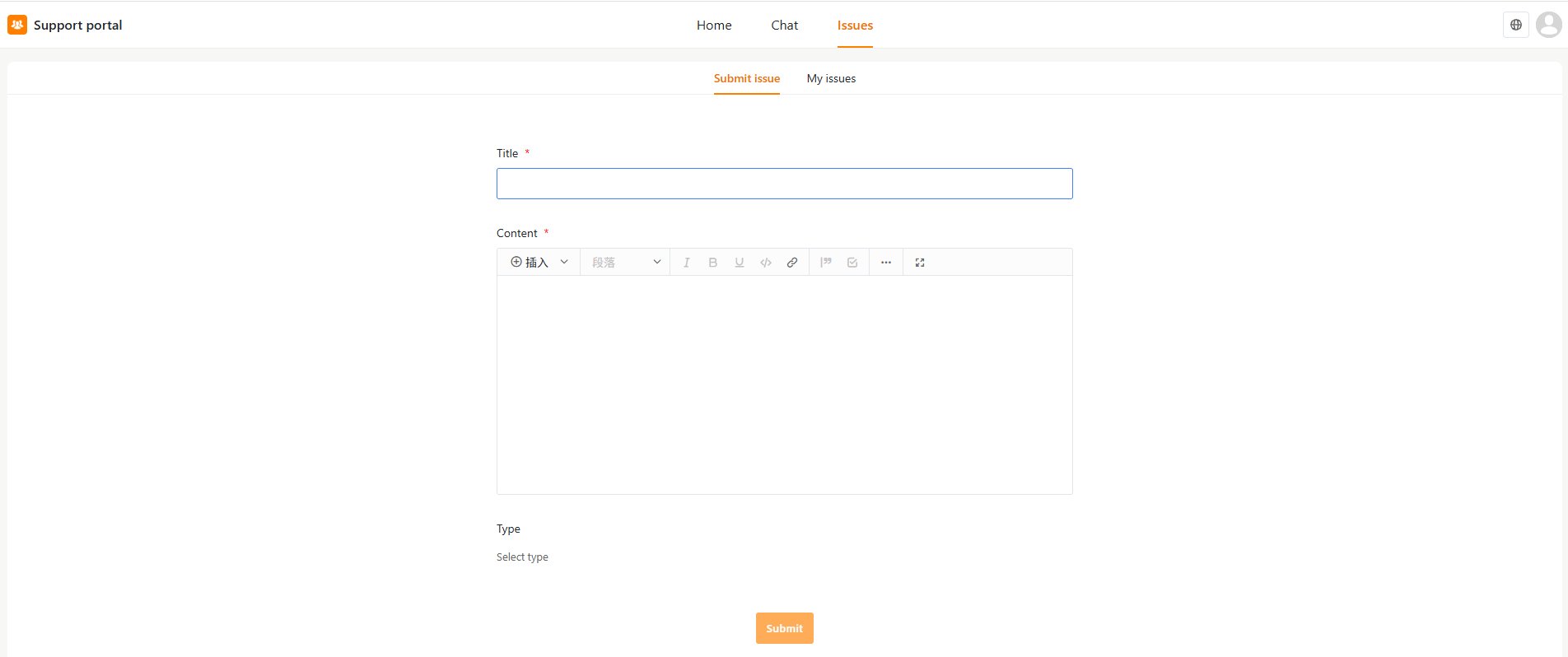
- Issues — submit a new ticket or track ones you’ve already sent in.