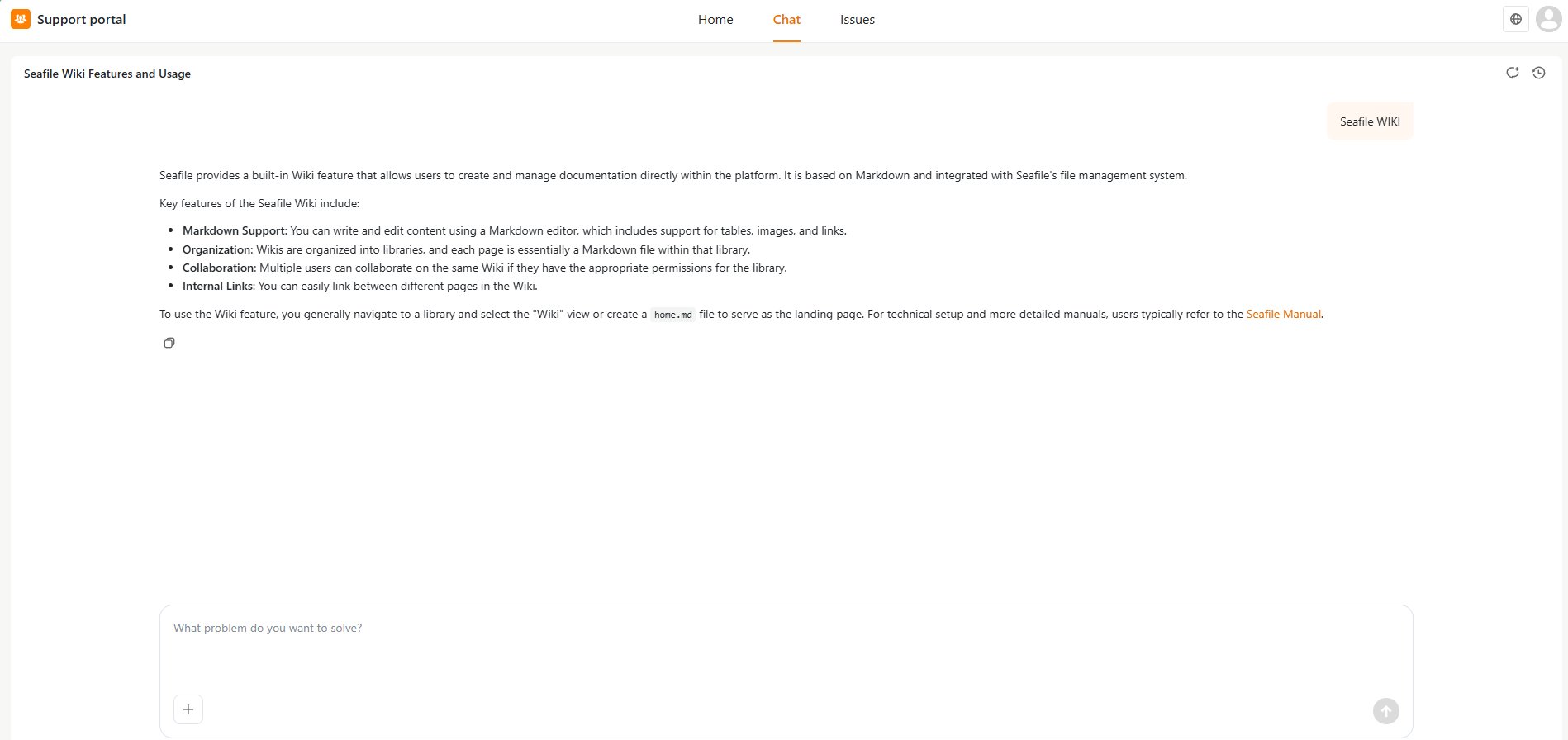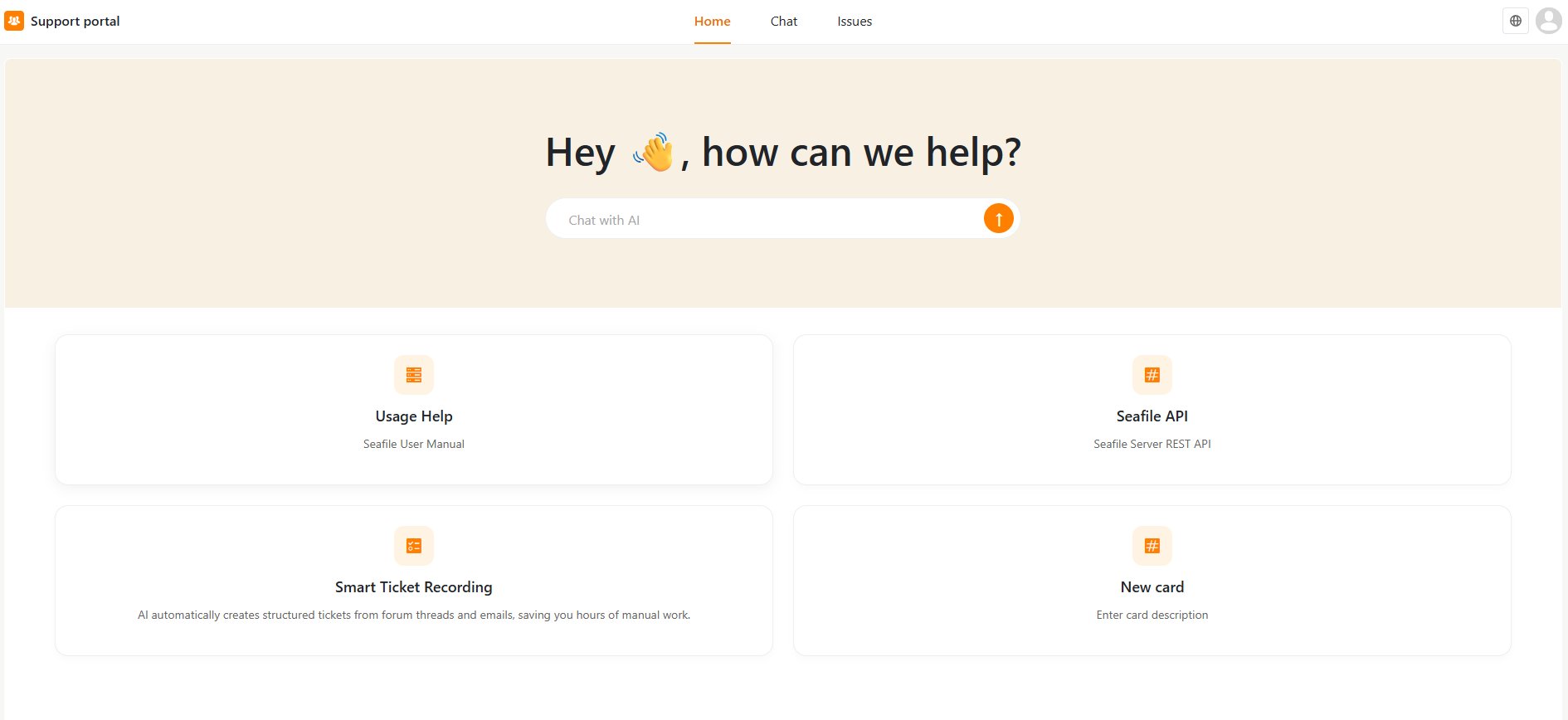

The Support Portal in SeaTicket is a customer-facing interface that lets external users self-serve and access support resources.To access the Support Portal, click Support portal in the left sidebar.With the Support Portal, external users can:Get instant help from AI-powered Chat — Users can describe their problem in natural language, and the AI will search the knowledge base to suggest solutions.
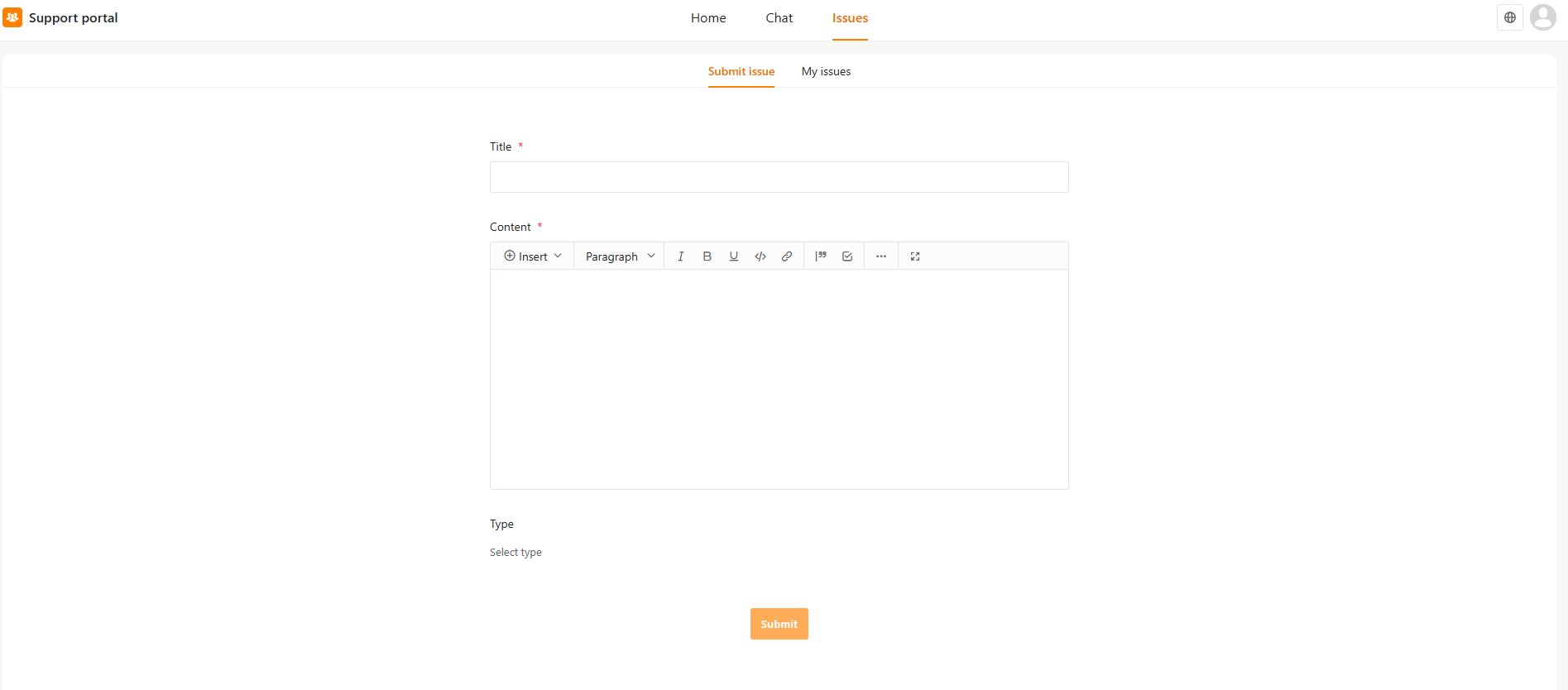
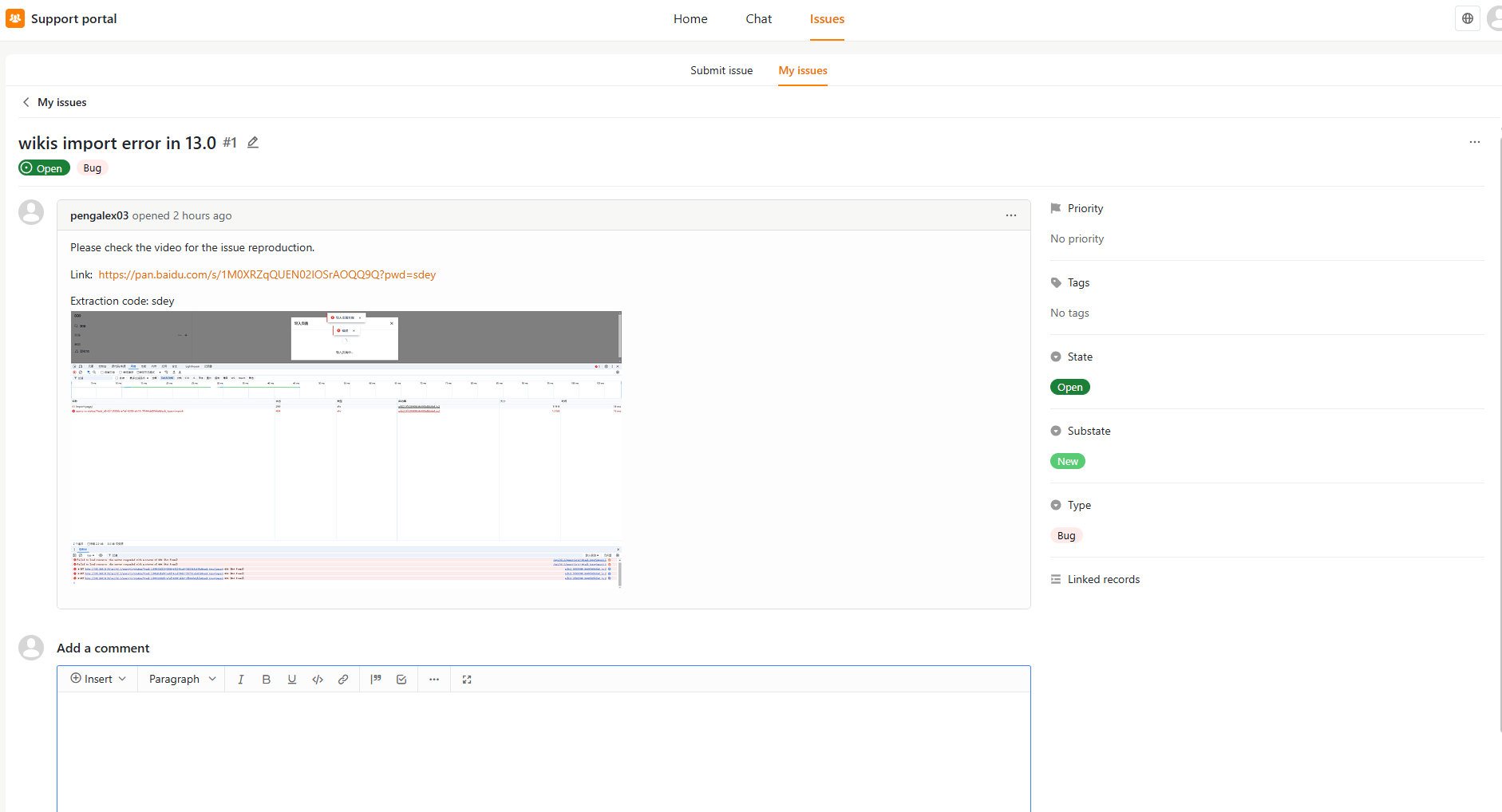
Submit and track tickets — Users can submit a new support ticket with a title, content, and type. They can also view and track the status of their previously submitted tickets under the My tickets tab.
Browse the Knowledge Base — Users can browse published knowledge base articles directly from the portal without needing to submit a ticket.Note: External users can only see and manage their own tickets. They do not have access to other users’ tickets or any internal workspace data.