

What events are recorded
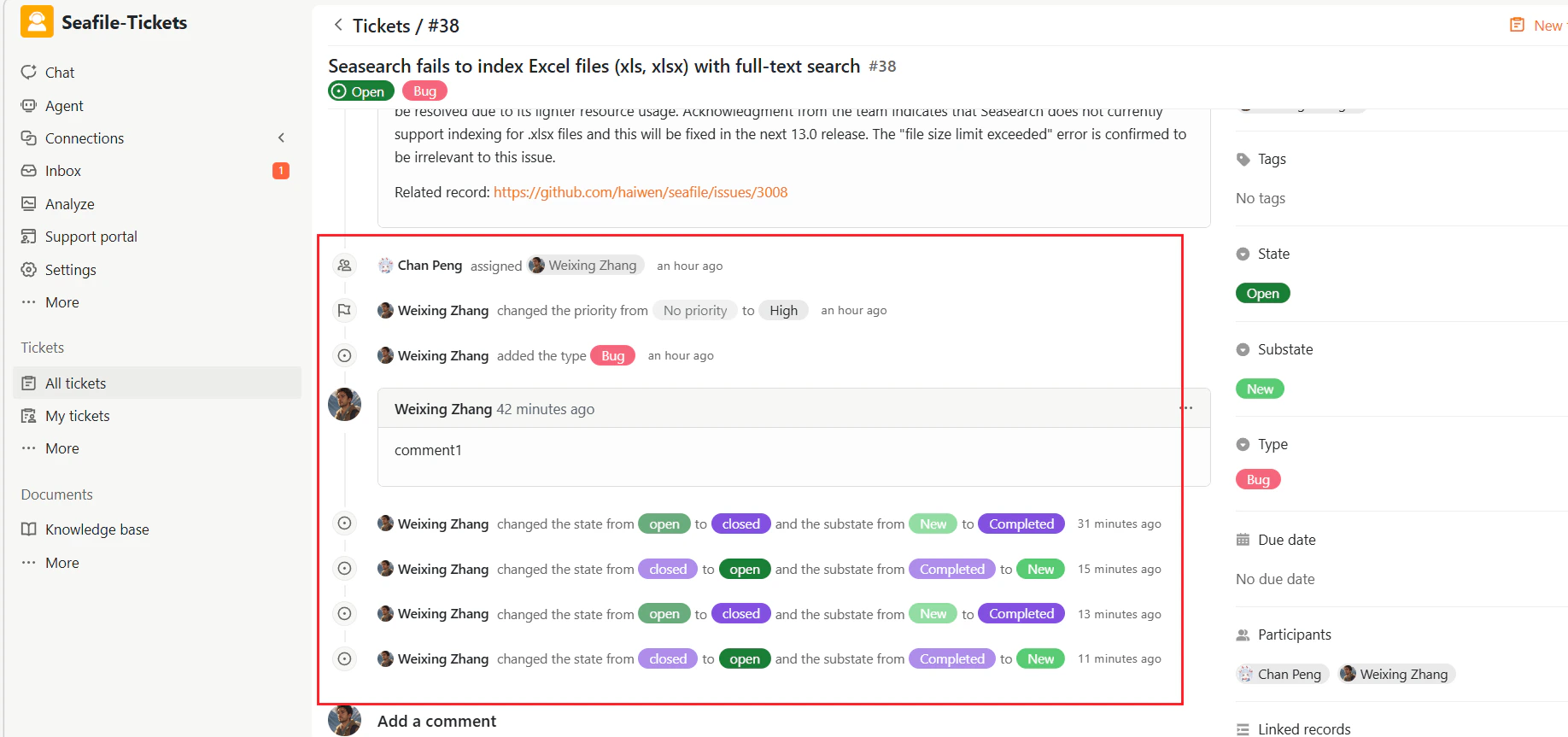
Ticket Activity includes the following types of events:- Ticket comments
- Ticket assignment and unassignment
- State and substate changes
- Updates to priority, type, and due date
- Other changes to ticket properties
Viewing Ticket Activity
To view ticket activity:- Open a ticket.
- Scroll down to the Activity section.
- Review the events in chronological order.
Event details
Each event entry displays:- The user who performed the action
- The exact change that was made
- The time the change occurred
No priority → Medium