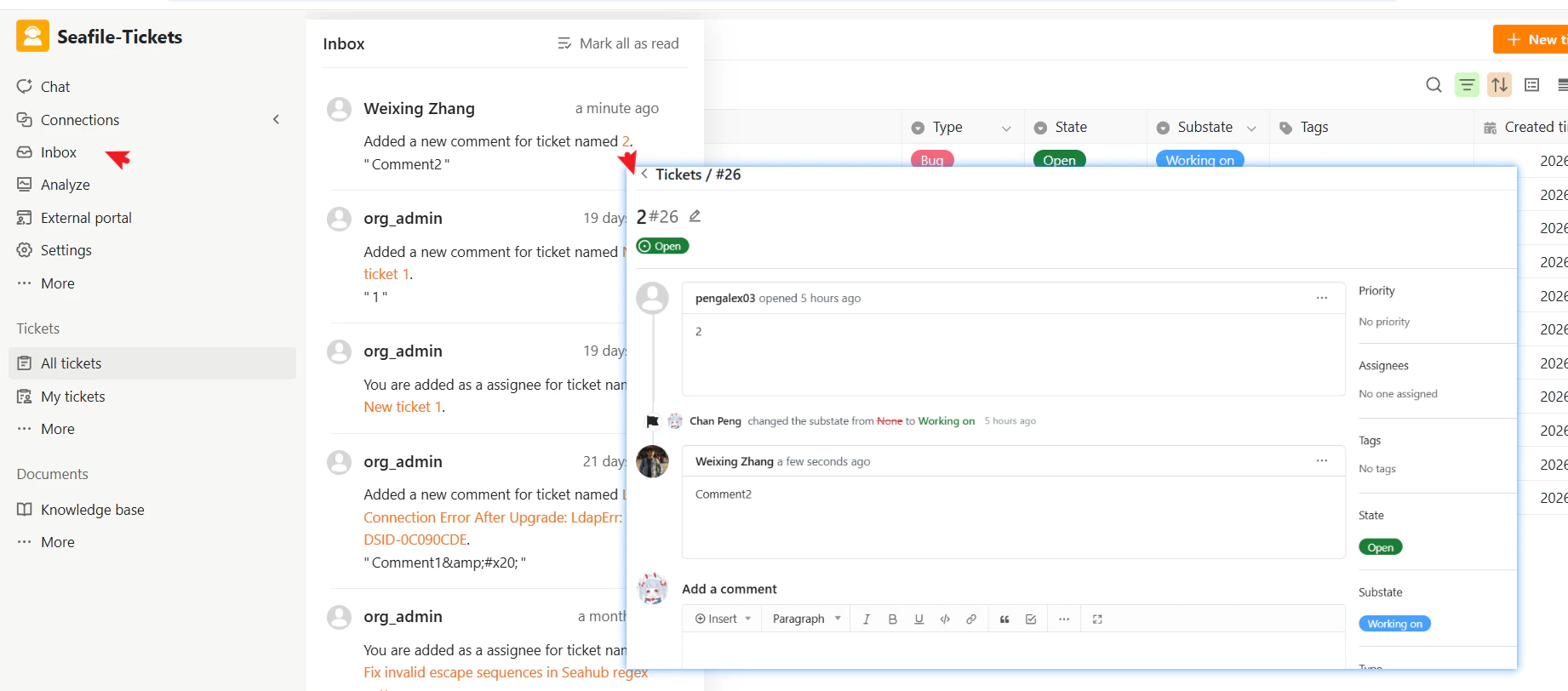

What’s in the Inbox?
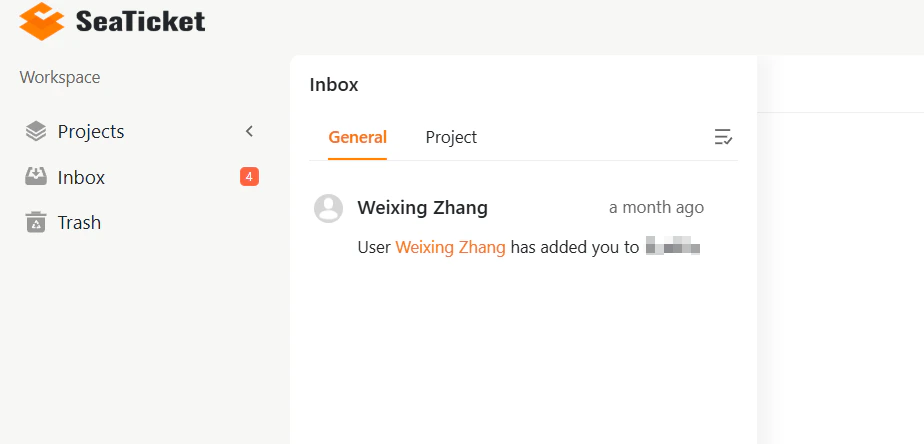
The Inbox is divided into two tabs:- General — System-level notifications such as being added to a group, membership changes, or workspace-level updates.
- Project — Activity notifications related to tickets and projects you are part of, such as assignments, state changes, comments, and mentions.
What kinds of notifications will you see?
Notifications are created automatically when relevant activity occurs across SeaTicket. You will receive a notification when:- You are added to or removed from a group
- A ticket is assigned to you
- A comment is added to a ticket you are involved in
- A ticket you own or are participating in changes state
- You are mentioned in a ticket discussion
Managing Notifications
To manage the notifications, you can:- Mark individual notifications as read by selecting them. This helps to keep your Inbox organized.
- Use the “Mark all as read” option to clear multiple notifications at once.
Project-Specific Updates
If you’re working on multiple projects, the Project tab within the Inbox helps you filter the updates that are specifically relevant to those projects. This way, you can easily find and focus on the updates that matter most to your current work.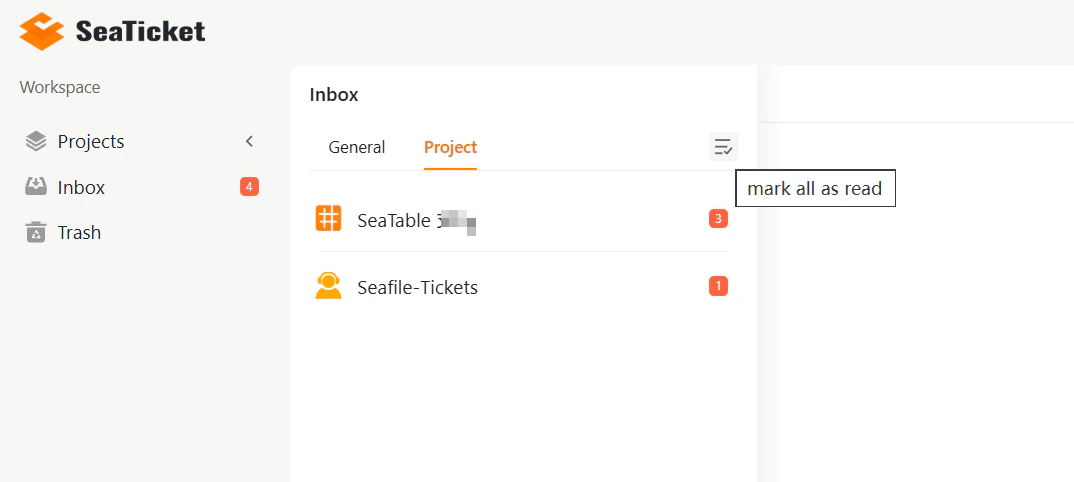
Actioning Notifications
- Project updates will link you directly to the project page for quick access to the task or discussion.
- Clicking a ticket notification opens the ticket details, where you can view comments, assign it, or reply.