

- Track and manage issues in one place
- Collaborate with teammates on tasks and resolutions
- Assign responsibilities and follow up on progress
Ticket user roles
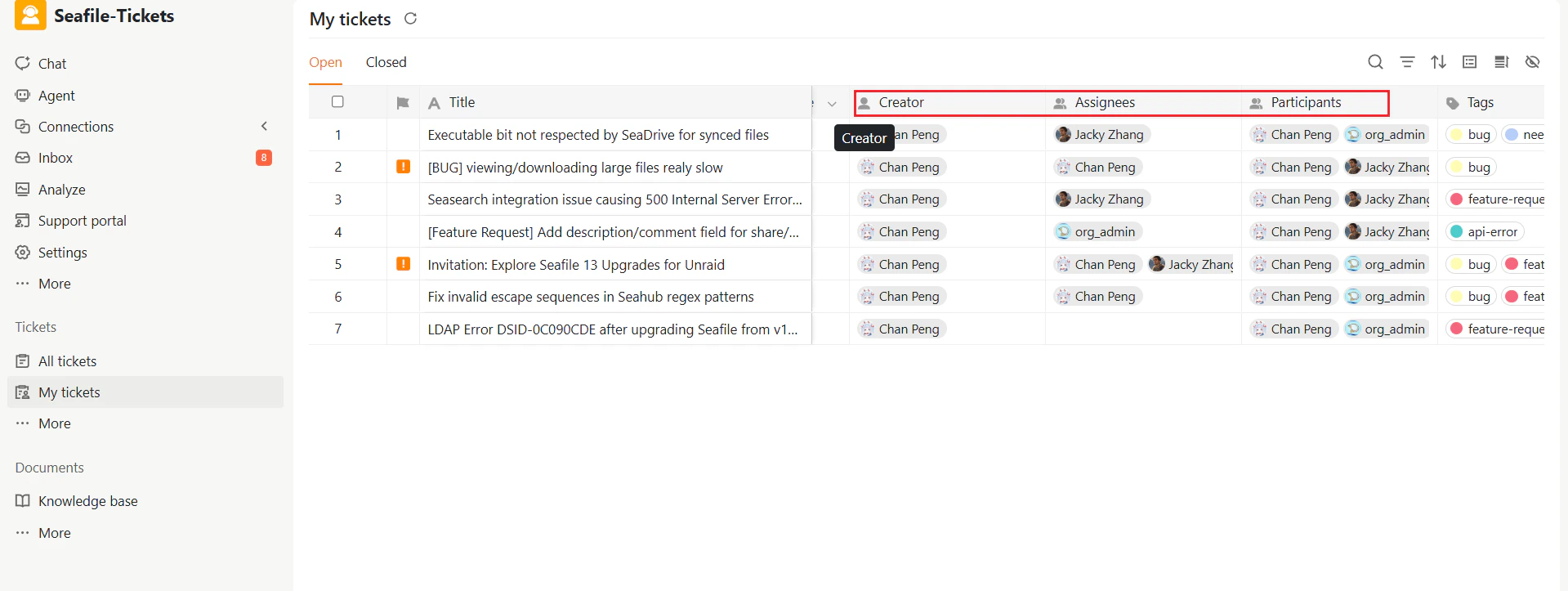
As you work with tickets, you’ll encounter several types of users associated with each ticket:- Creator: The person who creates the ticket.
- Assignees: The responsible responder once the ticket is assigned.
- Participants: Team members involved in handling the ticket or participating in discussions are automatically included.
The ticket lifecycle
Each ticket progresses through several stages from creation to resolution.- Open – New: When a support request arrives, it’s automatically created as a ticket and assigned this status.
- Open – Working on: The responder updates the ticket to this status when actively addressing the issue.
- Open – Waiting on user: If the responder needs additional information or has a follow-up question, the ticket moves to this status while awaiting the requester’s response.
- Closed – Completed: The issue has been resolved and the ticket is closed.