
- In the left sidebar of your project, click Settings.
- Scroll to the Support portal section and toggle it on.
- Under Language for AI summary, choose the language the AI should use when it generates issue summaries in the portal.
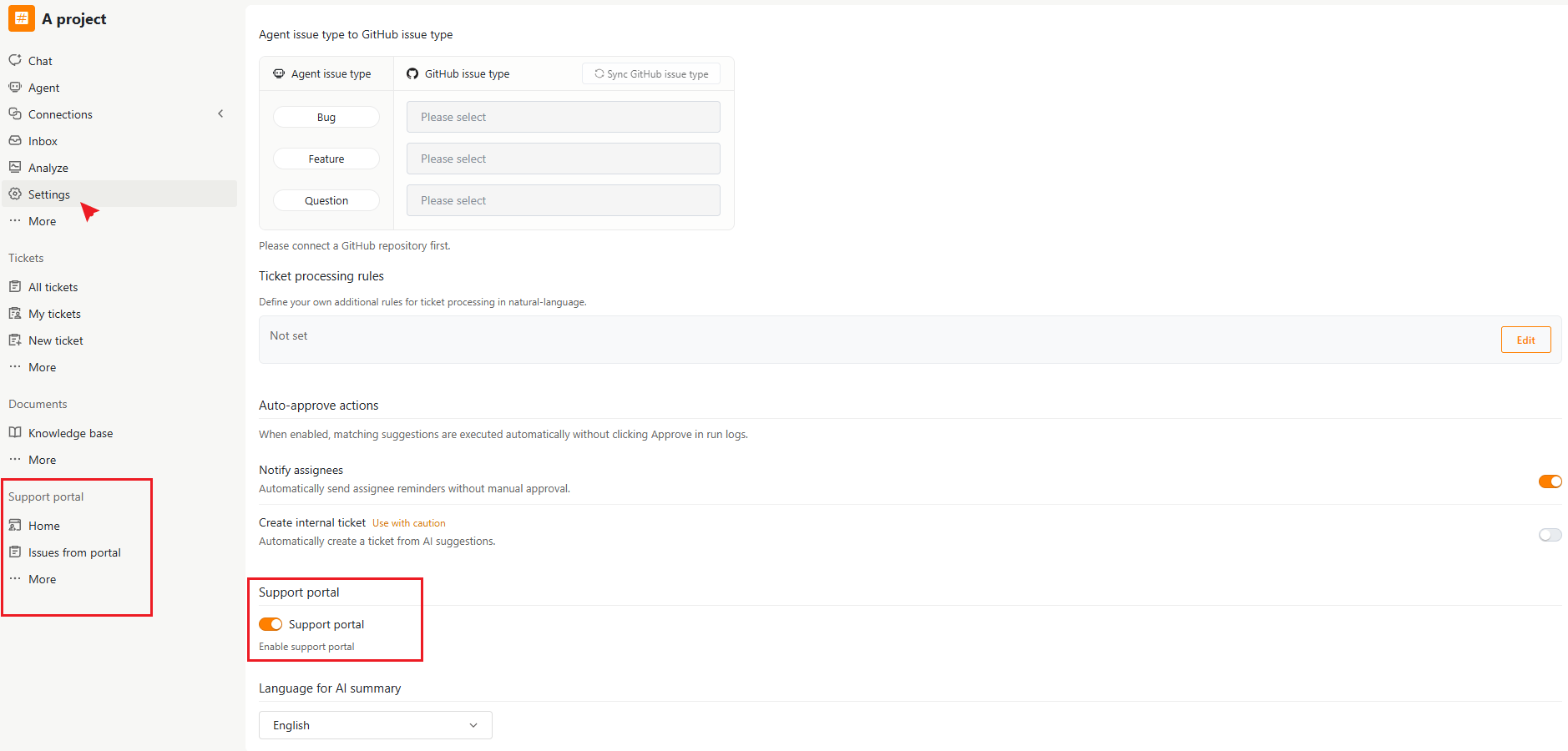
What Appears After Enabling
Once enabled, a new Support portal group appears in the left sidebar, containing:- Home
- Issues from portal
- More
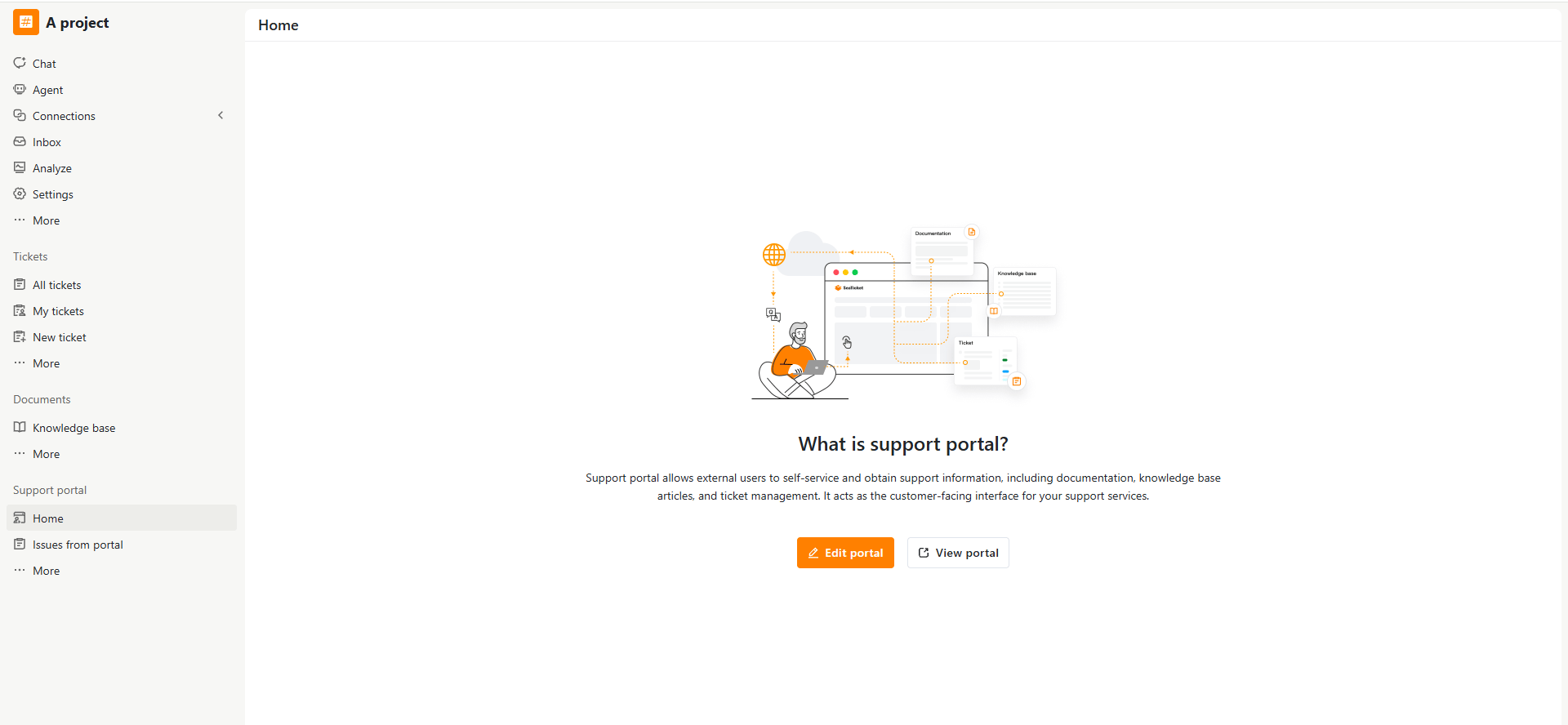
Home
The entry point for configuring and previewing your portal.- Edit portal — open the portal editor to configure branding, the home page, access, and data sources.
- View portal — Preview the customer-facing portal.
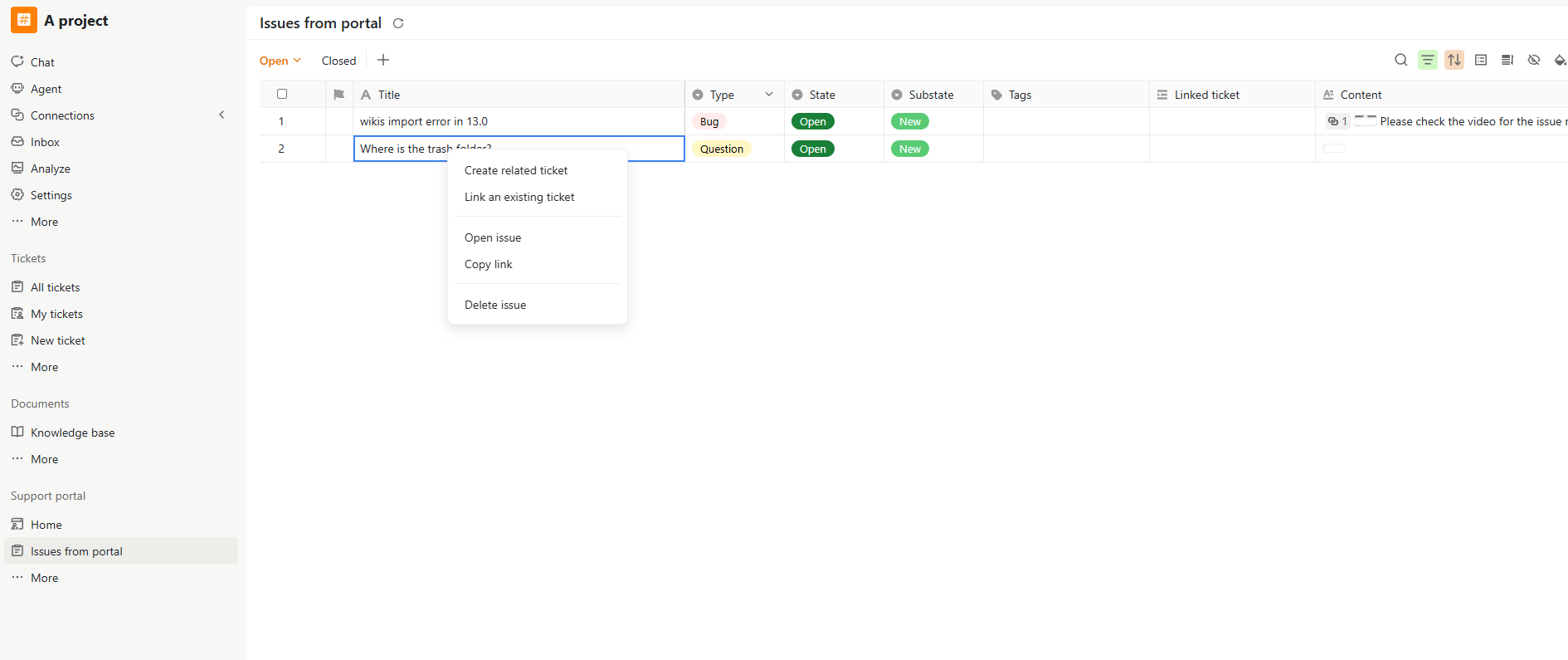
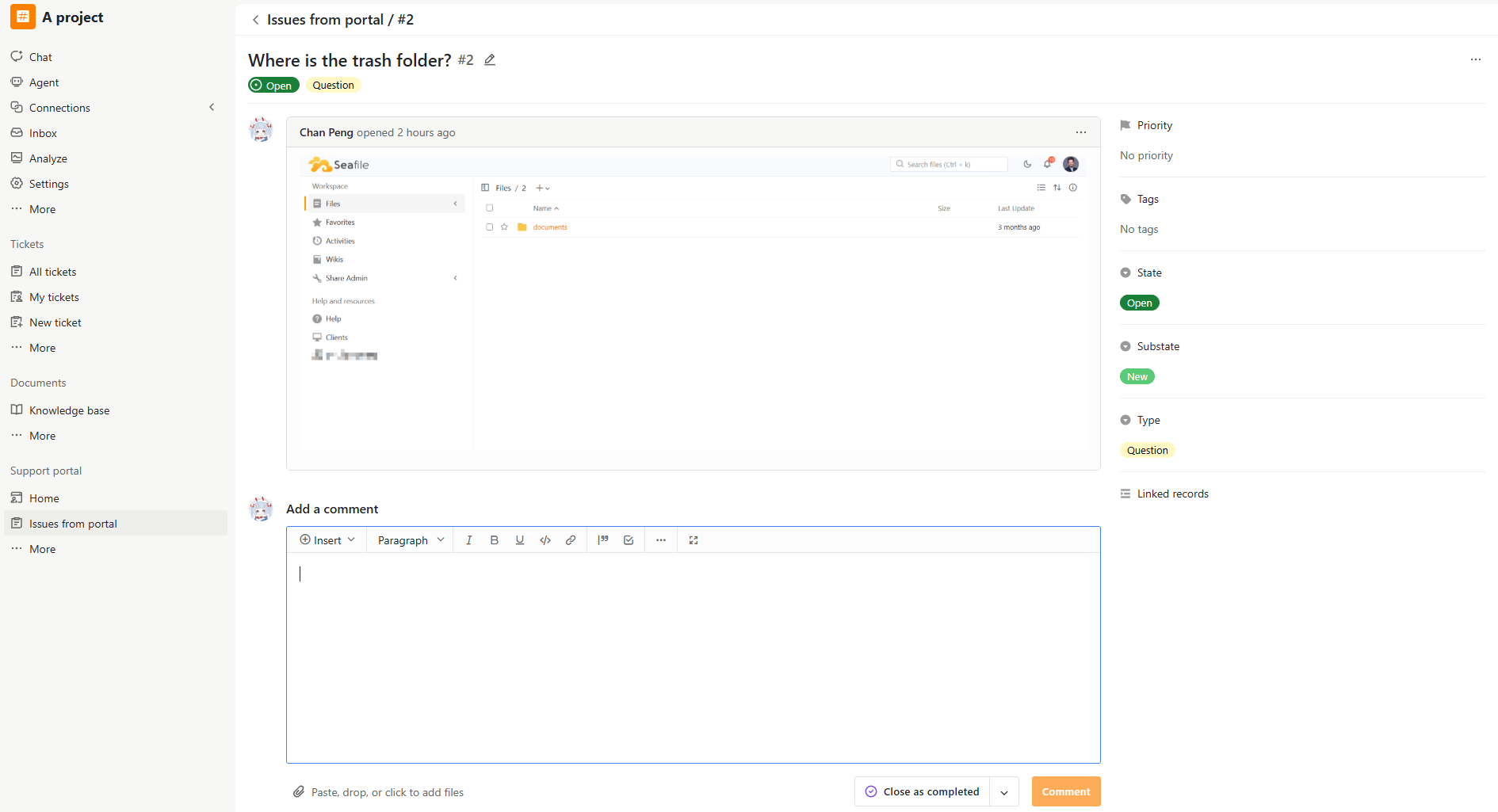
Issues from portal
Manage and respond to issues submitted by external users. You can:- Review and process portal issues
- Reply to external users through comments
- Update issue details and statuses
- Close resolved issues
- Convert portal issues into internal issues for further investigation or bug fixing
More
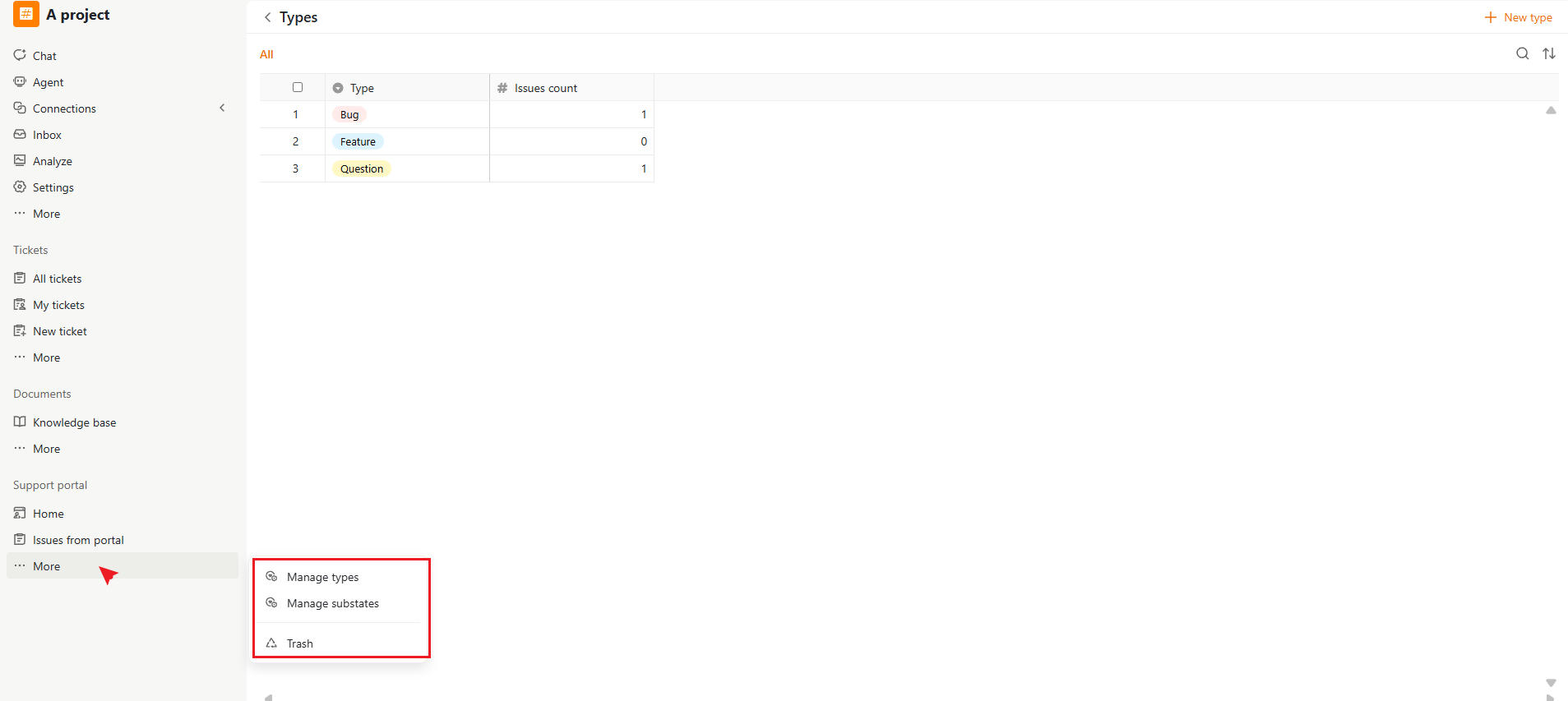
Additional portal management options:- Manage types — Configure issue types available in the portal
- Manage substates — Configure portal substates and workflows
- Trash — Restore deleted external issues