
Accessing Your Profile Menu
When you click the avatar icon in the top-right corner of the dashboard, a dropdown appears showing your name, your AI credit usage, and three options: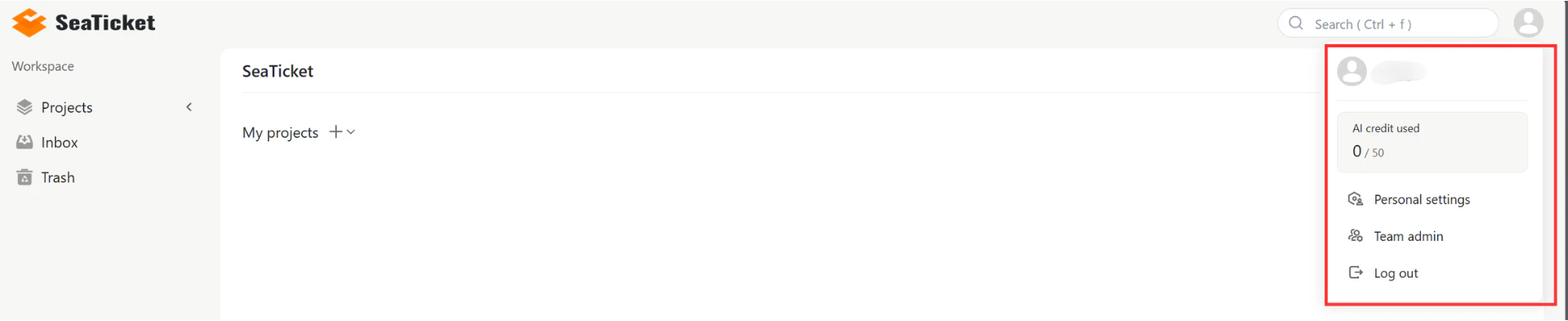
Personal Settings
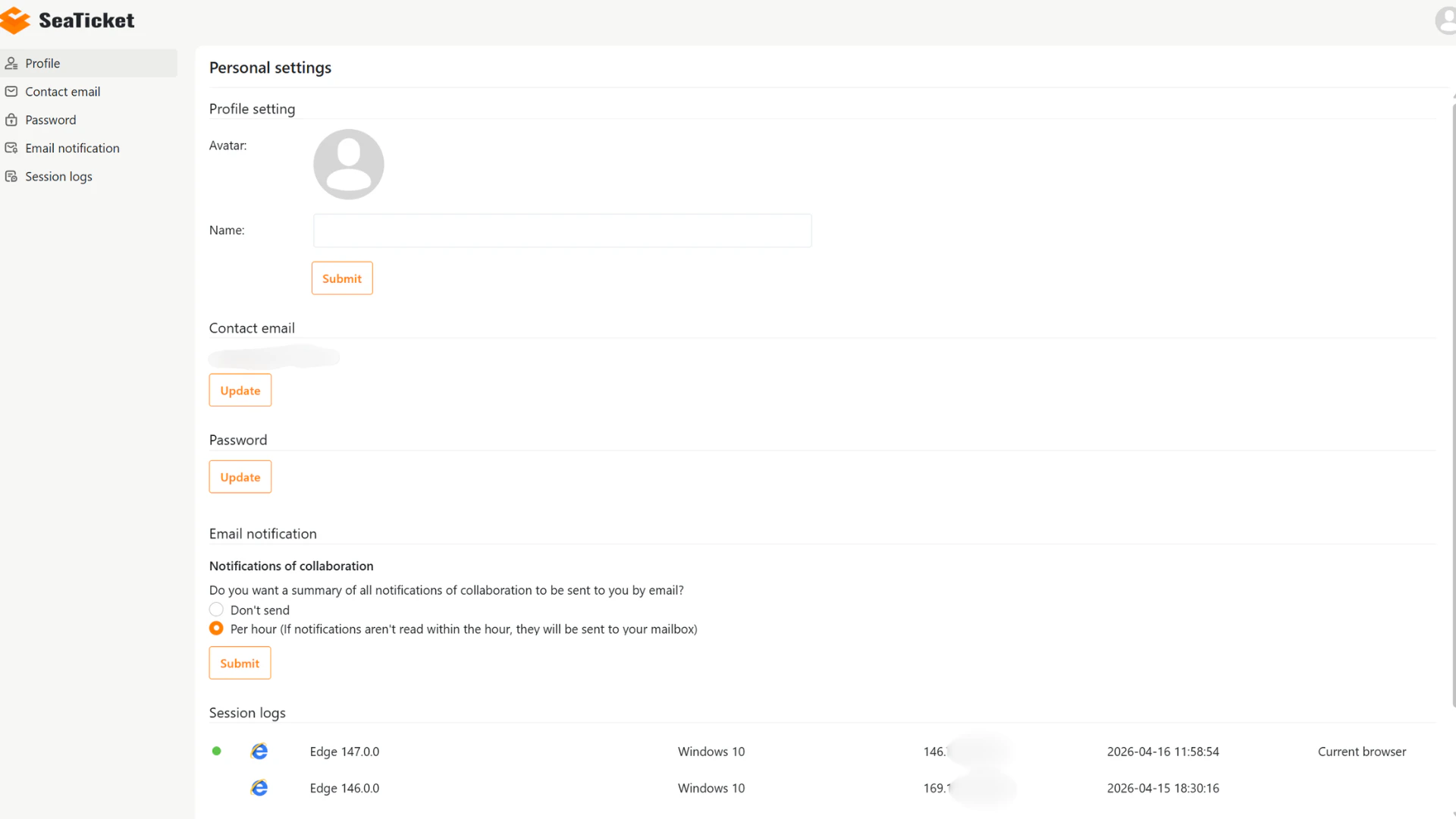
Clicking Personal Settings opens a dedicated settings page with the following sections in the left sidebar: Profile — Upload or change your avatar and update your display name. Click Submit to save. Contact email — View your registered email address. Click Update to change it. Password — Click Update to set a new password for your account. Email notification — Control how collaboration notifications are delivered to your inbox. Choose between:- Don’t send — no email notifications.
- Per hour — unread notifications sent to your mailbox hourly.