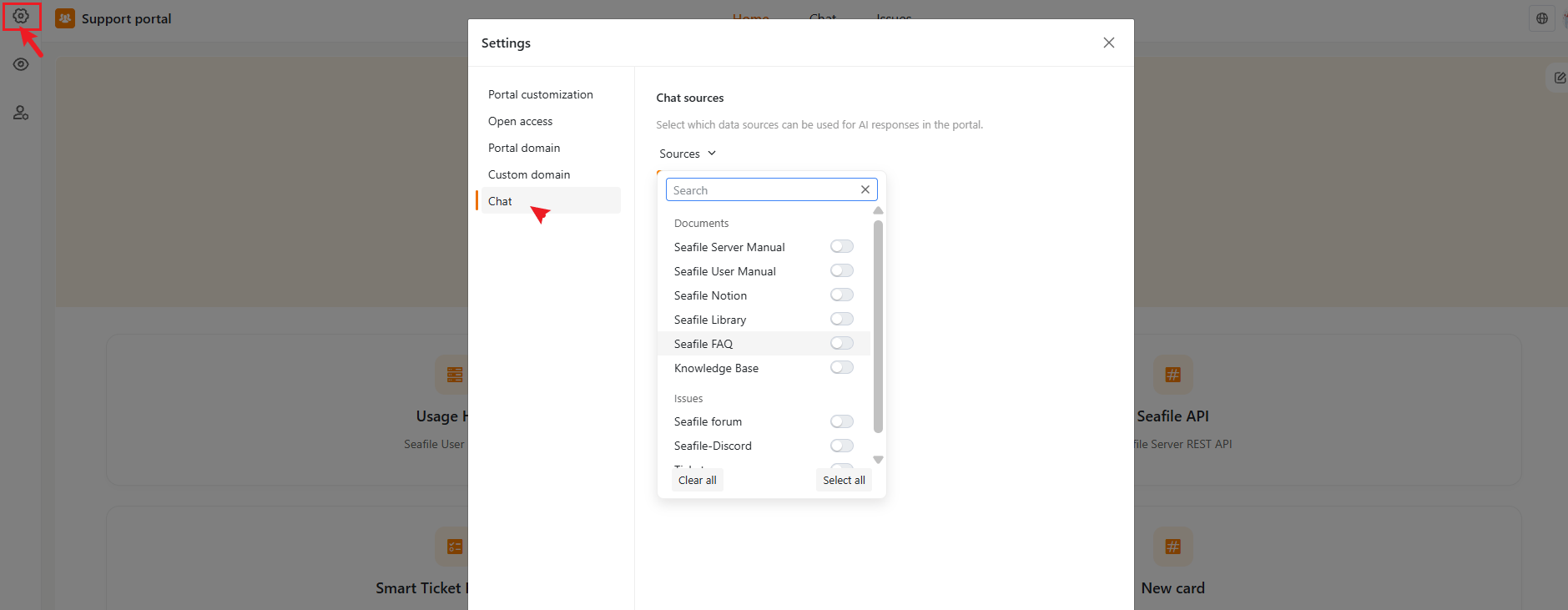

Chat Sources
Define which data sources the AI Chat uses to generate responses. Selecting appropriate sources lets you control the quality and scope of the AI’s answers. Open the Sources dropdown to see a searchable, categorized list — for example:- Documents — manuals, notes, FAQs, and knowledge base articles you’ve connected
- Issues — threads synced from connected sources such as a Github, forum, Discord
- Tickets — internal tickets, if applicable