
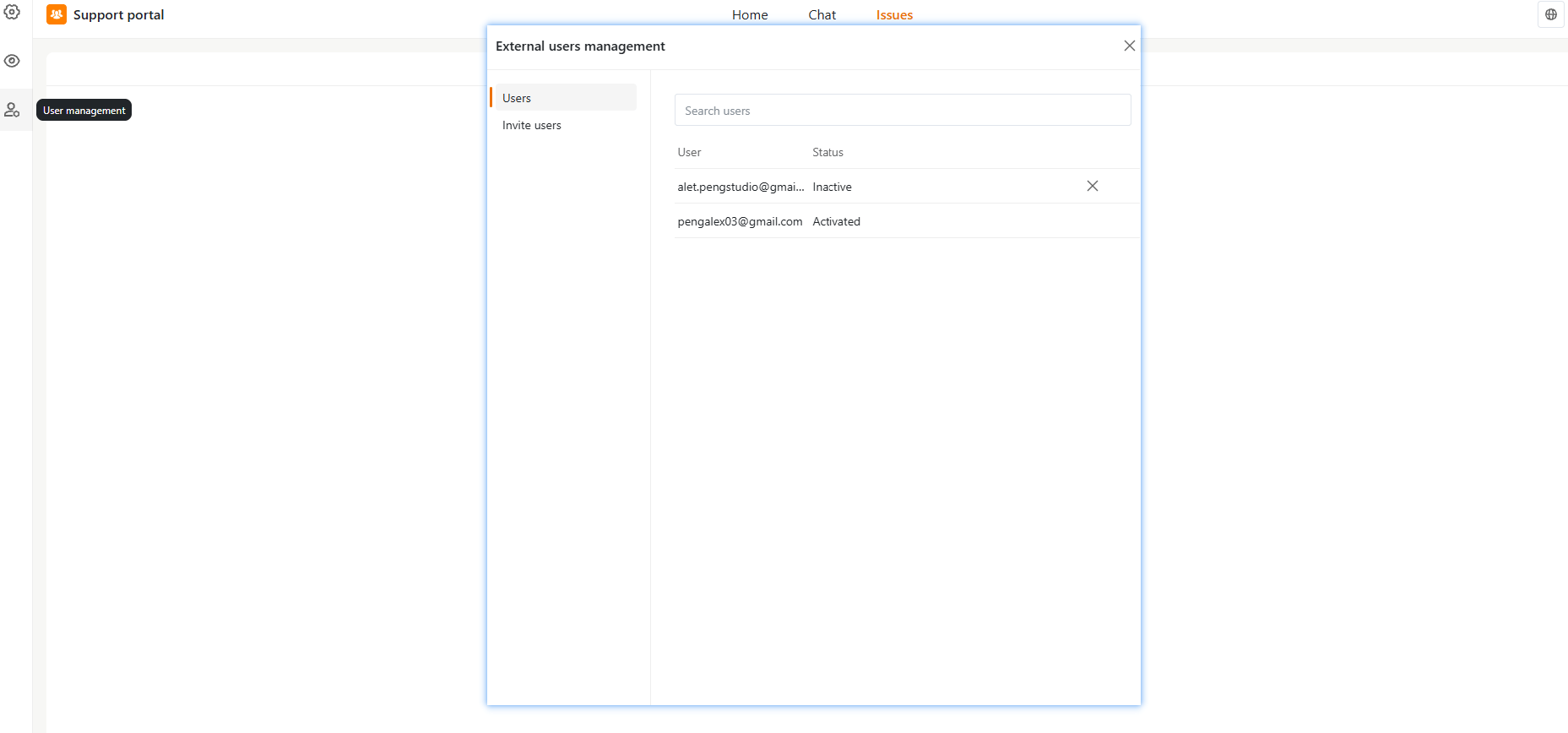
Users Tab
The Users tab displays a list of all external users with the following information:- User: Email address
- Status:
- Activated: User has access and can log in
- Inactive: User has not activated their account or access has been disabled
- Search Users: Use the search bar to quickly find users by email.
- Remove User: Click the X icon next to a user to delete or revoke access.
Inviting New Users
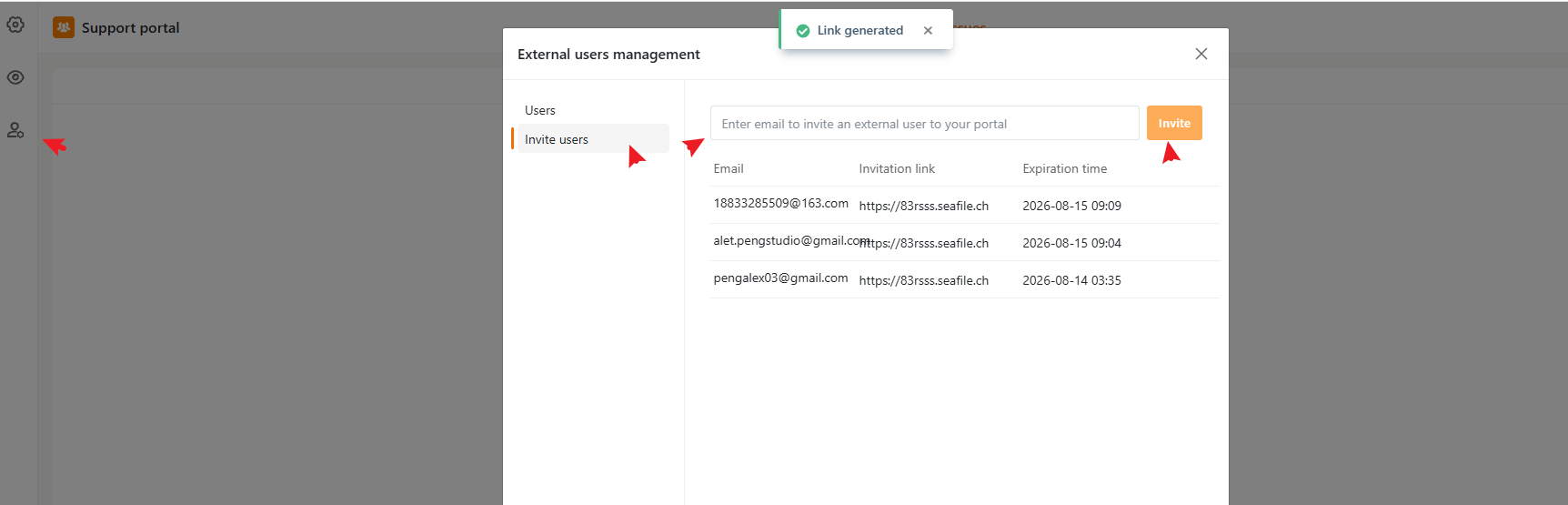
In addition to the Portal URL, you can invite specific users to temporarily join your External Support Portal via email invitations. Steps to invite a new user:- Go to User management in the left navigation bar.
- Select the Invite users tab.
- Enter the user’s email address in the Email field.
- Click Invite to create a unique invitation link.
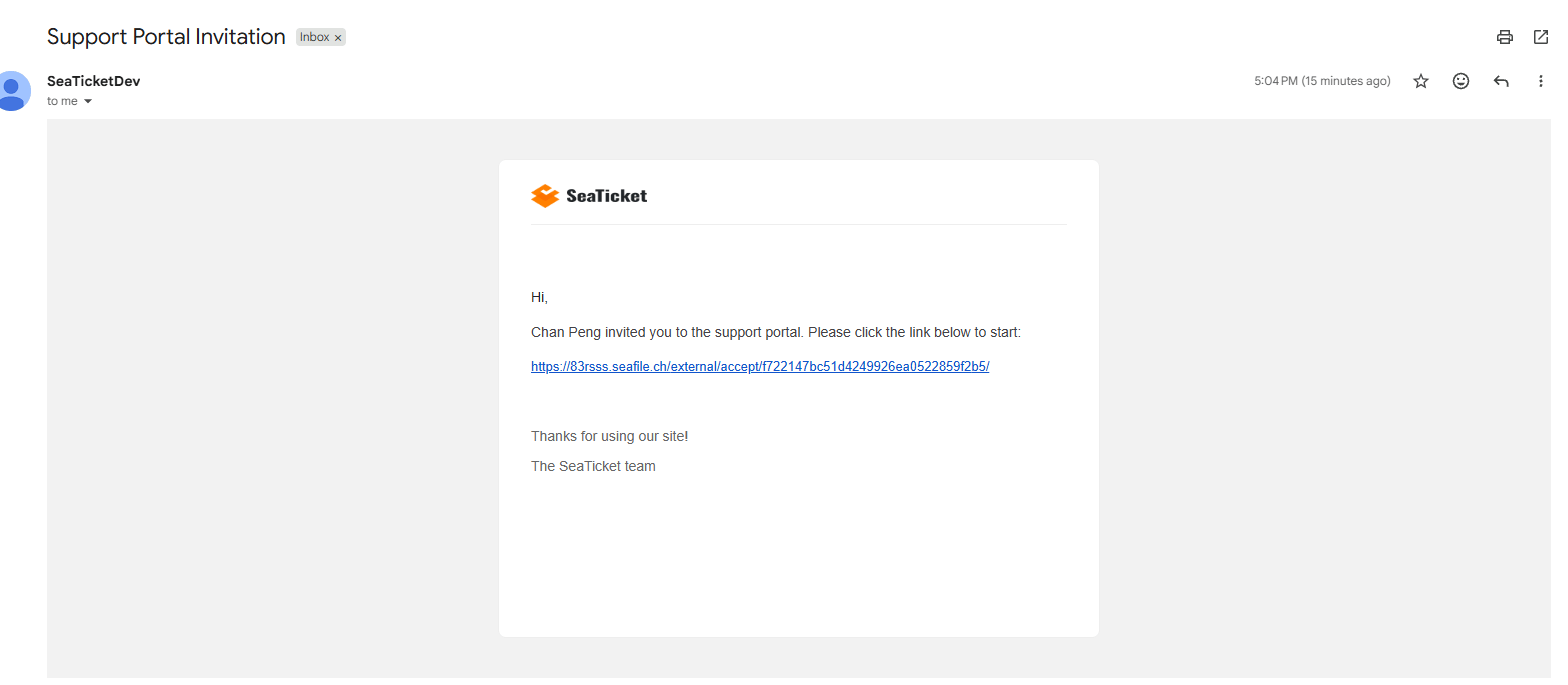
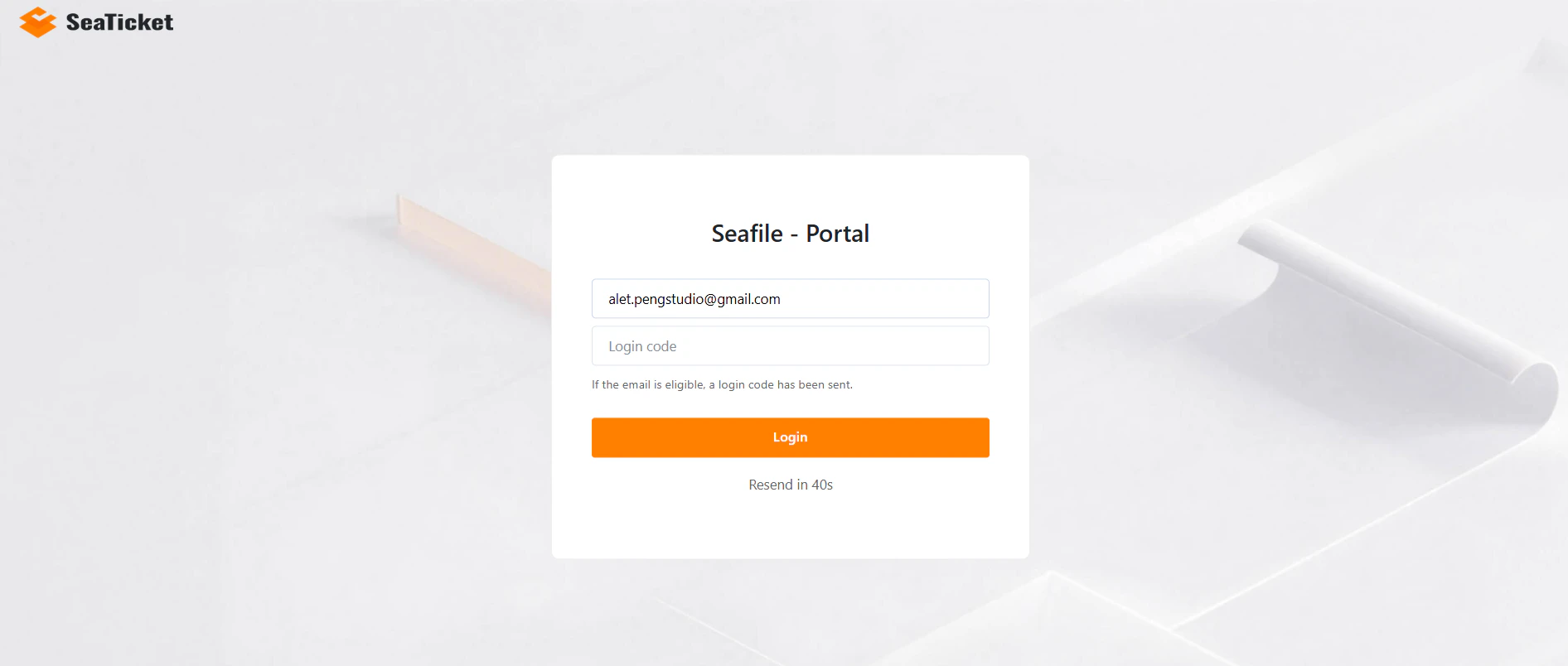
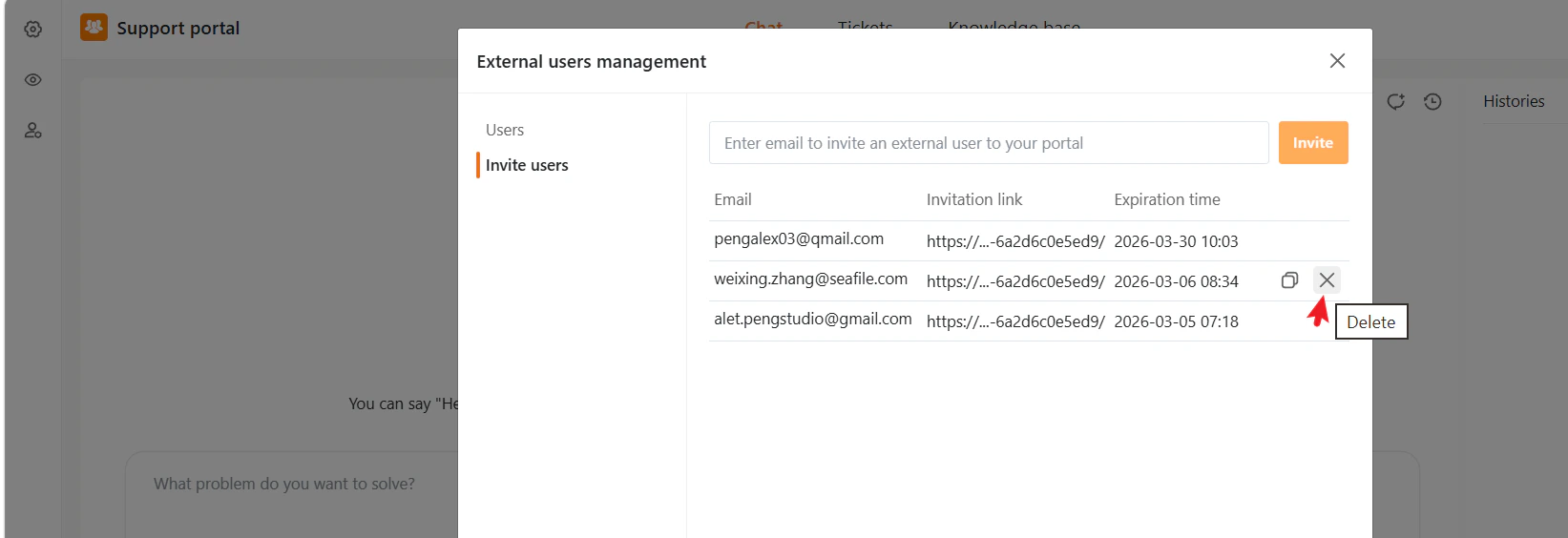
Users invited via email can be identified and managed by administrators, including tracking their access status.If an invitation link is deleted or expires, the invited user will no longer be able to access the External Support Portal using that link—even if they have previously accessed it.