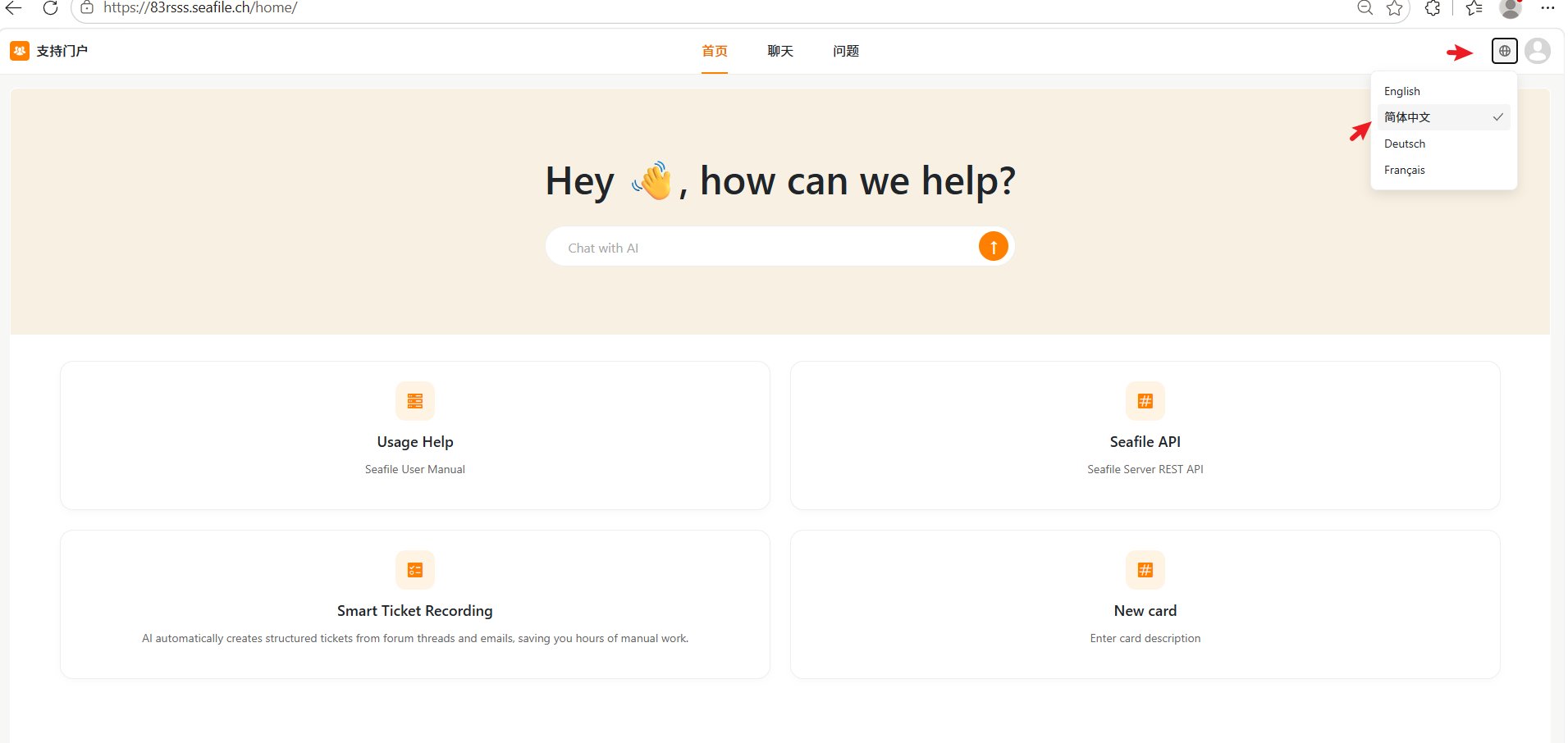

Start a chat from the Home page
You can ask a question directly from the chat box on the Home page.- Enter your question in the Chat with AI box.
- Click the Send button.
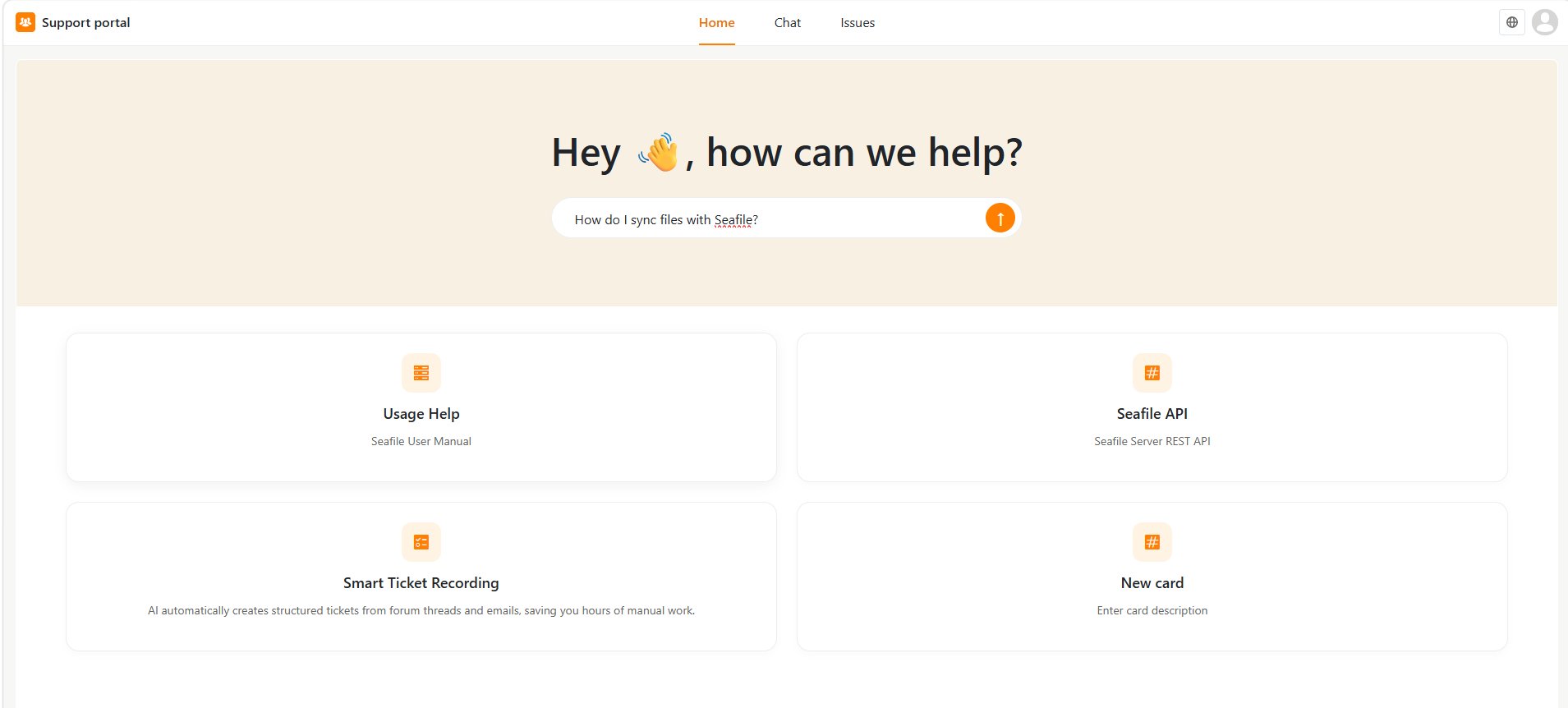
- The portal opens the Chat page and displays the answer.
How do I sync files with Seafile?
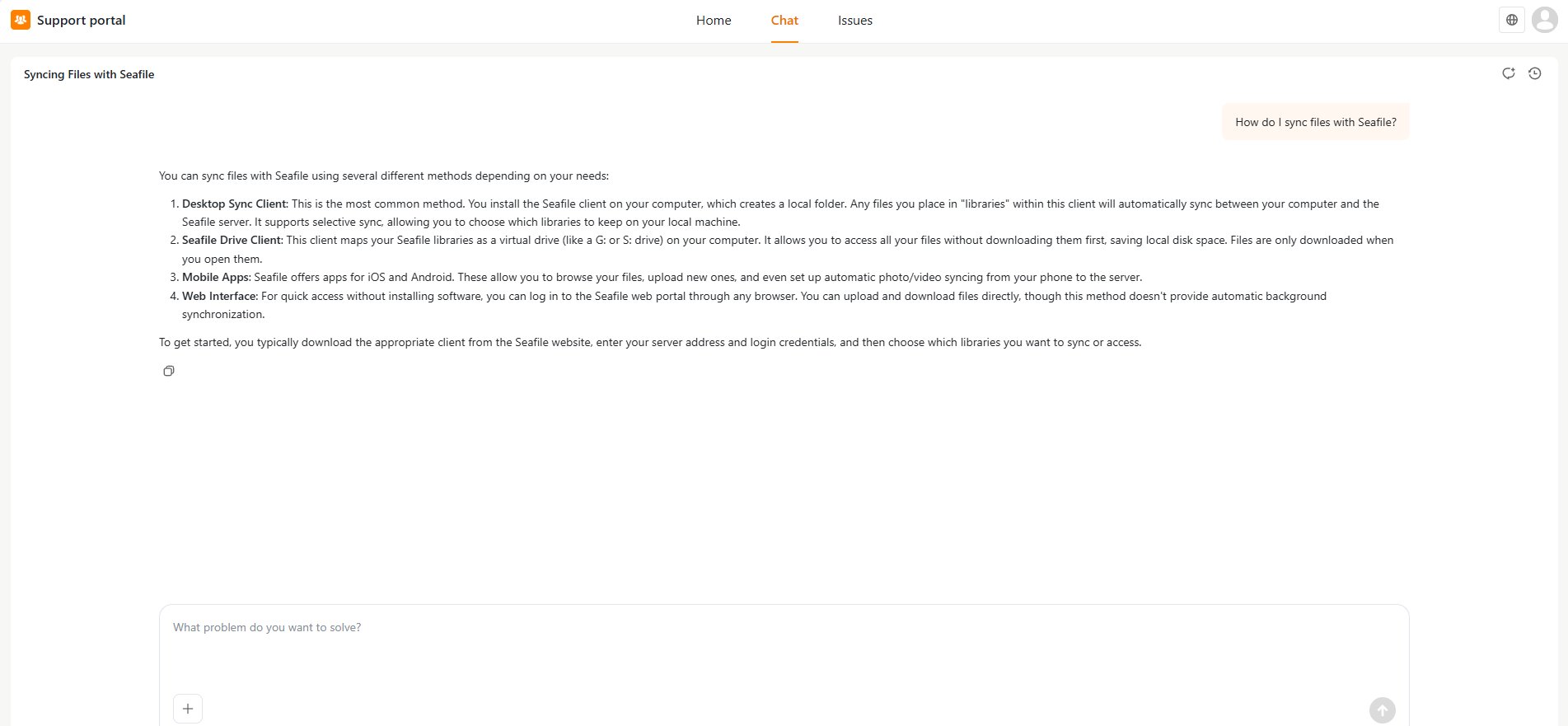
Open a support resource
If the Home page includes resource cards, click a card to open the corresponding resource. For example, a card may link to:- A user manual
- API documentation
- Other support resources provided by the organization
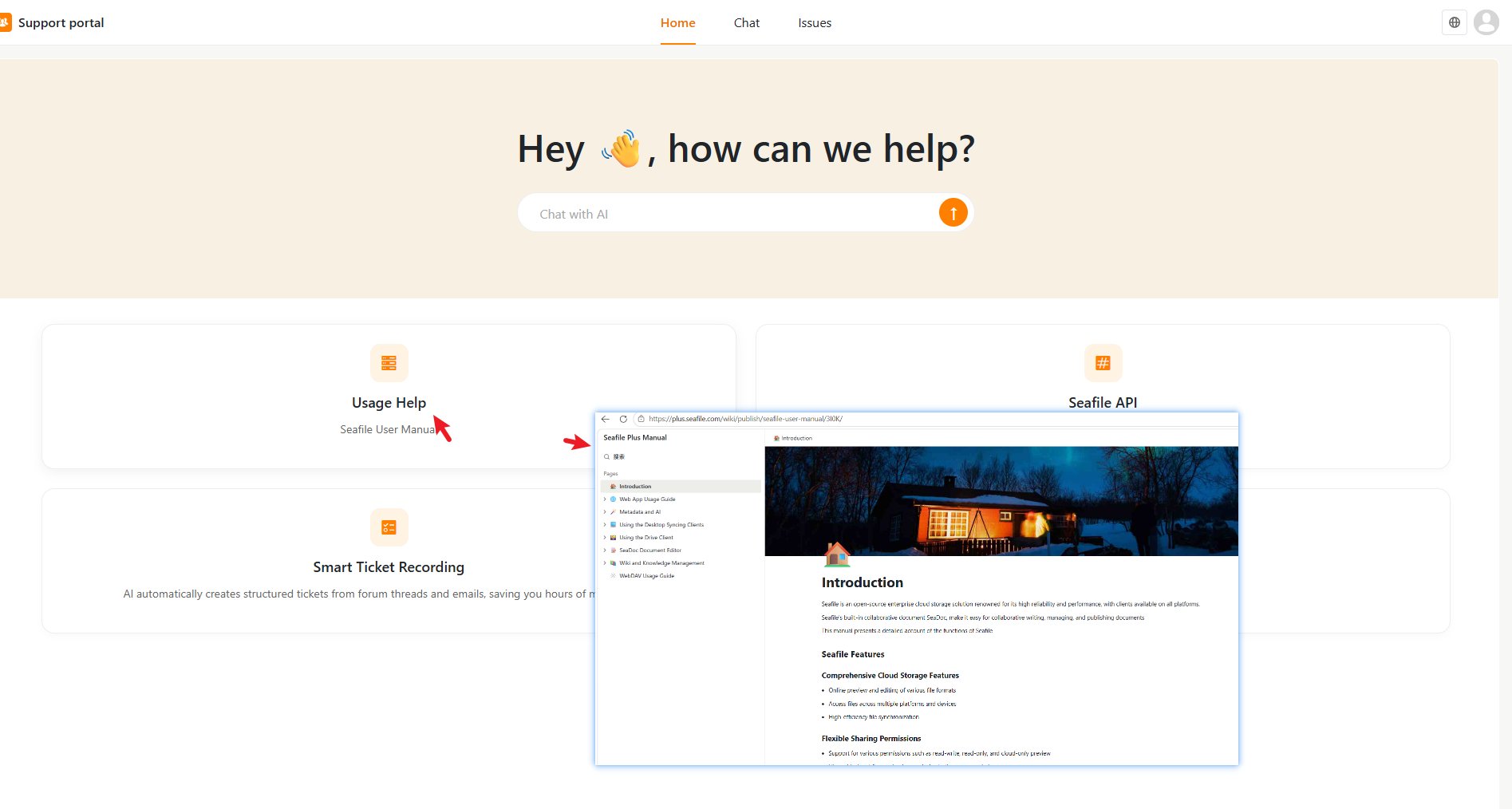
Change the Portal Language
You can change the portal interface language from the language menu in the top-right corner. The available languages may include:- English
- 简体中文
- Deutsch
- Français